Hello,
You need to use Event Lists: Ext add-on https://www.myeventon.com/addons/event-lists-extended/
Try on https://dev.myeventon.com/wp-admin/ with this shortcode:
[add_eventon_el hide_month_headers=”yes” show_year=”no” tiles=”yes” event_count=”2″ event_past_future=”future” tile_bg=”1″ tile_style=”1″ hide_arrows=”yes” event_count_list=”yes” number_of_months=”12″]
Excellent!! If you have a moment, we would greatly appreciate if you could kindly leave us a review at codecanyon! from your account > downloads. Cheers!
Interesting are you refunding the items or cancelling items? would you mind if I play around with your site?
Hello,
Please try adding tile_bg_size=”med” to your shortcode to make images smaller, size wise.
Also, as Dave said, do you have some kind of caching solution that lazy loads images?
Updated. Thanks! Everything is looking great!
it will be at the top or the bottom of the edit page- if you can’t find it- please post wp-admin access so I can show you on your own site
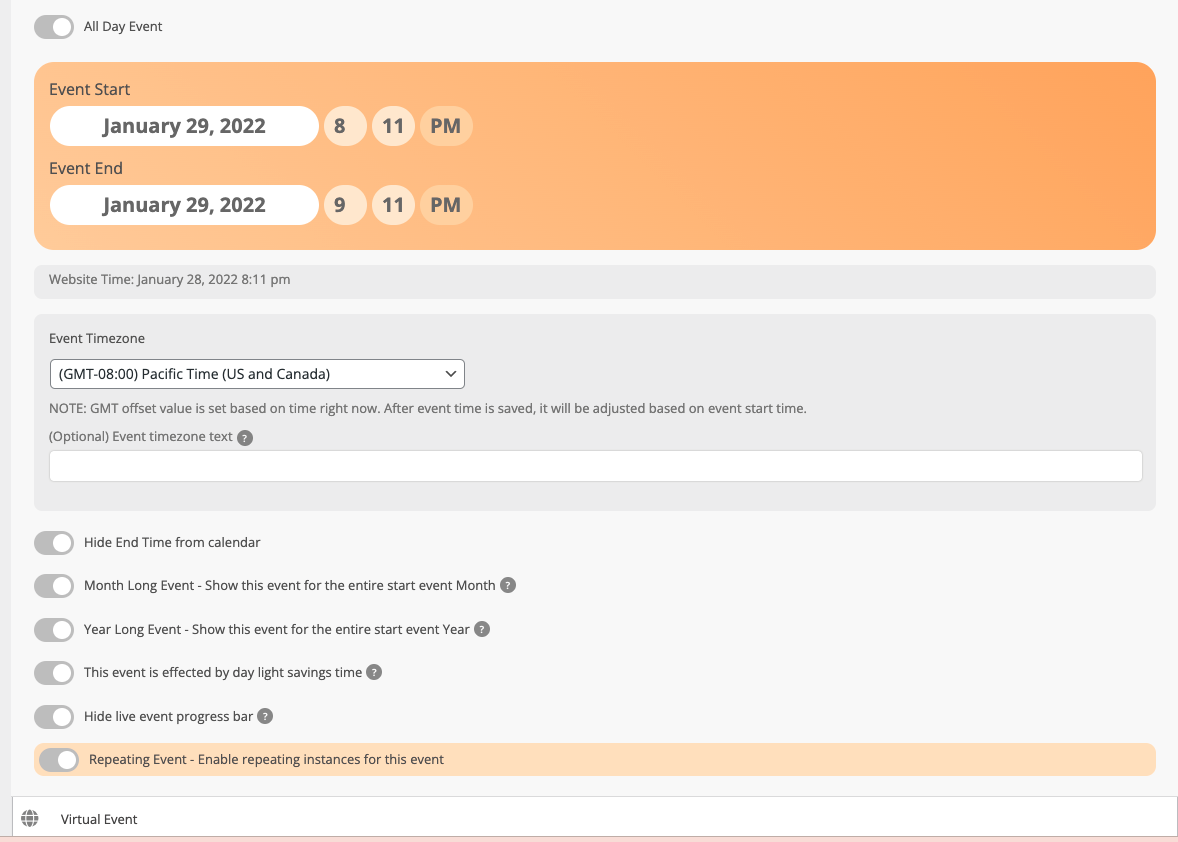
Thank you so much, I do not have the Event Tickets ENG button on my screen
In fact, in the previous version, when you refunded only one ticket, it cancelled them all. Here, when you cancel 1, it does not cancel anything
You are right, it’s better to stay small and not to think too big 😉
It will be a pleasure to help you to improve what I can