Hello,
Please use this code to control the hover background color:
a.evcal_evdata_row.evo_clik_row:hover { background: red; }
.evcal_evdata_row.evo_clik_row:hover > *, .evcal_evdata_row.evo_clik_row:hover i { color: yellow; }
Replies for tickets on suppota
Hello,
Please use this code to control the hover background color:
a.evcal_evdata_row.evo_clik_row:hover { background: red; }
.evcal_evdata_row.evo_clik_row:hover > *, .evcal_evdata_row.evo_clik_row:hover i { color: yellow; }
Hello,
It seems that this only happens when you are logged-in:
 Please check for latest version of this software from here Your issue might be related to an older version you are running and we might have resolved this already in the newer version update. If you are on latest version of our software and the issue still persist please let us know.
Hello,
The only way of achieving this is to customize the source code.
Hello,
The only way of achieving this is to customize the single event template by following
https://docs.myeventon.com/documentations/customize-single-events-page/
Hello,
You need to use Event Lists shortcode:
[add_eventon_list number_of_months=”12″ event_count=”10″ hide_empty_months=”yes”]
Or Event Lists: Ext add-on:
[add_eventon_el number_of_months=”12″ event_count=”10″ event_count_list=”yes” hide_empty_months=”yes”]
Try on https://dev.myeventon.com/wp-admin/
It is on our intranet, so I could provide the link but you unfortunately could not access it. We do use a Woffice custom theme for our styling – do you think it would be a setting in there?
Hello,
This code removes the scaling and the left move:
.ajde_evcal_calendar.color #evcal_list .eventon_list_event a:hover { border-left-width: 0; } .ajde_evcal_calendar.boxy .eventon_list_event:hover, .ajde_evcal_calendar.boxy .evoShow_more_events:hover { opacity: 1; transform: scale(1.00); }
You can use this code to change the background:
.ajde_evcal_calendar.boxy.boxstyle0 #evcal_list p.desc_trig_outter:hover { background: red !important; }
Hi,
We have asked Ashish again
Hi Allyson,
The problem is that I am also not guarantee to keep offering support for you 🙂
I provided you access, so you can take care of this yourself. I can send the zip but again, it is not me who keeps offering here support for you, I provided the customization 0 with the ability NOT to brake if we do not change something on the core files.
Please download the package, and upload only the files that are about the emails
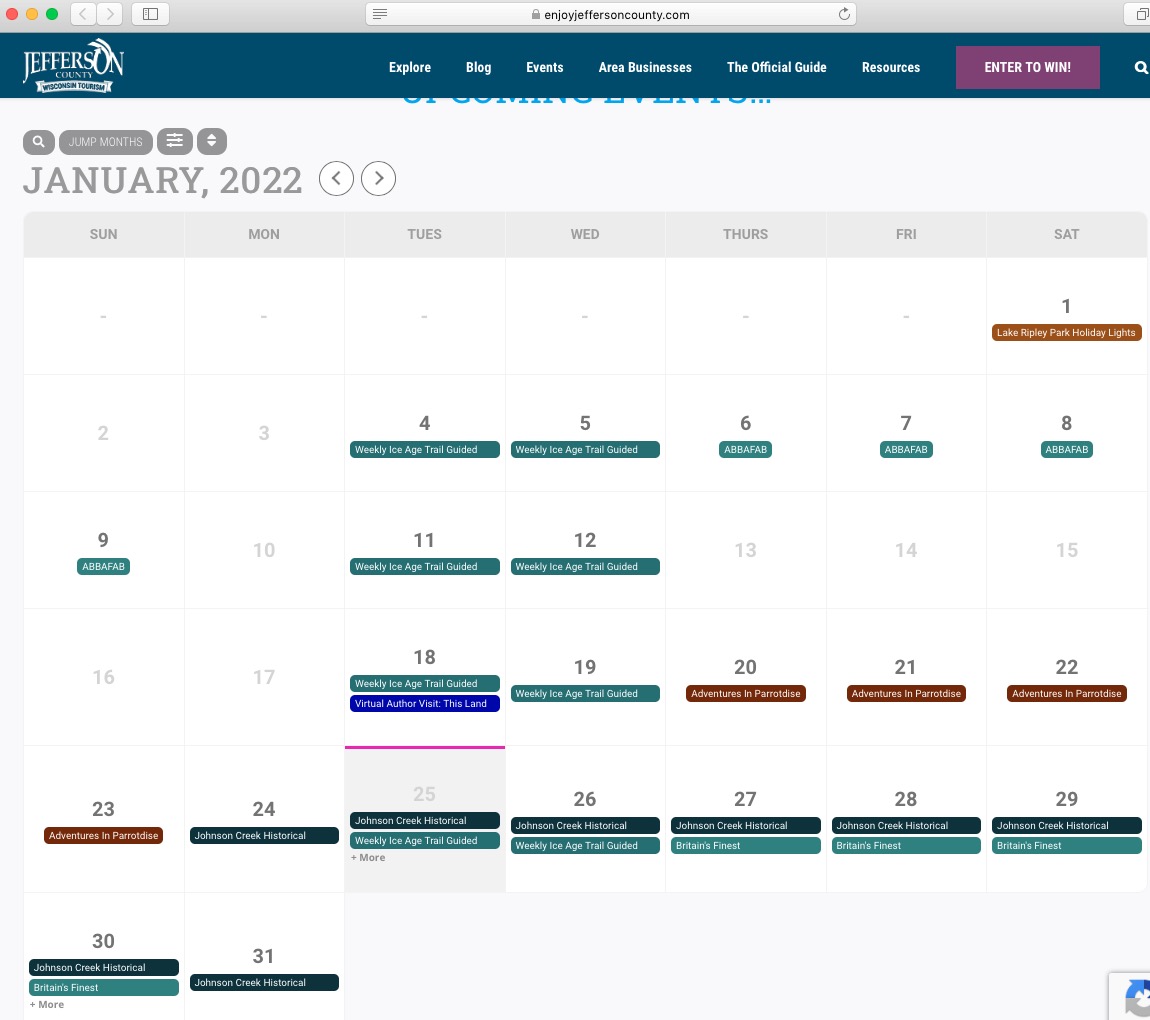
ok, I looked in Firefox and Chrome and it’s fine there. Safari is where it’s wonky. I’ve cleared the cache and I’ve tried on multiple computers. Could there be something in Safari that’s causing it to be weird?? It’s just the desktop – seems like the iPad and iPhone are showing it correctly.