I totally agree.. The weird thing is, that if you have the tickets addon installed, and the event is over, you GET that label – but it just shows the title crossed out for events without tickets. So an event list will have “mixed” indications that an event is over if you have both events with and without tickets on the list.. That is confusing and doesn’t look good.
Archives: Replies
Replies for tickets on suppota
Reply to: tickets(265895)
we have seen this issue on older versions of eventon
with your current version an update came out 13 days later and theres been a few updates since laterhttps://docs.myeventon.com/documentations/changelog-event-tickets/
we support the latest versions as theres been 7 updates since then
so its up to you- before updating you could try the instructions mentioned in this documentation to make sure your issue is indeed coming from eventon. if that doesn’t work out
Reply to: tickets(265895)
So are these know issues that have been corrected in recent updates, or is this just a ‘update to the latest version and we’ll see what happens’?
Reply to: tickets(265877)
Thank you for your messages, I am going to assign this ticket to Ashan and he will be able to take it from here and find you a solution. Please allow some time for him to get back to you, we greatly appreciate your patience and thank you for being a eventon customer! Also please disable any IP blocking on your site if there are any.
Reply to: tickets(265173)
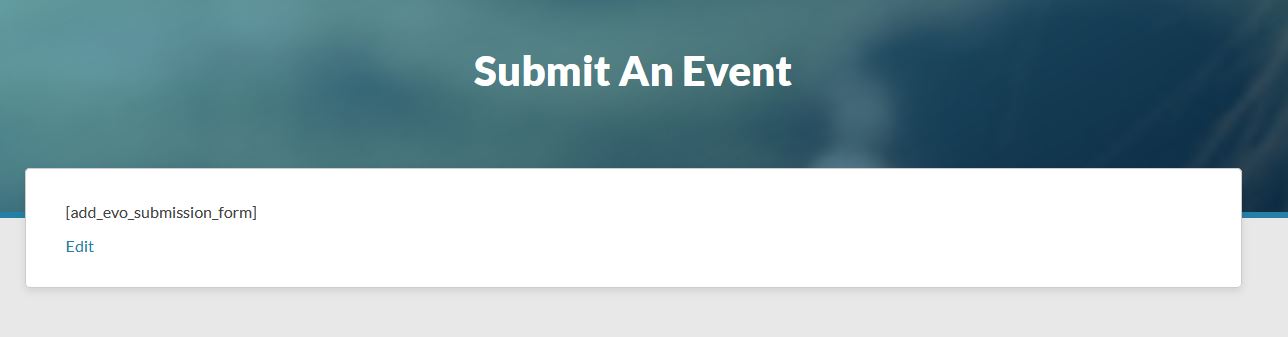
Thanks! That appears to have worked – the problems I was experiencing with EventON 2.5.1 appear to be gone. However, now my EventON Action User 2.0.11 appears to not be working – on the front end submission page all I see now is the old shortcode (“[add_evo_submission_form]”). It appears the 2.0.11 plugin was deactivated when I installed EventON 4.0.2, and unfortunately I do not know where the license key is. Do I need to upgrade that plugin to get the front end submission form working again, or is there a different route I can take to fix this?
Reply to: tickets(265919)
Sorry!
https://calendar.bristolearlyyears.org.uk/wp-admin
My username is Dave and password is ljungberg81
Thanks again
Rog
Reply to: tickets(265877)
Hi, you can use the following credentials for admin access:
username: Tom.raley@gmail.com
pass: ^WaG@ASrankjgDCk
Does this help?
Reply to: tickets(265876)
That works great thankyou
Reply to: tickets(265173)
The warning is only for EventON 2.6.6 and 2.6.7, so since your version is 2.5.1 you need to enable Do not delete eventon settings when I delete EventON plugin.
Reply to: tickets(179401)
This whole ticket is private, so you can just post wp-admin access here.