How would I find out about the caching solution?
Archives: Replies
Replies for tickets on suppota
Reply to: tickets(267183)
Hello,
For the qr code please take a look at QR Code add-on: https://www.myeventon.com/addons/qr-code/. Try on https://dev.myeventon.com/wp-admin/
As for the coupon code, WooCommerce handles them during the checkout, so please see https://woocommerce.com/document/coupon-management/
Reply to: tickets(267169)
Hello,
You need to use Event Lists: Ext add-on https://www.myeventon.com/addons/event-lists-extended/
Try on https://dev.myeventon.com/wp-admin/ with this shortcode:
[add_eventon_el hide_month_headers=”yes” show_year=”no” tiles=”yes” event_count=”2″ event_past_future=”future” tile_bg=”1″ tile_style=”1″ hide_arrows=”yes” event_count_list=”yes” number_of_months=”12″]
Reply to: tickets(264448)
Excellent!! If you have a moment, we would greatly appreciate if you could kindly leave us a review at codecanyon! from your account > downloads. Cheers!
Reply to: tickets(266745)
Interesting are you refunding the items or cancelling items? would you mind if I play around with your site?
Reply to: tickets(266874)
Hello,
Please try adding tile_bg_size=”med” to your shortcode to make images smaller, size wise.
Also, as Dave said, do you have some kind of caching solution that lazy loads images?
Reply to: tickets(264448)
Updated. Thanks! Everything is looking great!
Reply to: tickets(265540)
username – IFMAOSWW
password- ORSWWA22$
Reply to: tickets(265540)
it will be at the top or the bottom of the edit page- if you can’t find it- please post wp-admin access so I can show you on your own site
Reply to: tickets(265540)
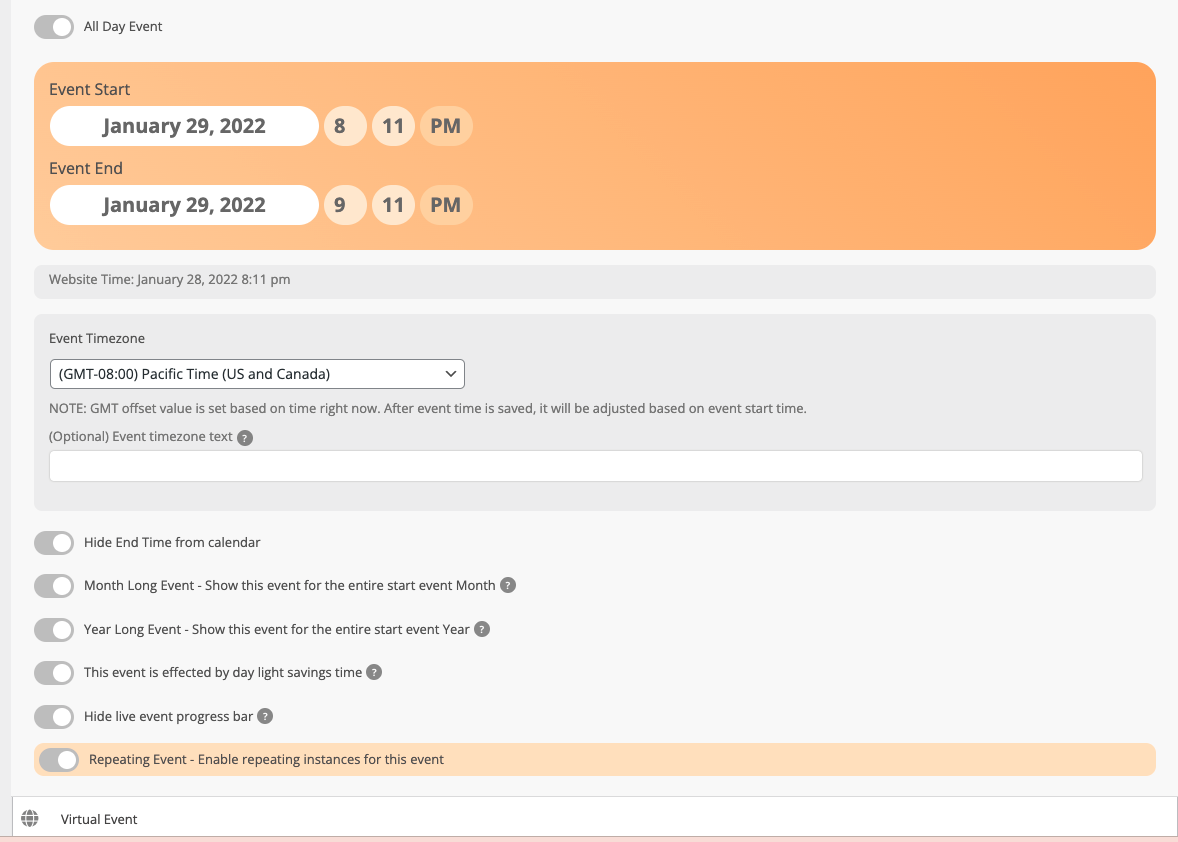
Thank you so much, I do not have the Event Tickets ENG button on my screen