No I increased the memory from 512 to 1024M and now it looks better. But thats a lot of memory, isn’t it?
This is not just for the slider, but overall for the whole server. Seems normal.
Do you have a caching plugin installed?
Replies for tickets on suppota
No I increased the memory from 512 to 1024M and now it looks better. But thats a lot of memory, isn’t it?
This is not just for the slider, but overall for the whole server. Seems normal.
Do you have a caching plugin installed?
Hello,
I am sorry, the access information you have provided did not work for us:
Fehler: Das Passwort, das du für den Benutzernamen avada eingegeben hast, ist nicht korrekt.
Please check them and post the correct login information as a private message, thank you!
Articles and events are different post types. Heading H1 is important for articles, but for events, Google checks the event schema data.
you need to update the full cal to 2.0.2
To update eventon addons: You can download latest eventon addons https://www.myeventon.com/my-account/. Then you can go to your website, deactivate old addon and install new one and activate then delete the old addon. This link will further explain the process. Also you can follow us on twitter to get real-time announcements on updates!
https://docs.myeventon.com/documentations/changelog-fullcal/
Hello,
Now, I can't find a way to make the letters in my event calendar appear in black #000000. They are in a gray color that I try to change it and I can not
Thanks! I will run some tests and see if the issue goes away here.
Do you still want FTP access?
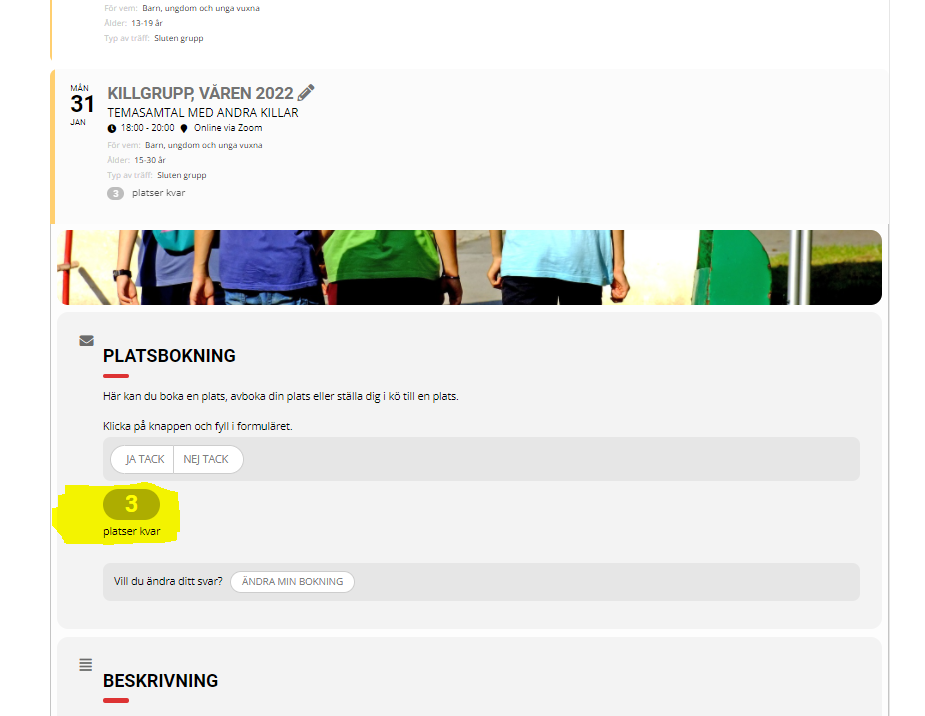
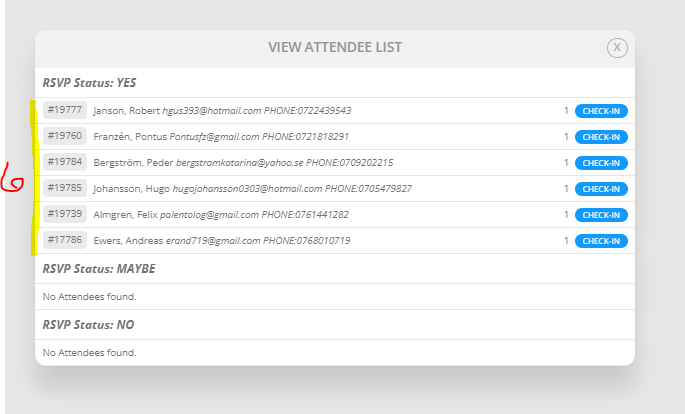
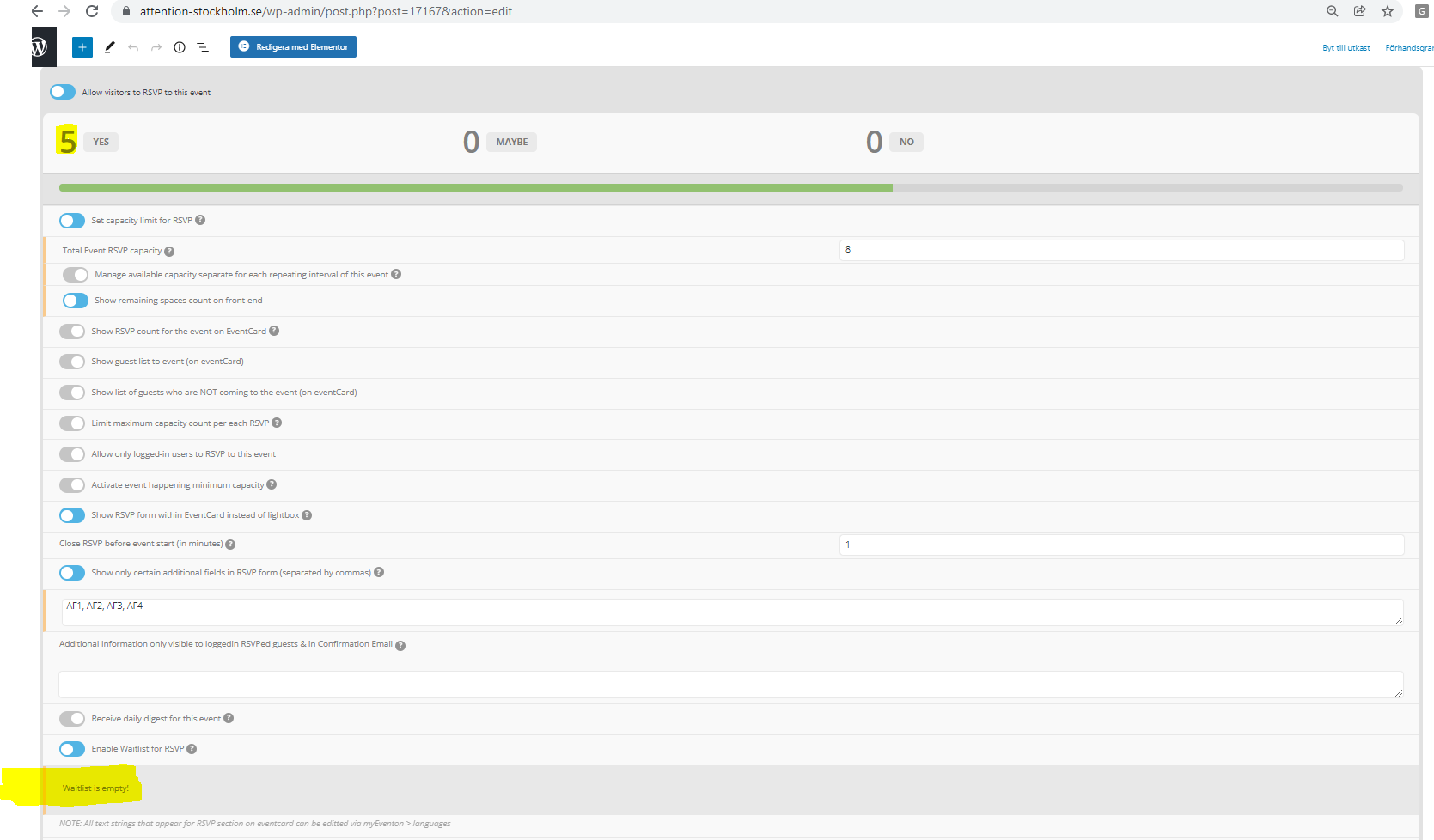
I also found an event tomorrow which also displays incorrect participant info despite not having reached max no/waitlist cue yet. In other words, the waitlist doesnt seem to be involved here?
I’ll attach images so you can see.
Hi, yes, FullCal. An error occurred while updating EventON - Full cal: The update archive is not available.
That has sorted it thanks.
Guessing that is a defect?