Can you do the upgrade for me if I provide you with the login? I can pay for your service.
Archives: Replies
Replies for tickets on suppota
Reply to: tickets(266721)
Glad to hear you were able to figure out the issue. Please feel free to create a new ticket if you need help with anything else.
Reply to: tickets(266490)
see video below
Reply to: tickets(266673)
Hello,
Sorry, there was a typo on the code. Please use:
.eventon_filter_line .filtering_set_val{background-color:grey !important; color:#fff;}
Reply to: tickets(266490)
Hi
okay where, what, how!!!
what the hell is this code and where do I put it???
Also WHY is my tickets are not working? I think we should find the cause.
I have directed people to the ticket URL directly. But it seems like the agenda is not working anymore.
thanks
Pat
Reply to: tickets(266673)
Thanks,
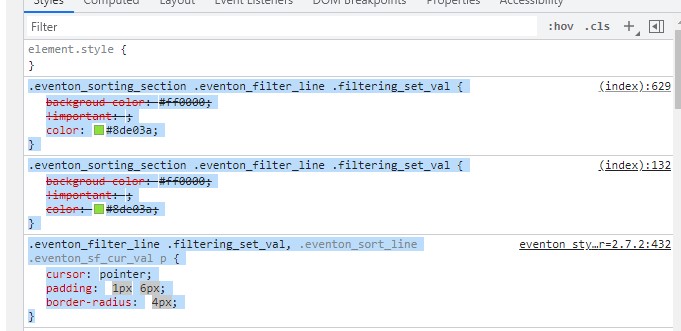
I tried and I could change the font coulor, but not the background colour.
I also condidered the instructions at
https://docs.myeventon.com/documentations/change-css-calendar/
so i tried to include class names of parents but it does not work, and also add the word !important as advised.
so I used the code:
.eventon_sorting_section .eventon_filter_line .filtering_set_val{backgroud-color:#ff0000;!important;color:#8de03a}
Inspecting the element in the browser: see picture
Reply to: tickets(266777)
Hello,
Please take a look at
https://docs.myeventon.com/documentations/why-my-site-and-eventon-page-loading-slow/
Reply to: tickets(265415)
Still says JPEG: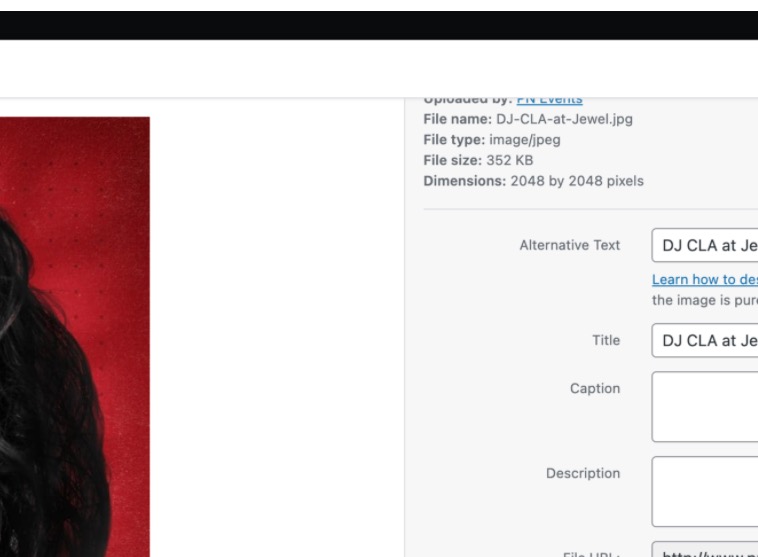
Not sure if the plugin actually replaces images or simply creates copies of them and serves.
Reply to: tickets(266745)
Hello,
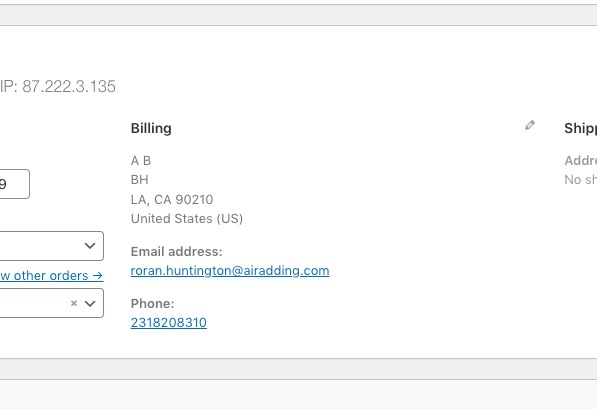
Are you referring to this part:
Reply to: tickets(266754)
yes with the Action User Addon
https://www.myeventon.com/addons/action-user/