Hi Stephan,
In order to make sure we are on the same page, please send a screenshot of what you are referring to so that we can take a look.
Replies for tickets on suppota
Hi Stephan,
In order to make sure we are on the same page, please send a screenshot of what you are referring to so that we can take a look.
Hi Jonny,
Could you please try the instructions mentioned in this documentation to make sure your issue is indeed coming from eventon.
Hello, thanks for your answer,
Following your instruction I could change some coulours.
Unfortunately I could not change what I need to.
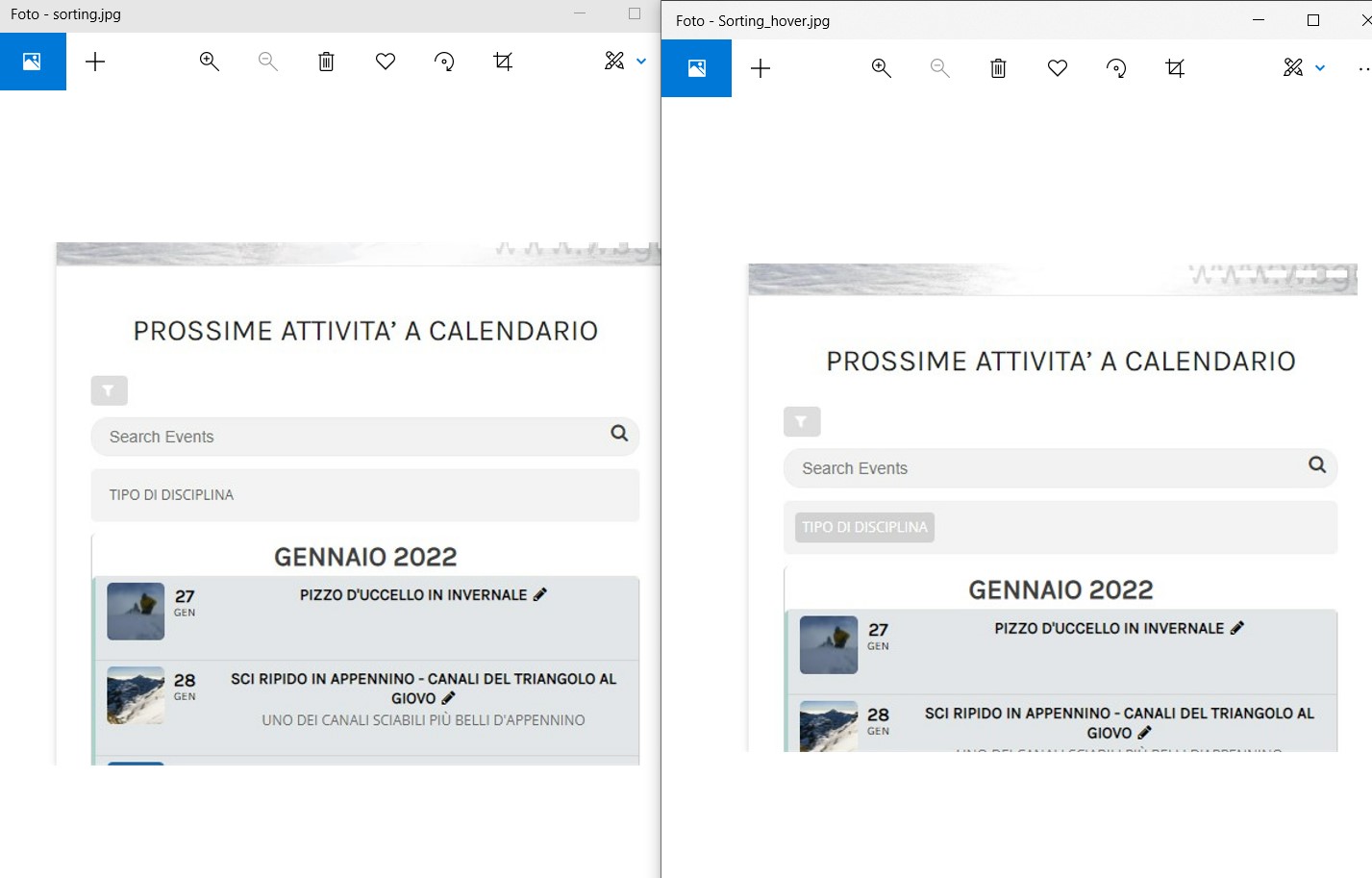
I use the Event List (or Event list extended) with an event sorting menu on top of the list.
This sorting option is not very visible, that’s why I would like to work on the colours
The button “tipo di disciplina” has not a own background coulor in the normal state (just light grey as the surrounding area), but has his own beckground coulor in the hover state (a darker grey). See pictures.
I woud like to be able to control these background coulours to make the button more visible in the normal state.
Hello,
Could you please try the instructions mentioned in this documentation to make sure your issue is indeed coming from eventon.
Duplicate ticket #266673
Duplicate ticket #266673
Duplicate ticket #266673
Hello,
Please go to EventON > Scripts & Styling > turn off Write styles to header > save settings > turn on Write styles to header.
If that does not work, please let us know exactly which areas you want to change color and we will take a look.
Also, it seems that you have opened other duplicate tickets, I am going to go ahead and close them.
The coloring in the las pieced of code worked
Still not serving webp though. I am trying to solve without access, as I’m working on a couple things at once.