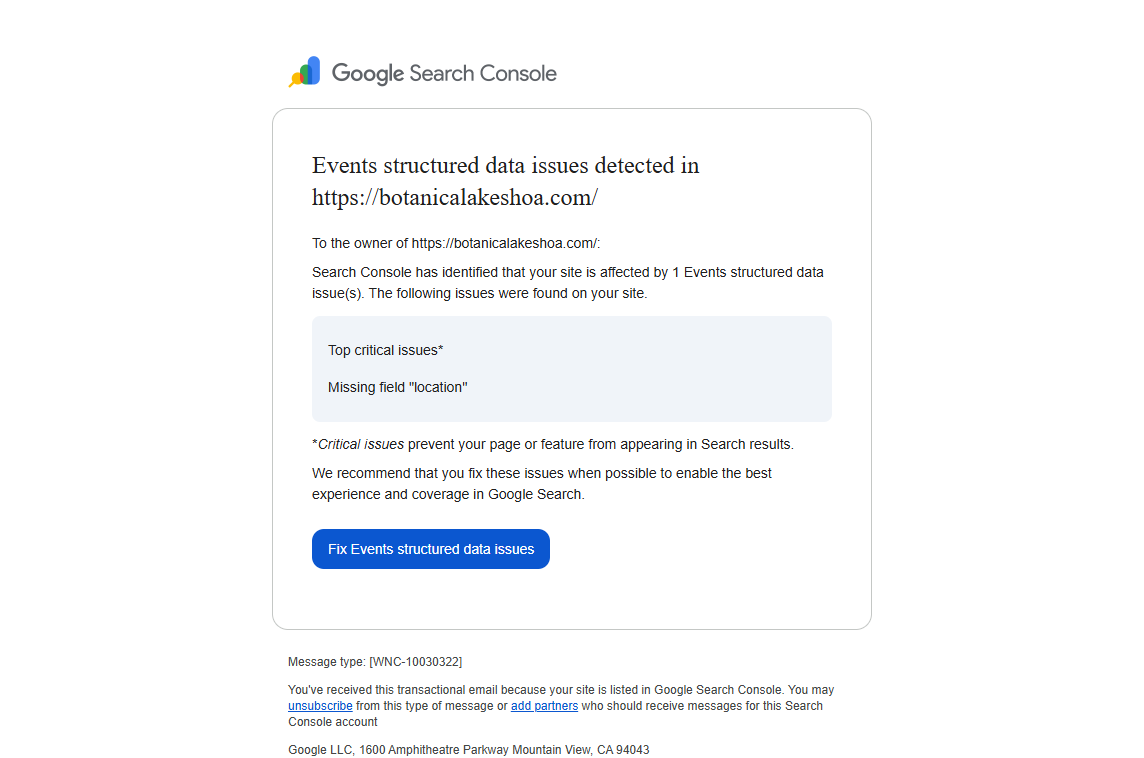
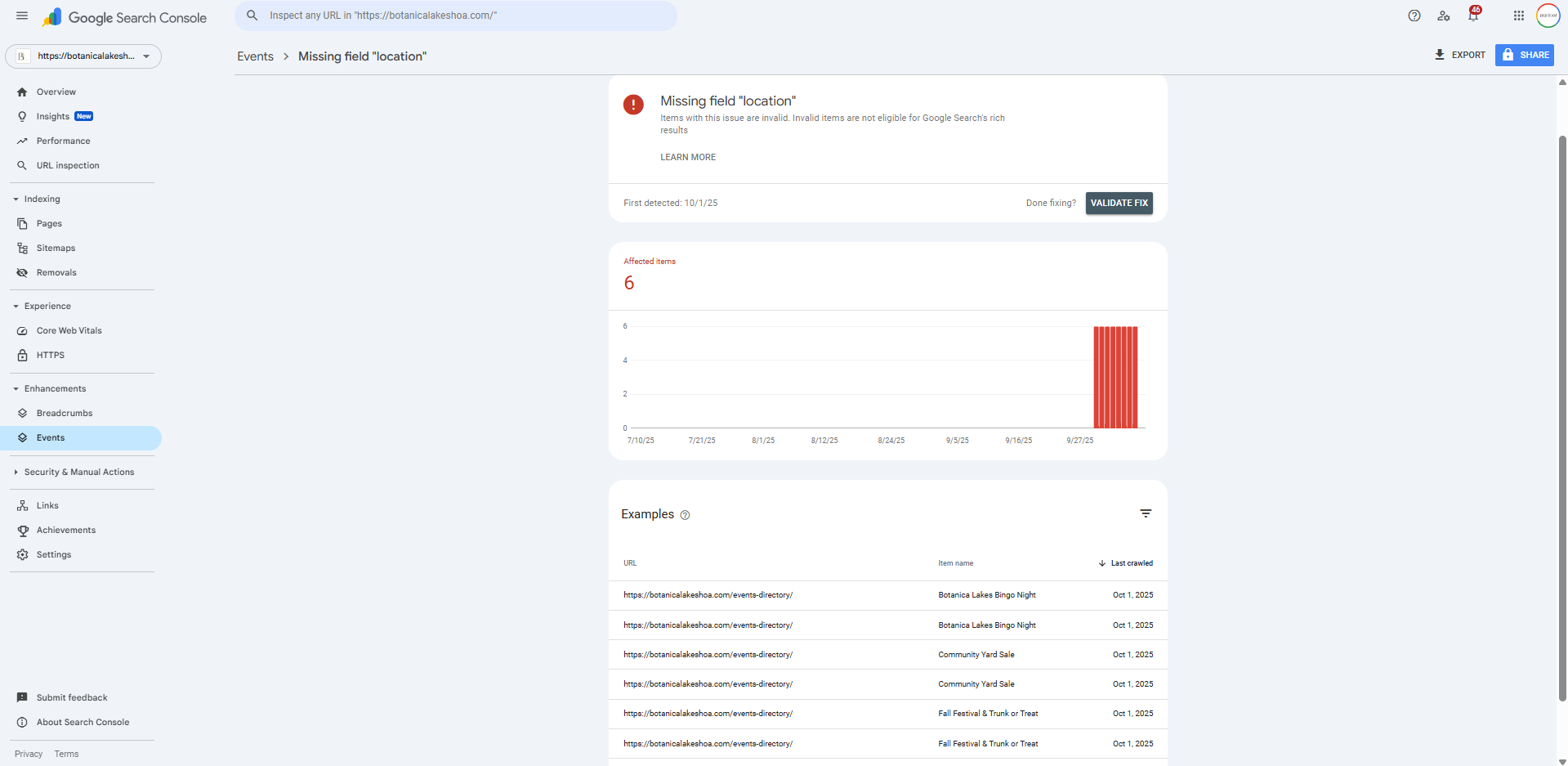
Kindly share the updated wp-admin access to your site via “Access info”
Archives: Replies
Replies for tickets on suppota
Reply to: tickets(396927)
Could you please update to EventON 5.0 and check again?
To update eventon to latest version: If you are unable to do autoupdate, you can go to codecanyon your account > download and get the latest eventon version as zip file. Then you can go to your website > make sure “Delete eventon settings & data when EventON is uninstalled” is Deslected from eventon settings, delete old eventon, install new one and activate. This link will further explain the process it. Also you can follow us on twitter to get real-time announcements on updates!
Reply to: tickets(397159)
Hello,
Could you elaborate more?
No differences on your website:
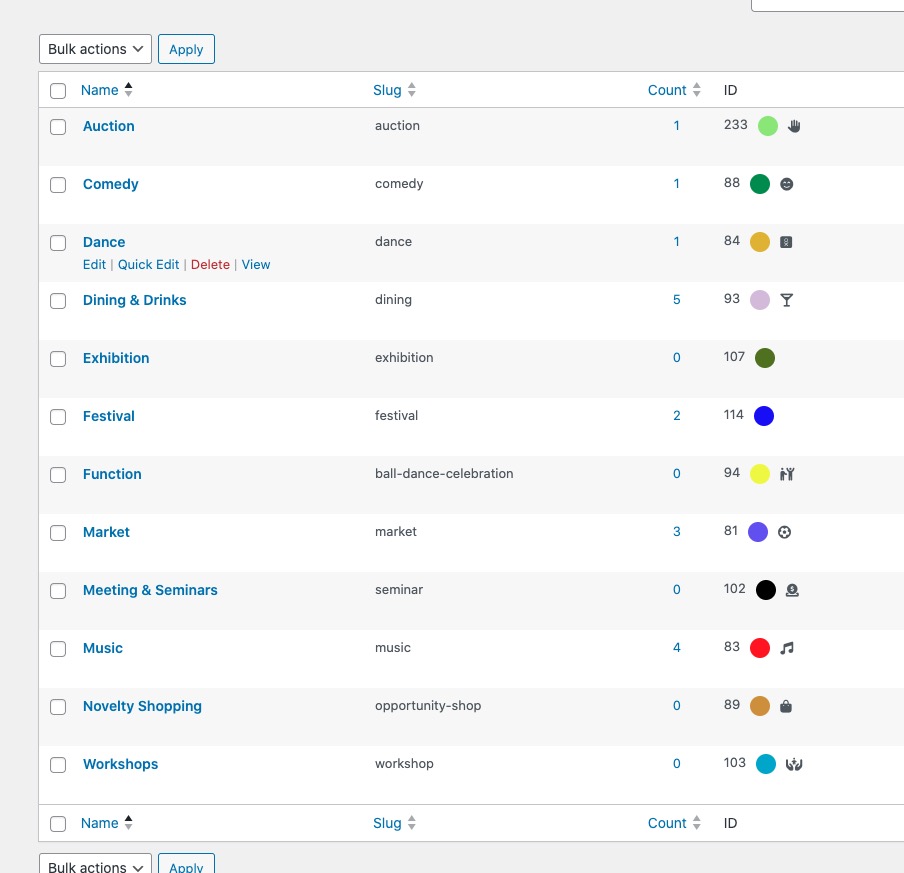
Color still can be assigned.
Reply to: tickets(397160)
Hello,
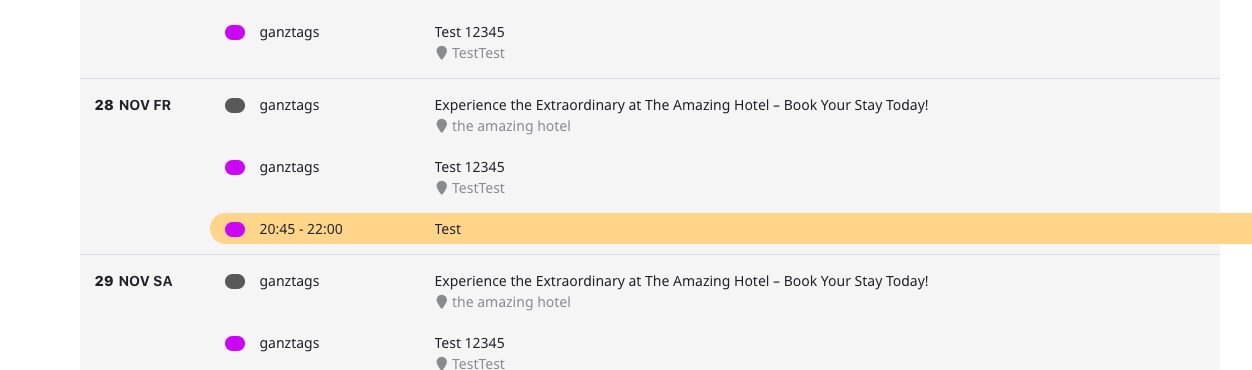
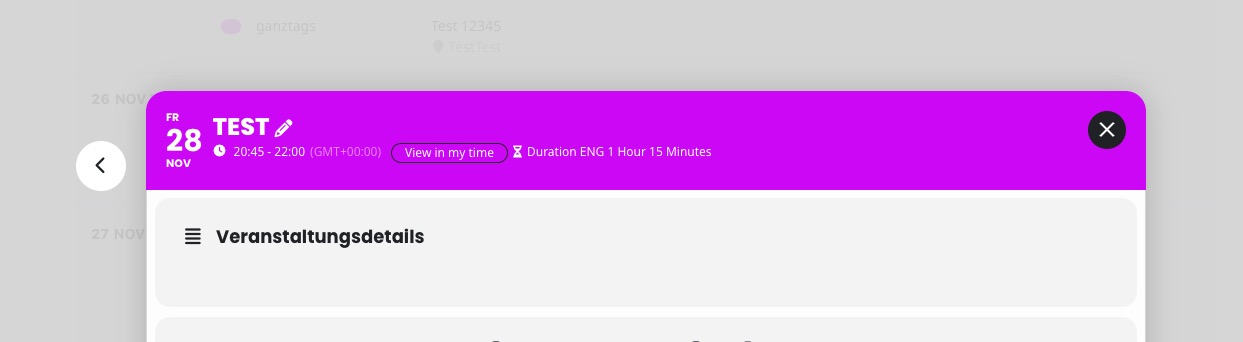
What’s your current timezone on the server and EventON?
On our side:
https://dev2.myeventon.com/test-54/
Reply to: tickets(397163)
If possible, could you send us the full error?
Reply to: tickets(397163)
Hello,
Thank you very much for letting us know!
I am going to assign this ticket to Ashan and he will be able to take it from here and find you a solution. Please allow some time for him to get back to you, we greatly appreciate your patience and thank you for being a eventon customer!
Reply to: tickets(397104)
Please send us wp-admin access to your site from “Access Info” box on right side menu, to further assist your situation.
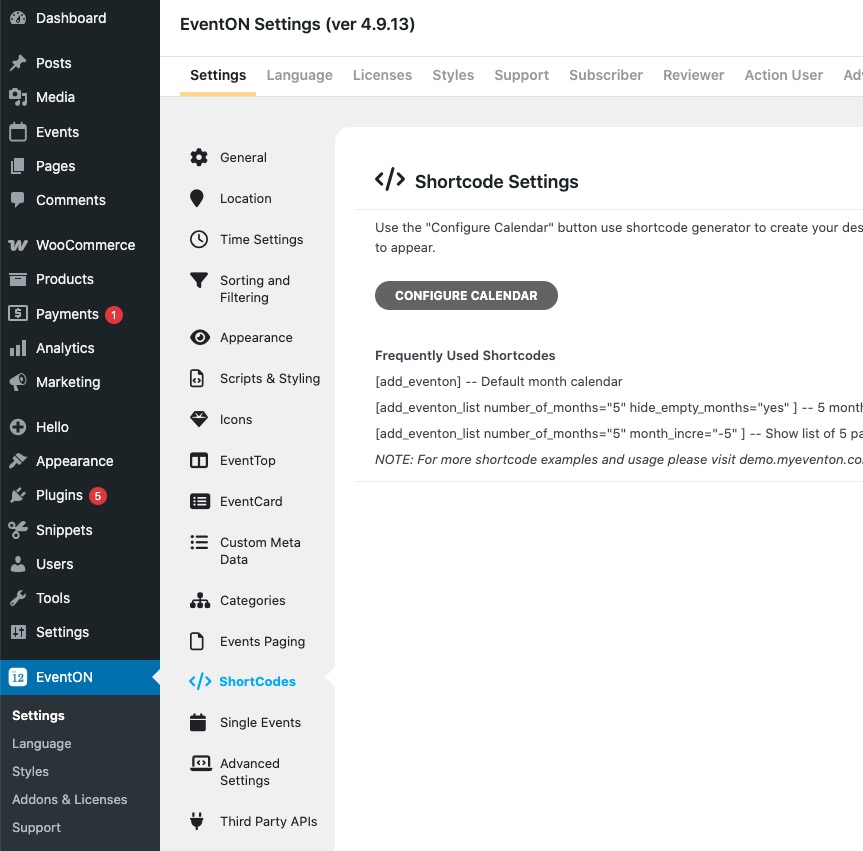
I am going to create sime examples on your website, so you can check it.
You should be able to find the generator by going to EventON Settings > Shortcodes:
Reply to: tickets(397165)
Ashan,
The same on dev2:
https://dev2.myeventon.com/test-53/#
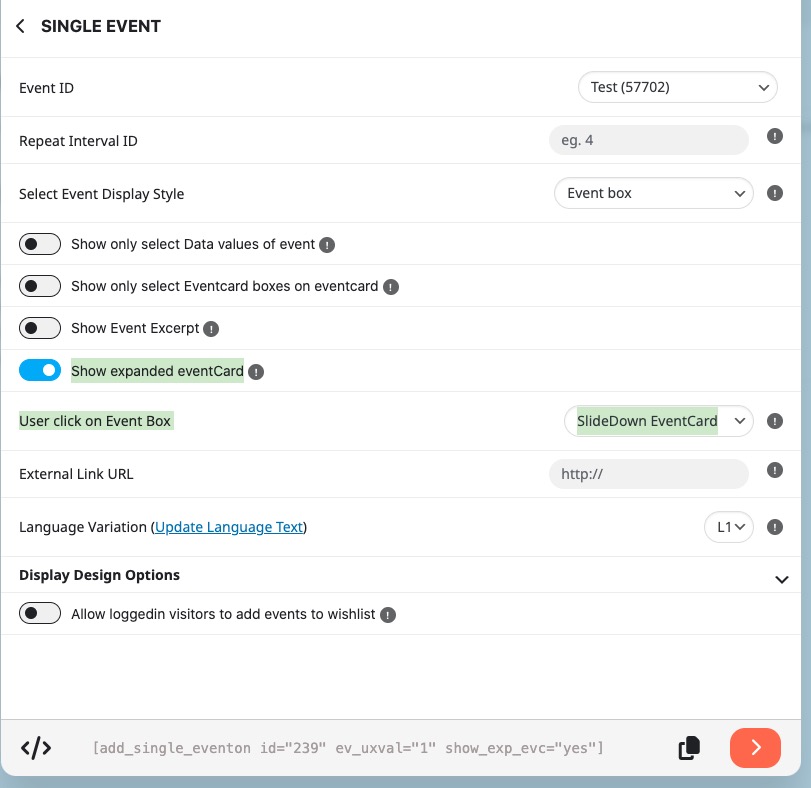
I added ev_uxval=”1″ show_exp_evc=”yes” to the shortcode:
https://helpdeskx.s3.amazonaws.com/wp-content/uploads/2025/10/09063250/Screenshot-2025-10-09-at-15.32.23.jpg
But it still opens Single Event page instead of showing Event Card.
Reply to: tickets(397165)
Hello,
There is an issue with the shortcode, so I am going to assign this ticket to Ashan and he will be able to take it from here and find you a solution. Please allow some time for him to get back to you, we greatly appreciate your patience and thank you for being a eventon customer! Also please disable any IP blocking on your site if there are any.
However, after the fix, please make sure to enable/select these two, otherwise it’s not going to work event with the fix included: