Hello,
Are you referring to these events:
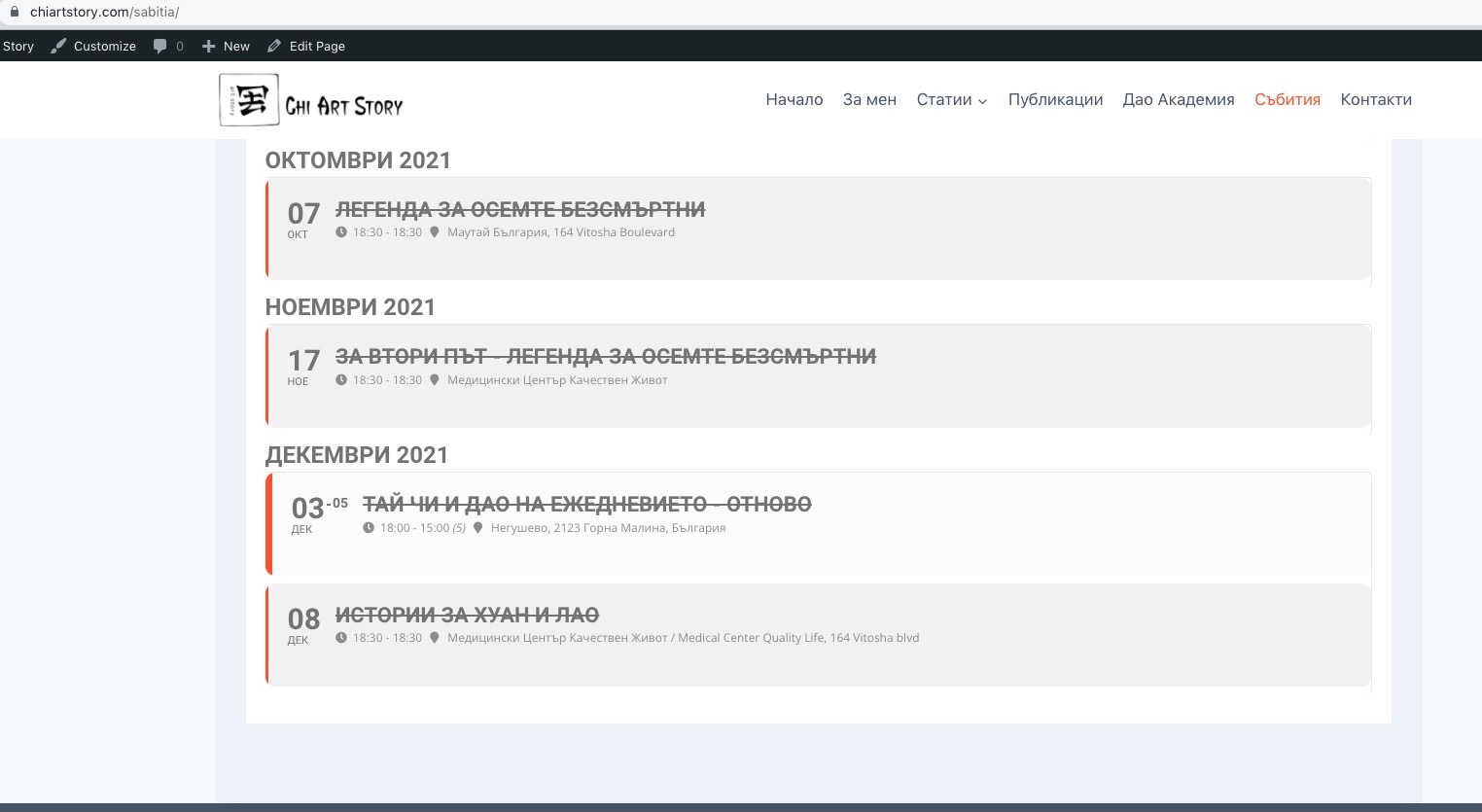
They are visible on my side. Could you send us a screenshot?
Replies for tickets on suppota
Hello,
Are you referring to these events:
They are visible on my side. Could you send us a screenshot?
I was logged in – should be fine now.
Thanks
add the following to the calendar shortcode
ux_val=”3″
this will overide anything set on individual events and pop up the events
for the ful cal you might want to add
grid_ux=”1″
to the calendar shortcode as well- what this does is when a day is clicked it auto scrolls to the events
(on certain screen sizes when you click a calendar day nothing happens on screen- people don’t realise the events load under- so the auto scroll helps
Hello,
Please go to EventON Settings > Language > ADDON: Event Tickets > Tickets are not available for sale any more for this event!
Hello,
Please add this to shortcodes you add to pages:
ux_val=”3″
The guide doesn’t work because it’s for Action User add-on:
https://www.myeventon.com/addons/action-user/
And the form you need to change is from Tickets add-on:
https://www.myeventon.com/addons/event-tickets/
You need to change the form by editing this file eventon-tickets/includes/html-ticket-inquery.php.
Hello,
Next to a grid:
[add_eventon_fc nexttogrid=”yes”]
Focus:
[add_eventon_fc grid_ux=”1″]
Popup:
[add_eventon_fc grid_ux=”2″]
Hello,
Usually the issue is related to memory limit on the server:
https://docs.myeventon.com/documentations/increasing-wordpress-memory-limit/
You can install 4.0.2, then follow the instructions in this documentation to activate debug in your site to see any PHP errors recorded that can provide insight on to whats going on. Please reply with a link to debug.log file. If you are not able to do this please send us FTP access to your site so we can do this for you.
Hello,
You need to enable it first. Please go to EventON Settings > Action User > enable Allow event image upload to non logged-in visitors (Not recommended).
Hello,
Please try this CSS code:
.evoau_submission_form .evoau_table .row.learnmove p.checkbox_field { display: none !important; }
Add it to Appearance > Customize > Additional CSS.