Hello,
thank you very much for the quick answer. The page:
I already know and use it.
But where do I have to place the H:1, please?
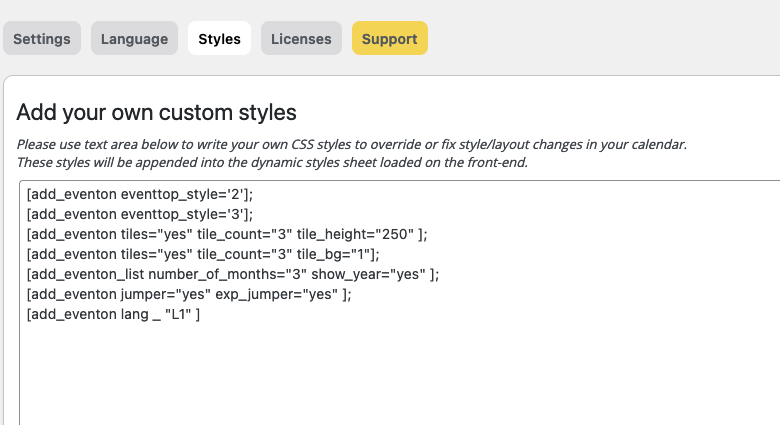
And could you also tell me where I save the shortcodes? Is this the right way?
Thanksu and many greetings
You are very much welcome. If you have any other questions, please feel free to create a new ticket.
Hi Frank,
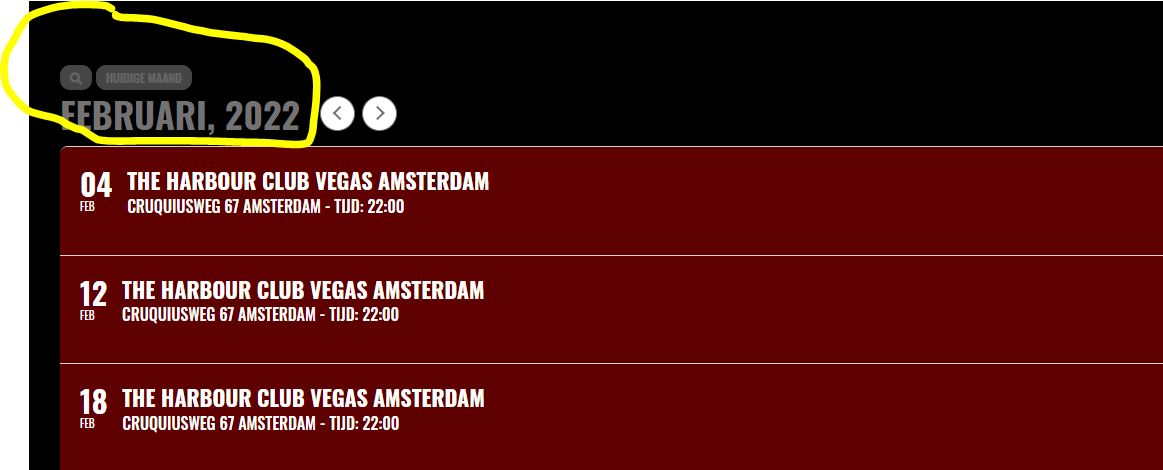
Please add this CSS code to EventON > Styles (If you don’t see any change, EventON > Scripts & Styling > turn off Write styles to header > save settings > turn on Write styles to header)
.ajde_evcal_calendar #evcal_head.calendar_header #evcal_cur, .ajde_evcal_calendar .evcal_month_line p, .ajde_evcal_calendar .evo_footer_nav p.evo_month_title{color:#fff;}
.evo_cal_above span:hover {
color: #ffffff;
background-color: #C8C8C8;
}
.evo_cal_above span.evo-gototoday-btn:hover {
color: #ffffff;
background-color: #d3d3d3;
}
Hi Gabriele,
1. Use the custom CSS code below:
.evcal_desc .evcal_desc3 em.evocmd_button, #evcal_list .evcal_desc .evcal_desc3 em.evocmd_button {
color: blue;
background-color: #fff;
}
2. Regarding the icons, add the custom CSS code below:
.evcal_evdata_row .evcal_evdata_icons i, .evcal_evdata_row .evcal_evdata_custometa_icons i{ font-family: evo_fontawesomes,evo_fontawesome,evo_fontawesomeb !important;}
Please add this CSS code to EventON > Styles (If you don’t see any change, EventON > Scripts & Styling > turn off Write styles to header > save settings > turn on Write styles to header):
Hello. We are increasingly stuck and concerned about our inability to assign users. We bought almost every EO extension, about $600 first year, but it is not working. I don’t know how we can achieve our goal for a community calendar without the ability to assign users (https://events.iloveseattle.org). We are depending on your company, software, and support. Thank you.
I appreciate the prompt reply. I am confused by the code you have provided. We will need to dig into this and decipher your instructions. Is this explained anywhere on EO site or support materials? I see no reference to it in the API plugin. Meanwhile, we are still unable to assign users to with Action User, so I will update that ticket again now. Thank you.
Please add this CSS code to EventON > Styles (If you don’t see any change, EventON > Scripts & Styling > turn off Write styles to header > save settings > turn on Write styles to header):
.ajde_evcal_calendar #evcal_list .cancelled.eventon_list_event .desc_trig:before, .ajde_evcal_calendar .cancelled.eventon_list_event .desc_trig:before { content: ”; opacity:.8 }
Login again with
tester/pass
login info to have access to wp-admin.