Hi Nick,
We are glad your issue is resolved, if you have any further questions or concerns please feel free to create a new ticket.
Replies for tickets on suppota
Hi Nick,
We are glad your issue is resolved, if you have any further questions or concerns please feel free to create a new ticket.
Hello,
Please use the custom CSS code below instead:
. .ajde_evcal_calendar .cancelled.eventon_list_event .desc_trig:before{background-color: transparent !important;}
You can replace transparent with the color pf your choice.
Hi there,
I updatred the Action User plugin to the latest version and the event date is still being changed to the current date.
Hi Gerard,
Could you please try the instructions mentioned in this documentation to make sure your issue is indeed coming from eventon.
Hi Bob,
The main Eventon plugin updated version can be accessed from your Codecanyon account. Kindly get it from there.
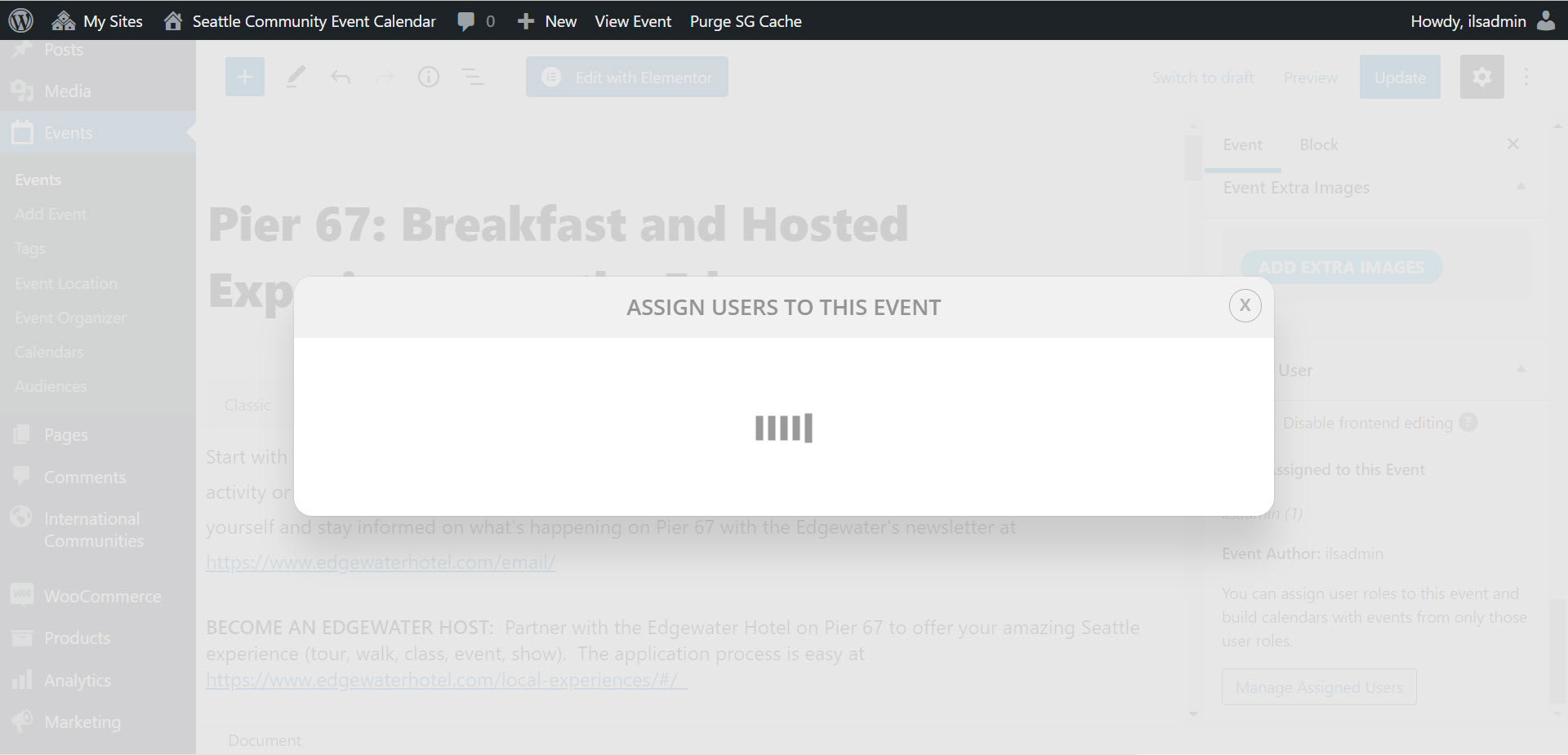
Here is the screenshot
Thanks, same question for me, I tried this, but now the color has changed to black. Can I choose a color myself?
Ok, thank you for the quick and professional help.
Ashan,
This code caused the issue:
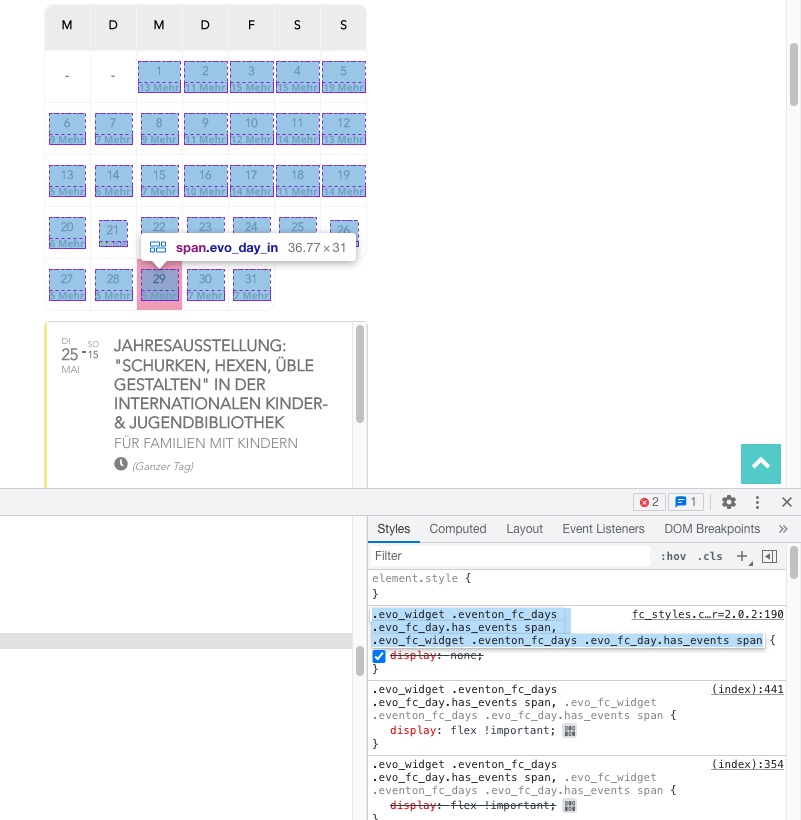
I installed 2.0.2 version alongside with the old one and also added a custom code to https://kitz-magazin.de/wp-admin/admin.php?page=eventon&tab=evcal_3
So it should be fixed now. Ashan will also check why it wasn’t working without the code.