Hello,
The problem is in your other events plugin that also uses “/events” slug. Please go to https://flmjexpo.com/wp-admin/admin.php?page=eventon#evcal_011 change “EventOn Event Post Slug”, save settings, after, make sure to refresh Permalinks.
Replies for tickets on suppota
Hello,
The problem is in your other events plugin that also uses “/events” slug. Please go to https://flmjexpo.com/wp-admin/admin.php?page=eventon#evcal_011 change “EventOn Event Post Slug”, save settings, after, make sure to refresh Permalinks.
Hello,
Your current issue is that you want to hide events that are over, but event_past_future=”future” hides past and current (that are still going) events as well, right?
Hello,
Please follow the instructions in this documentation to activate debug in your site to see any PHP errors recorded that can provide insight on to whats going on. Please reply with a link to debug.log file. If you are not able to do this please send us FTP access to your site so we can do this for you.
Usually it hangs because there is not enough available memory:
https://docs.myeventon.com/documentations/increasing-wordpress-memory-limit/
However, the best is to make sure to get the error in debug.log first.
And for “Mixed Content: The page at ‘https://events.iloveseattle.org/wp-admin/post.php?post=2499&action=edit’ was loaded over HTTPS, but requested an insecure stylesheet” please try installing and enabling https://wordpress.org/plugins/really-simple-ssl/
Ashan,
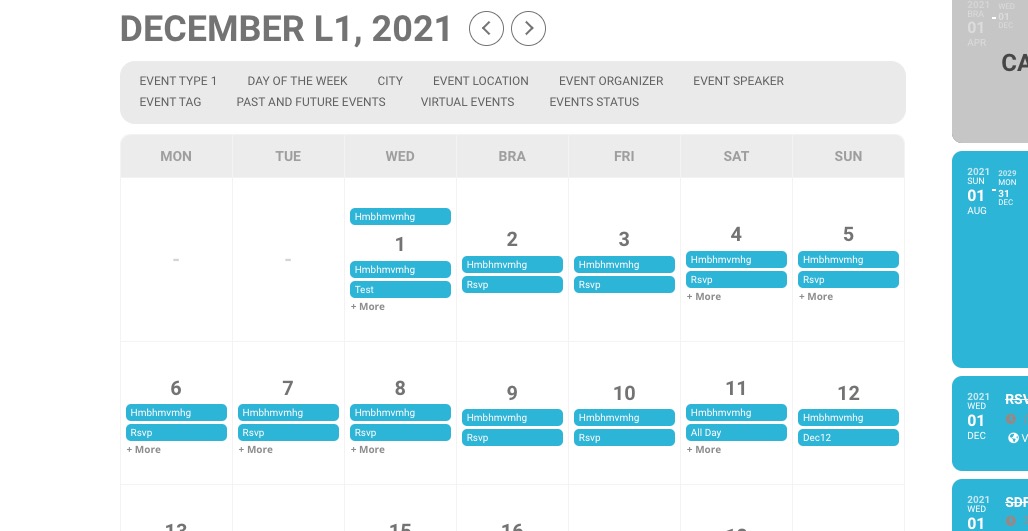
1. The same on dev2: https://dev2.myeventon.com/29007-2/
Hello,
1. Thank you for your messages, I am going to assign this ticket to Ashan and he will be able to take it from here and find you a solution. Please allow some time for him to get back to you, we greatly appreciate your patience and thank you for being a eventon customer! Also please disable any IP blocking on your site if there are any.
2. Thank you for your great suggestion, at the moment it is not supported. However please create a new ticket and select Feature Request as category so others can vote on your idea and get it moved into development faster.
3. Please add this CSS code to EventON > Styles (If you don’t see any change, EventON > Scripts & Styling > turn off Write styles to header > save settings > turn on Write styles to header):
.evo_metarow_socialmedia a.evo_ss i { font-family: ‘evo_FontAwesomeS’,’evo_FontAwesome’,’evo_FontAwesomeB’ !important; }
Hello,
Unfortunately, previous test link is incorrect. Please go to https://dev.myeventon.com/wp-admin/post.php?post=137182&action=edit
I’ve already created a test event for you with enabled Seats. More info on how to use Seats:
https://docs.myeventon.com/documentations/set-seat-layout-map-admin-side/
Any update on this?
i want to see how we can DESIGN the SEAT MAP and attribute a product to it ..
for example someone buy a SEAT.. how the map is designed.. where .. the limits
Sorry , i tried but i dont find the add on settings
Hello,
Please feel free to test the addon here