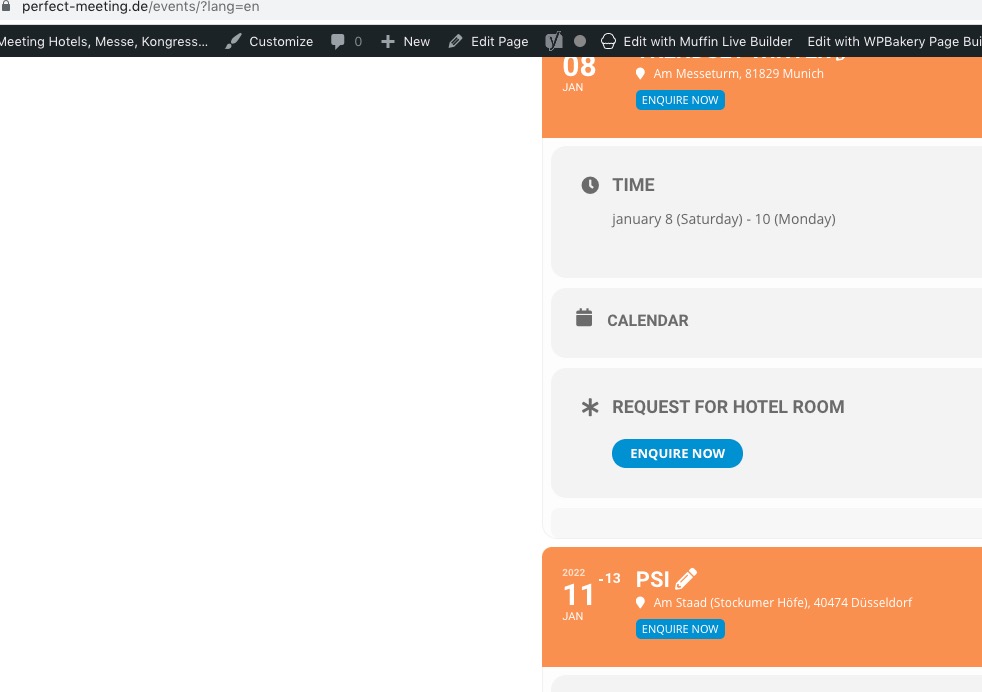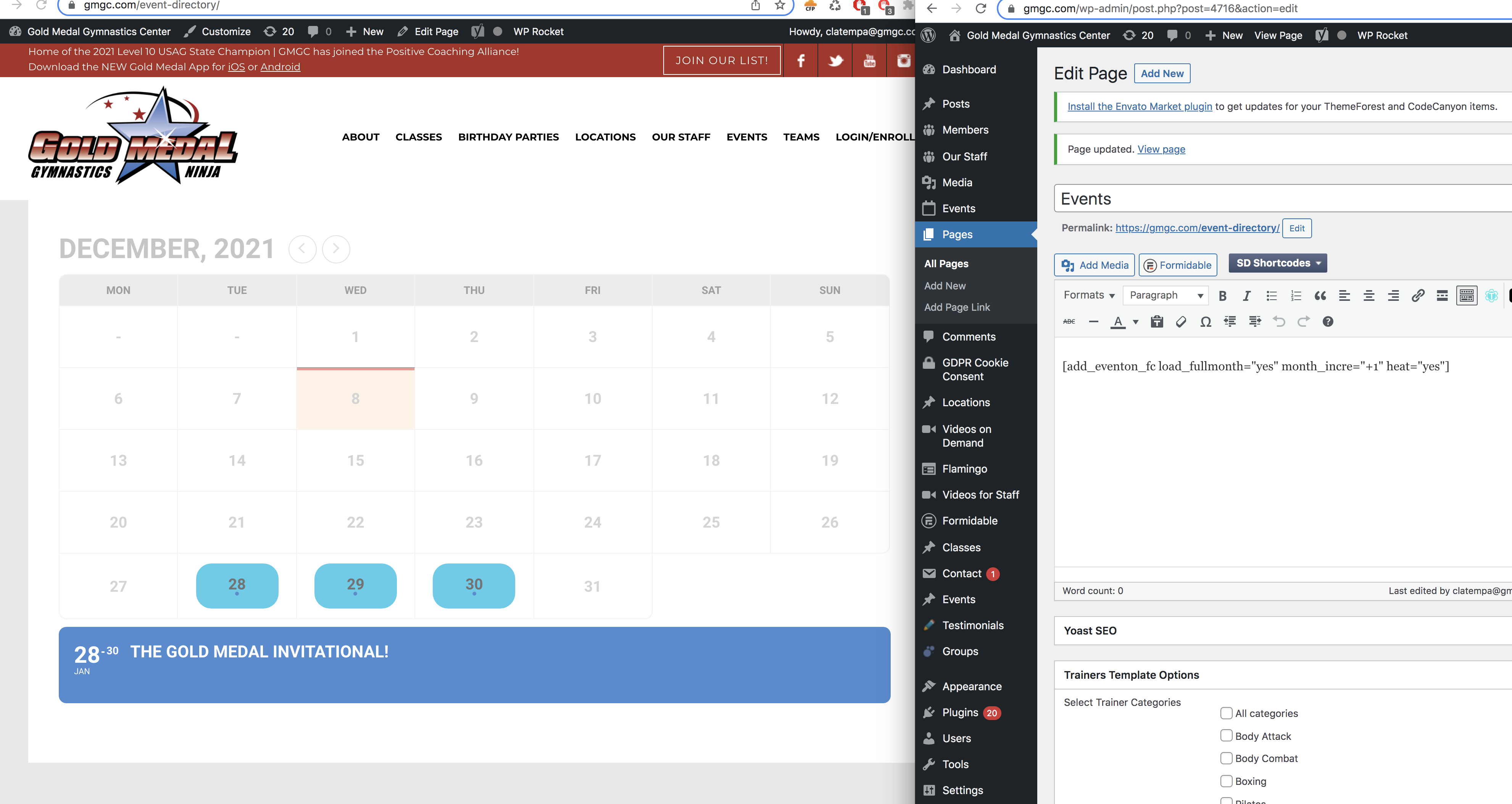
String Locator? Ill delete that plungin..
yes you can investigate please the client i flipping out about it
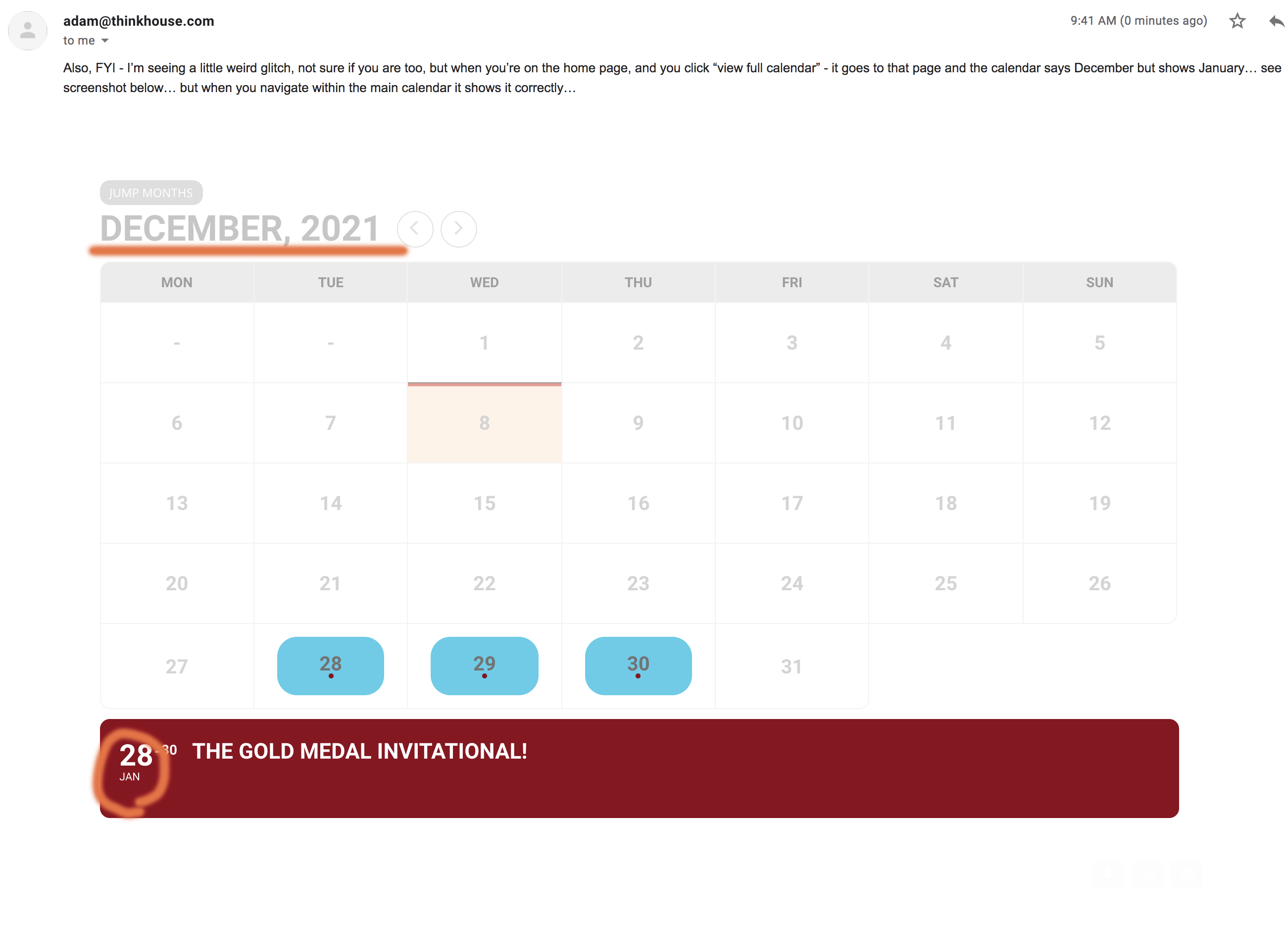
Right so this issue is.. with increment on or off… the default month is either behind a month or forward.. but the actual events below it are wrong as well..
Thanks let me know
-O
Please add hide_arrows=”yes” to the shortcode to hide arrows.
It seems that the issue is fixed when you are not logged-in:
Also since you are using WPML you need to follow this guide and change the shortcodes accordingly:
https://docs.myeventon.com/documentations/wpml-eventon-front-end/
OR If you want to use lang=”L1/L2″ you need to use
https://docs.myeventon.com/documentations/setup-language-corresponding-events/
Hello,
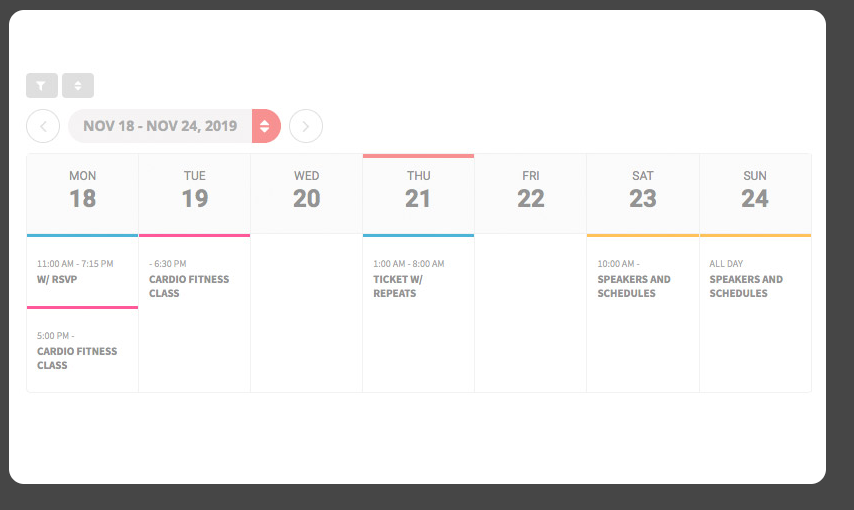
Please use
[add_eventon_wv week_style=”1″]
It seems that EventON’s FullCal loads correct events but not the right month title.
Can we or could you please try the instructions mentioned in this documentation to make sure your issue is indeed coming from eventon. Maybe the issue is with String Locator?
Hello,
You need to make sure that the section is enabled in EventON > Event Card Design.
Please check now.
Hello,
You need Tickets, Variations (https://www.myeventon.com/addons/ticket-variations-options/) and Bookings (https://www.myeventon.com/addons/bookings/) add-ons.
Try on https://dev.myeventon.com/wp-admin/
How to use them:
https://docs.myeventon.com/documentations/how-to-setup-and-get-started/
https://docs.myeventon.com/documentations/general-user-guide/
Hey thanks.. please read this
adding this messed up the events in red.. the red is 2 months ahead
Hello
The capture is what i would like.
Thanks a lot
Francoise