Yes at least one of them is complete and still isn’t showing up –
username: rains.grace@yahoo.com
password: L*bGS3regCj4hHcaI7itO$@4
This is also the account that I made the purchases on.
Replies for tickets on suppota
Yes at least one of them is complete and still isn’t showing up –
username: rains.grace@yahoo.com
password: L*bGS3regCj4hHcaI7itO$@4
This is also the account that I made the purchases on.
The problem is in sep_month=”yes”. Please remove it.
Unfortunately, you cannot show months headers and then load events by pressing only one button.
username: rains.grace@yahoo.com
password: L*bGS3regCj4hHcaI7itO$@4
I have a test event called “Test” on January 1st – which is the event that I have been running all of my tests on.
add this to the shortcode
event_count_list=”yes”
Hello,
I am not quite understand what you are trying to achieve. Could you elaborate?
Since you’ve purchased and installed Tickets add-on you need to follow
https://docs.myeventon.com/documentations/set-event-tickets/
And enable Tickets in each particular event.
After, users can purchase tickets from calendars you put on pages by following
https://docs.myeventon.com/documentations/shortcode-generator/
Yes you can set event submissions to draft and the admin gets an email alert that a new event has been submitted (with a link to edit that event in the email)
so they don’t have to try and find it in the backend- they can just click the link and see if it meets their requirements
Could you check and make sure that orders are completed?
Also I cannot check wp-admin. Can we have access as admin?
Please also check and send us the correct one for “testing”.
I see the event when logged-in as rains***:
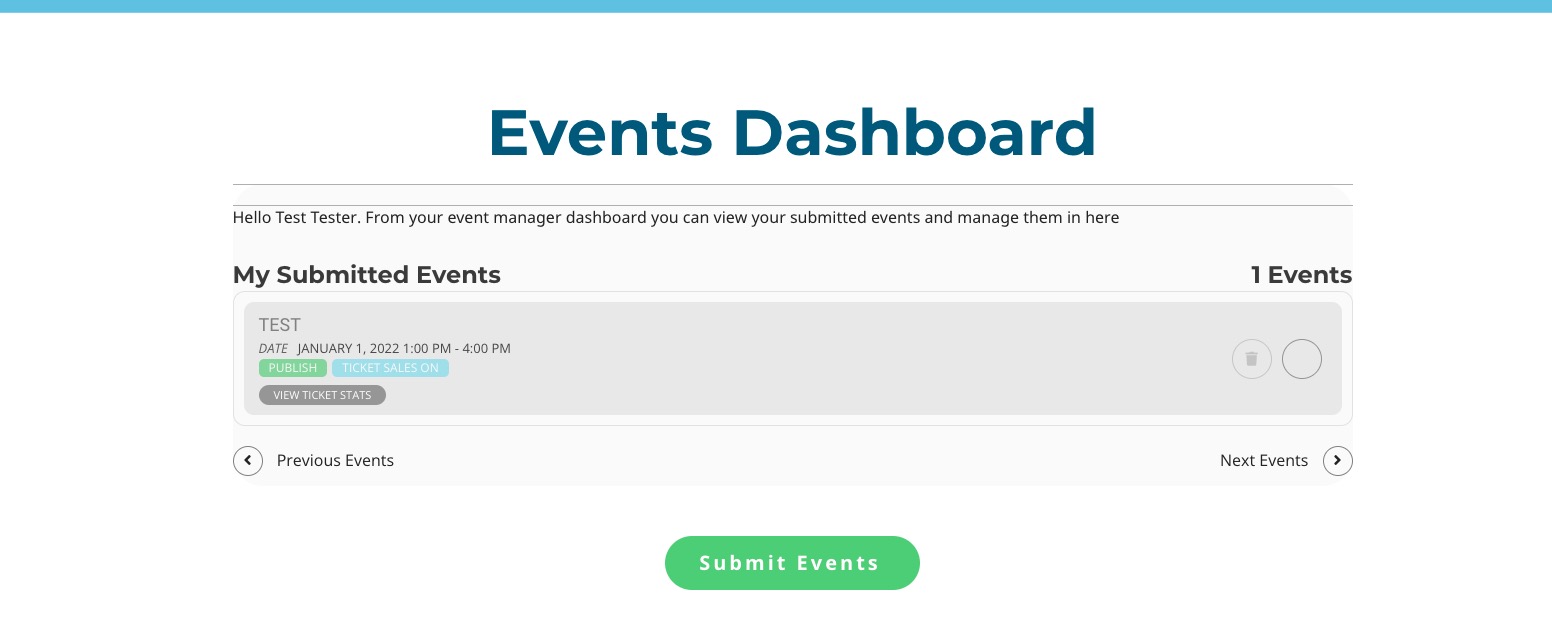
Perfect! Please keep us updated.
Hello,
Please add this to your shortcode
etc_override=”yes”
Selecting this option overrides event colors with event type colors, if they exists.