Try adding my code to Appearance > Customize > Additional CSS code.
Also make sure that your shortcode contains:
show_et_ft_img=”yes”
Replies for tickets on suppota
Try adding my code to Appearance > Customize > Additional CSS code.
Also make sure that your shortcode contains:
show_et_ft_img=”yes”
Ashan,
Could you check this one? Not sure how to test this without a scanner gun.
Hello,
Thank you for your messages, I am going to assign this ticket to Ashan and he will be able to take it from here and find you a solution. Please allow some time for him to get back to you, we greatly appreciate your patience and thank you for being a eventon customer! Also please disable any IP blocking on your site if there are any.
We are glad your issue is resolved, if you have any further questions or concerns please create a new ticket.
If you have a moment, we would greatly appreciate if you could kindly leave us a review at codecanyon! from your account > downloads. Cheers!
Hello,
Can we install FullCal 2.0.1 alongside with the current version for a test? We need FTP access to the website.
It looks normal on our test server: https://dev2.myeventon.com/events/var-14/
Have you tried clearing your cache?
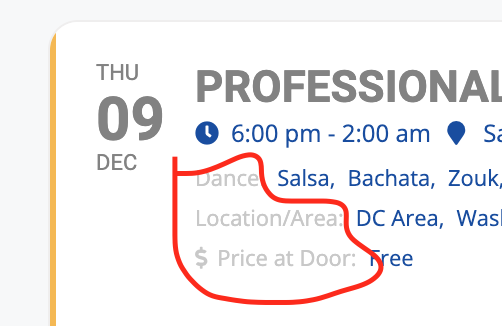
Screenshot of question enclosed
Also – Bugs with the Ticketing System: the ticket creation wizard does not allow uploading of screenshots, loses the data when you click “back”, and doesn’t allow you to go back to edit the information when you get to the end (before the submit screen(.
Hello,
Please take a look at Custom Meta Fields:
https://docs.myeventon.com/documentations/setup-use-custom-meta-fields-events/
Make sure to enable them in EventON Settings > Event Card.
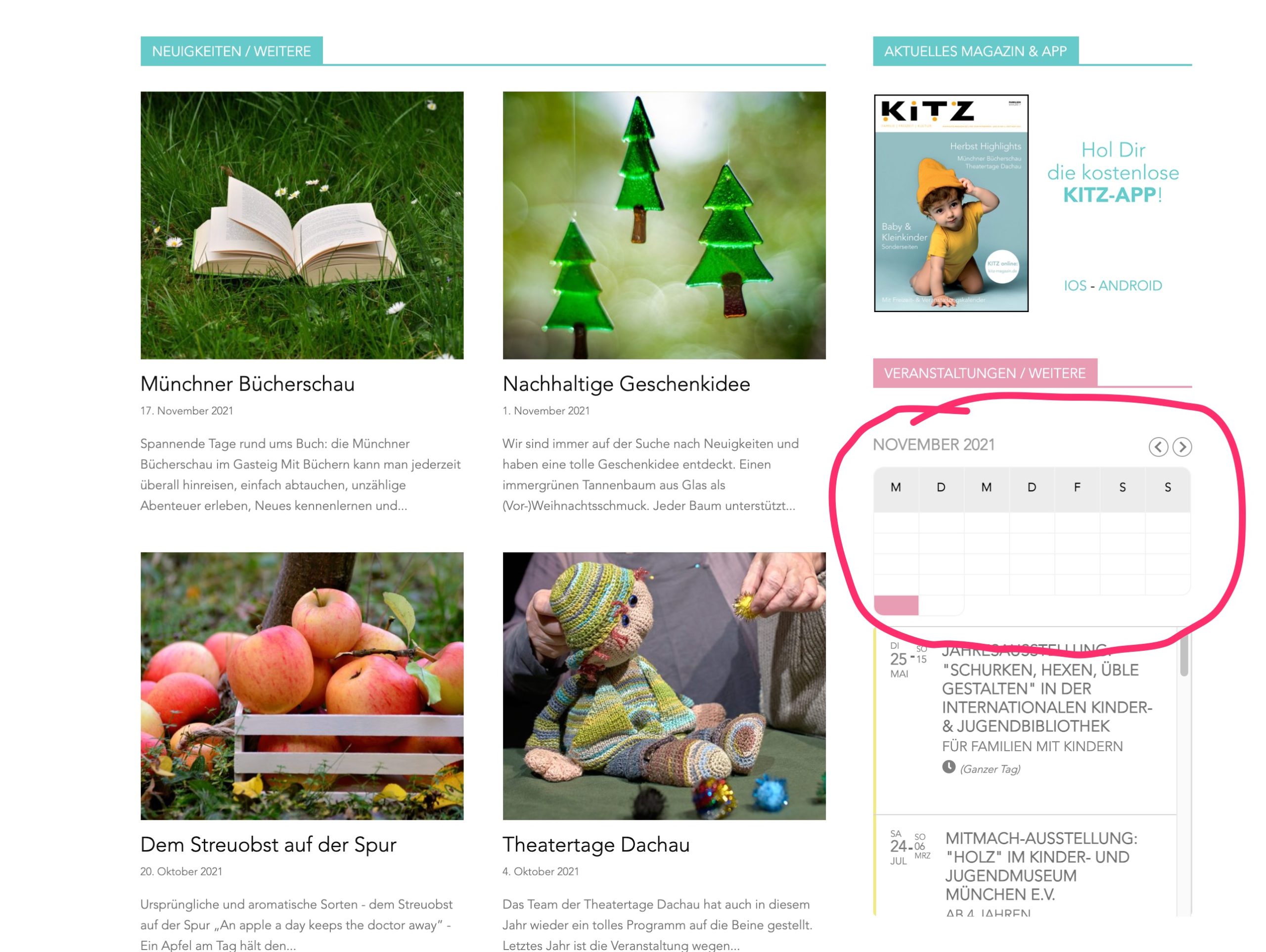
This is how it looks with version 2.0.1
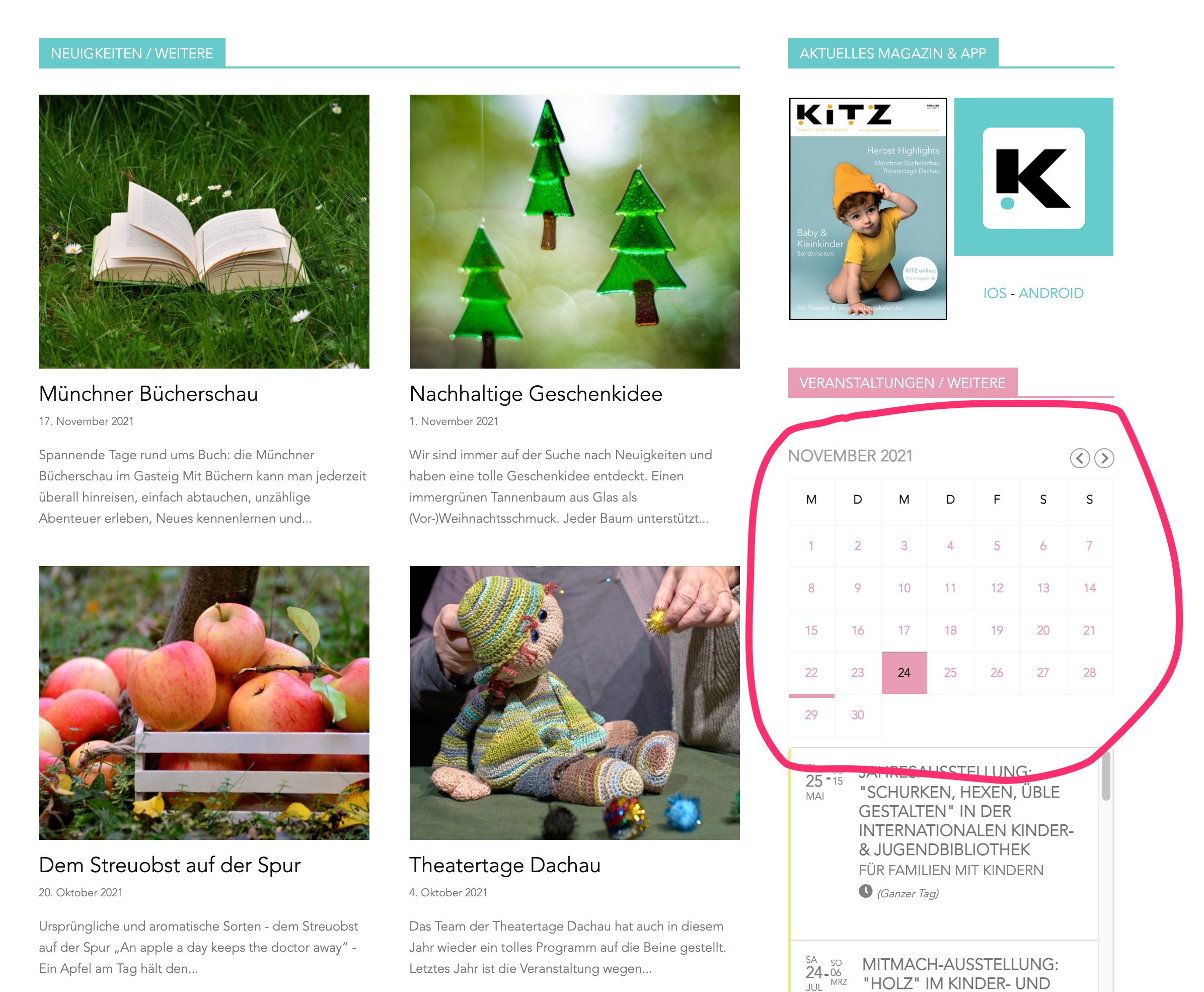
This is how it looks with the old version
great, sorted – had to change some things within the kadence wp theme also