Order refunded. If you have more questions, kindly send us a new ticket and we would be more than happy to help you resolve your issues!
Archives: Replies
Replies for tickets on suppota
Reply to: tickets(261075)
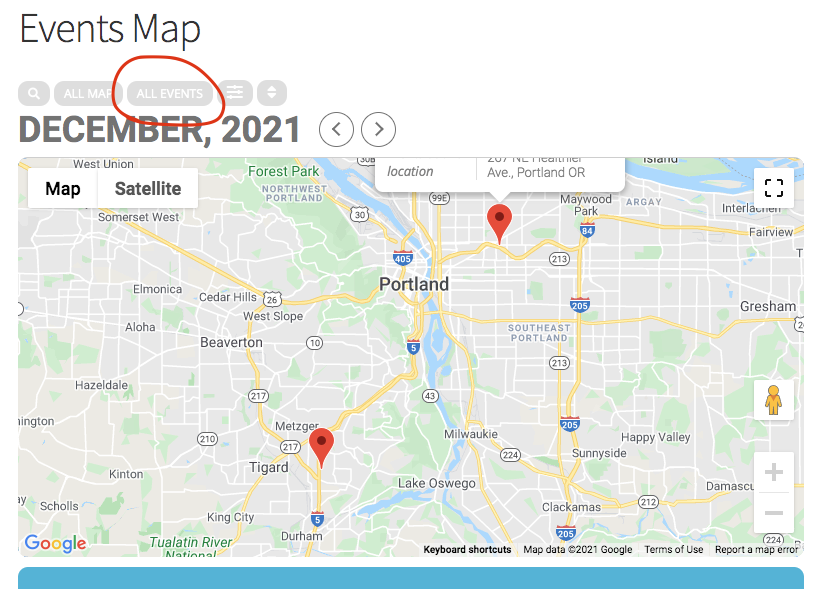
Andrew, in the next version update to maps addon we will add a button like this. Which will show all the hidden events.
Reply to: tickets(262277)
Great! Thank you!
Reply to: tickets(262276)
you are using a very old version of woocommerce- but before you update that you would need
https://en-au.wordpress.org/plugins/easy-wp-smtp/
or many of the other smtp free plugins- this helps your wordpress send transactional (and newsletter) emails
wordpress on its own is dreadful at sending emails no matter how good your server is- when a ticket is sold- 2 emails get send
1 to the admin and 1 to the customer- wordpress has trouble sending 2 emails at the same time thats why use the smtp plugin- you’ll have to install and then set it up with login details but it works like a charm
Reply to: tickets(262226)
could you also provide login for that user
Reply to: tickets(262277)
go to myeventon>>>>>settings>>>>>event top
and turn it on (plus several other things like the location, day name etc
Reply to: tickets(262254)
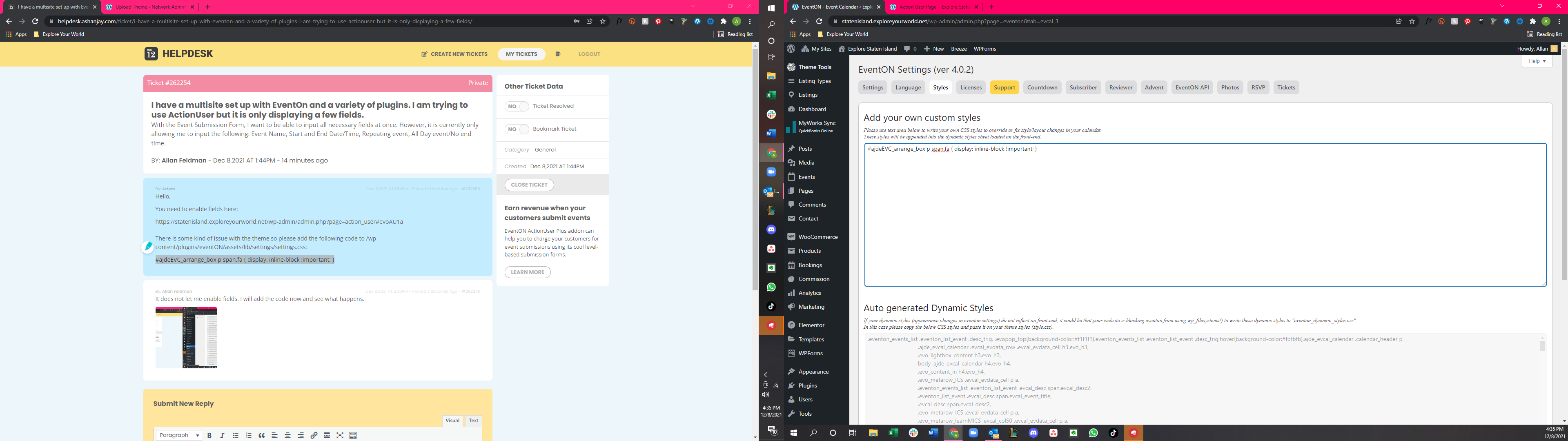
I put it here. Not sure if that’s enough. But image is below.
Reply to: tickets(262254)
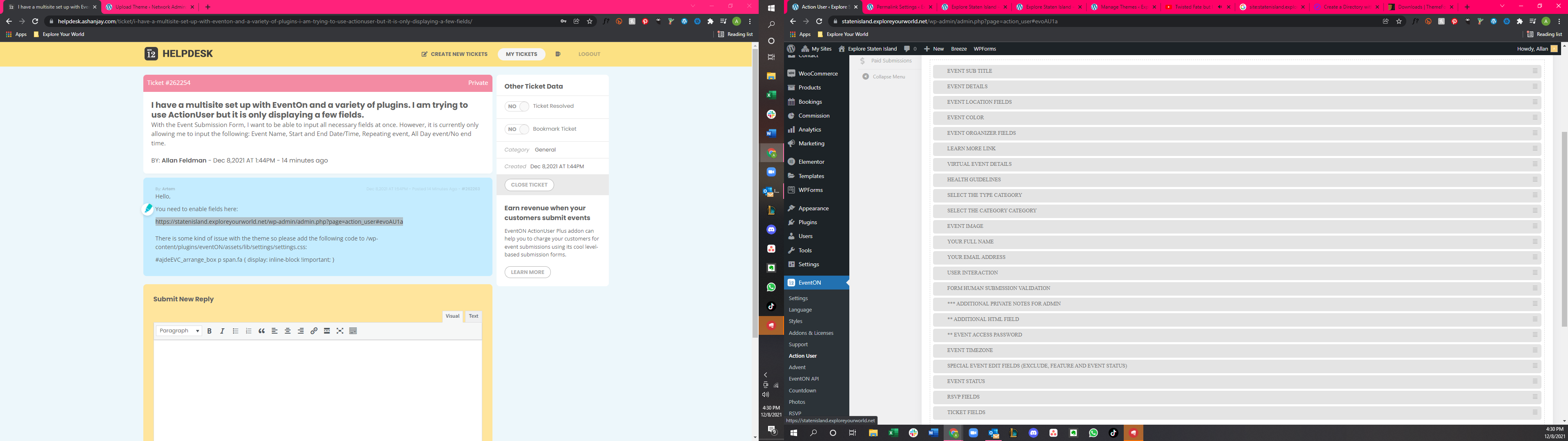
It does not let me enable fields. I will add the code now and see what happens.
Reply to: tickets(262226)
Login Info
Username: testing
Password: 1Ajjbva(xlD5$d88p#4LxPQd
Reply to: tickets(262226)
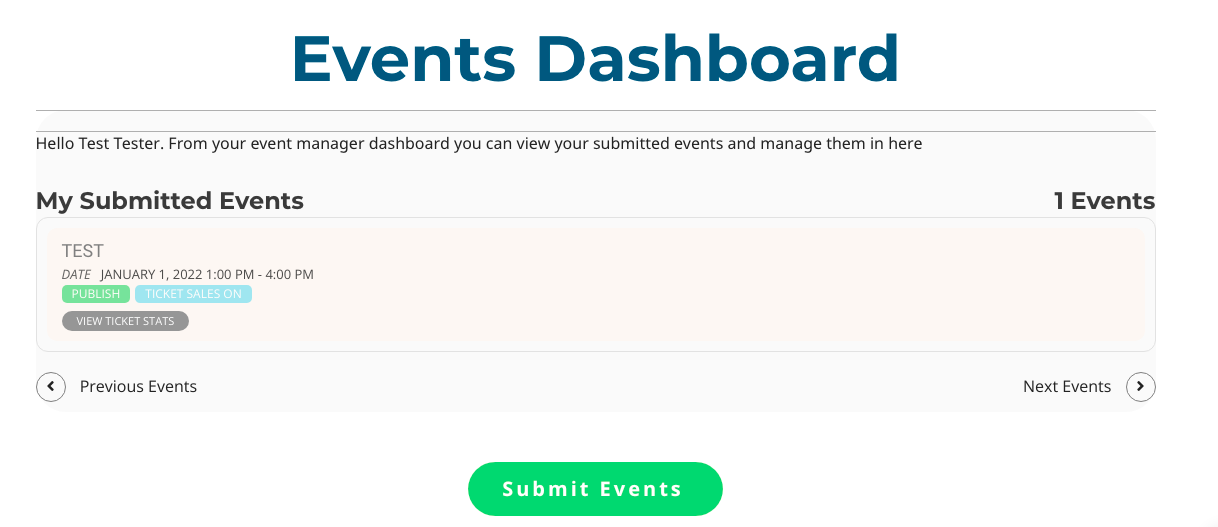
I checked and all of the options are enabled.
I assigned myself as the admin to the event and it’s showing up on the event dashboard on my end. However, the other user who is assigned the event is not able to see it on their dashboard..