I know, I didn’t see it for some of the events that were live. I’ll keep an eye on it.
Thank you for all the help!
Best,
Jeff
Replies for tickets on suppota
I know, I didn’t see it for some of the events that were live. I’ll keep an eye on it.
Thank you for all the help!
Best,
Jeff
Hello, Today the problem returned, thank you for telling me the procedure to get the correct display.
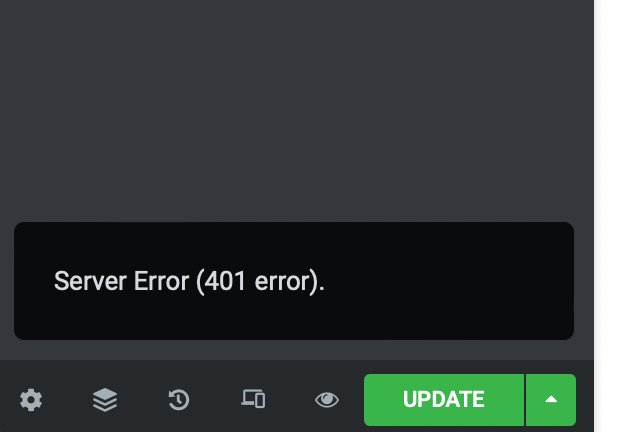
Please, open any Elementor page, change something and try to save it.
I am still getting the error. Please, see the screenshot.
Hello,
Please try adding this to the shortcode month_incre=”+1″ to move it to December.
Which boxes are you referring to? If you want to enable Tile Design, please add this to the shortcode:
tiles=”yes”
If you want to make it red go to Edit Event > change Event Color.
You event must be in progress to show the bar. Please publish this one https://cruzadaministries.com/wp-admin/post.php?post=9416&action=edit and check in the calendar.
Hello,
Could you elaborate?
You can use Single Event shortcode and output an event per shortcode or Event Lists.
It seems that I misunderstood you. Will this work for you:
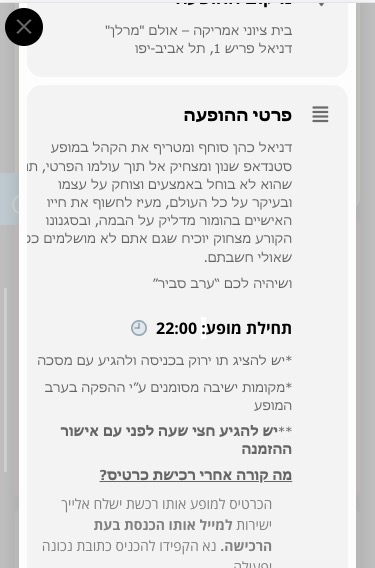
.evortl .evcal_evdata_row .evcal_evdata_cell .eventon_full_description .eventon_desc_in h3 { padding-top: 20px }
Hello,
Thank you for your great suggestion, at the moment it is not supported. However please create a new ticket and select Feature Request as category so others can vote on your idea and get it moved into development faster.
You cannot see the bar because your event must be in progress. Please publish this one https://diocesis.versionesbeta.net/wp-admin/post.php?post=1265&action=edit and check.
Hello,
Virtual Plus is activated but no issue on my side:
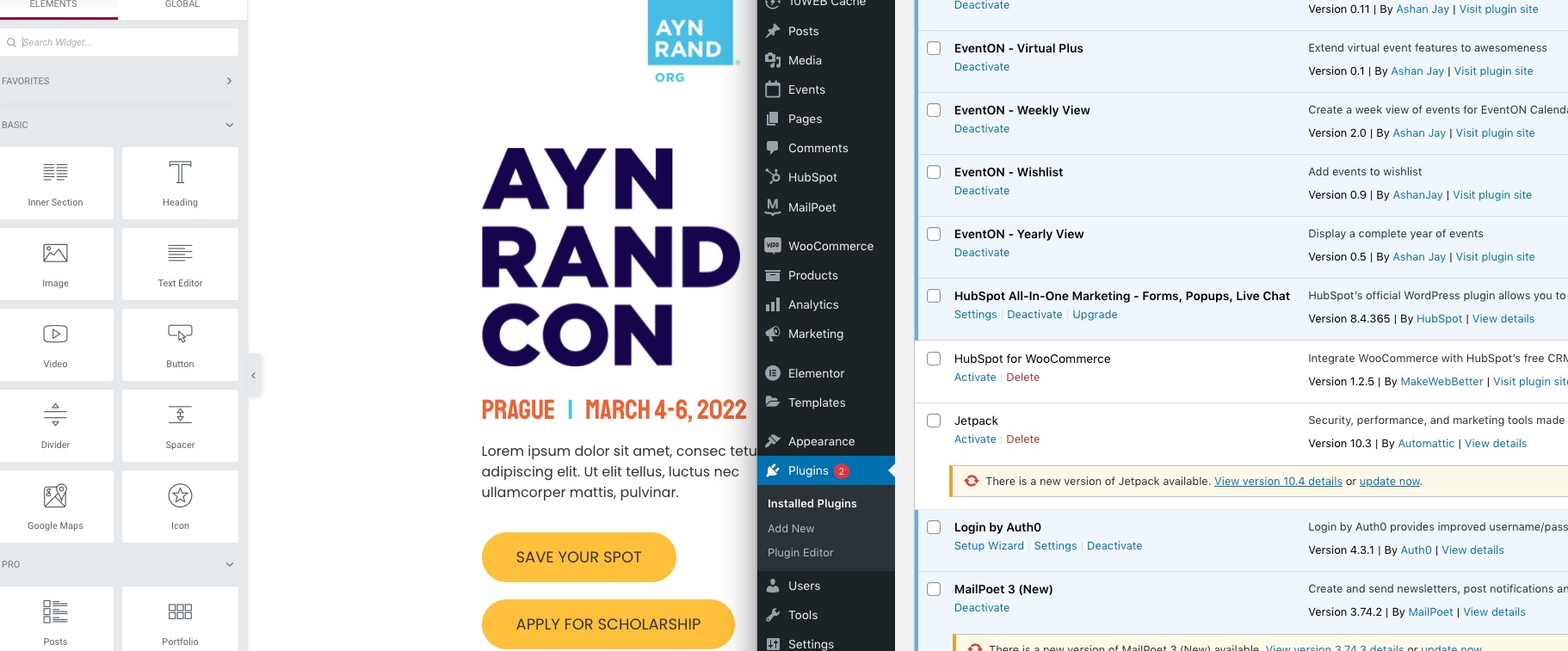
Could you send us a screenshot?