Hello,
Works for me, except it aligned a little bit too much to the left:
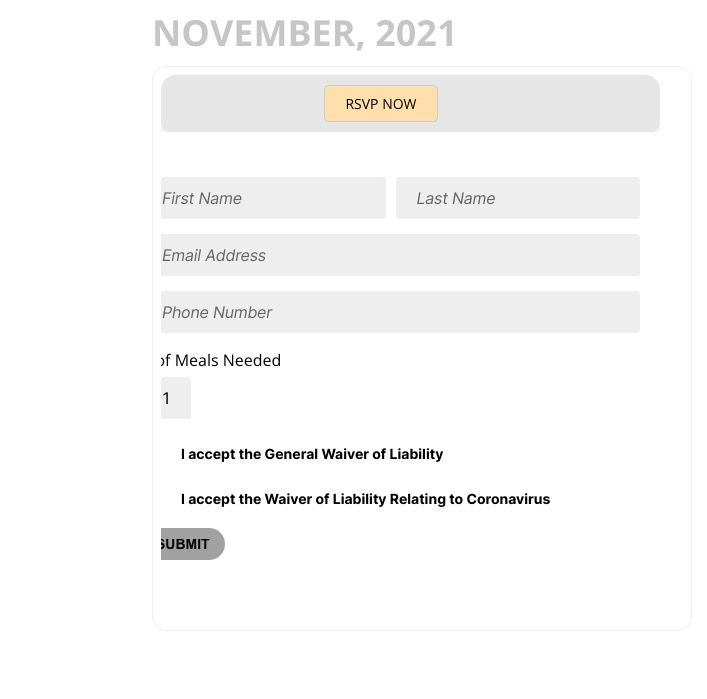
Could you try removing/commenting your custom codes?
Replies for tickets on suppota
Hello,
Works for me, except it aligned a little bit too much to the left:
Could you try removing/commenting your custom codes?
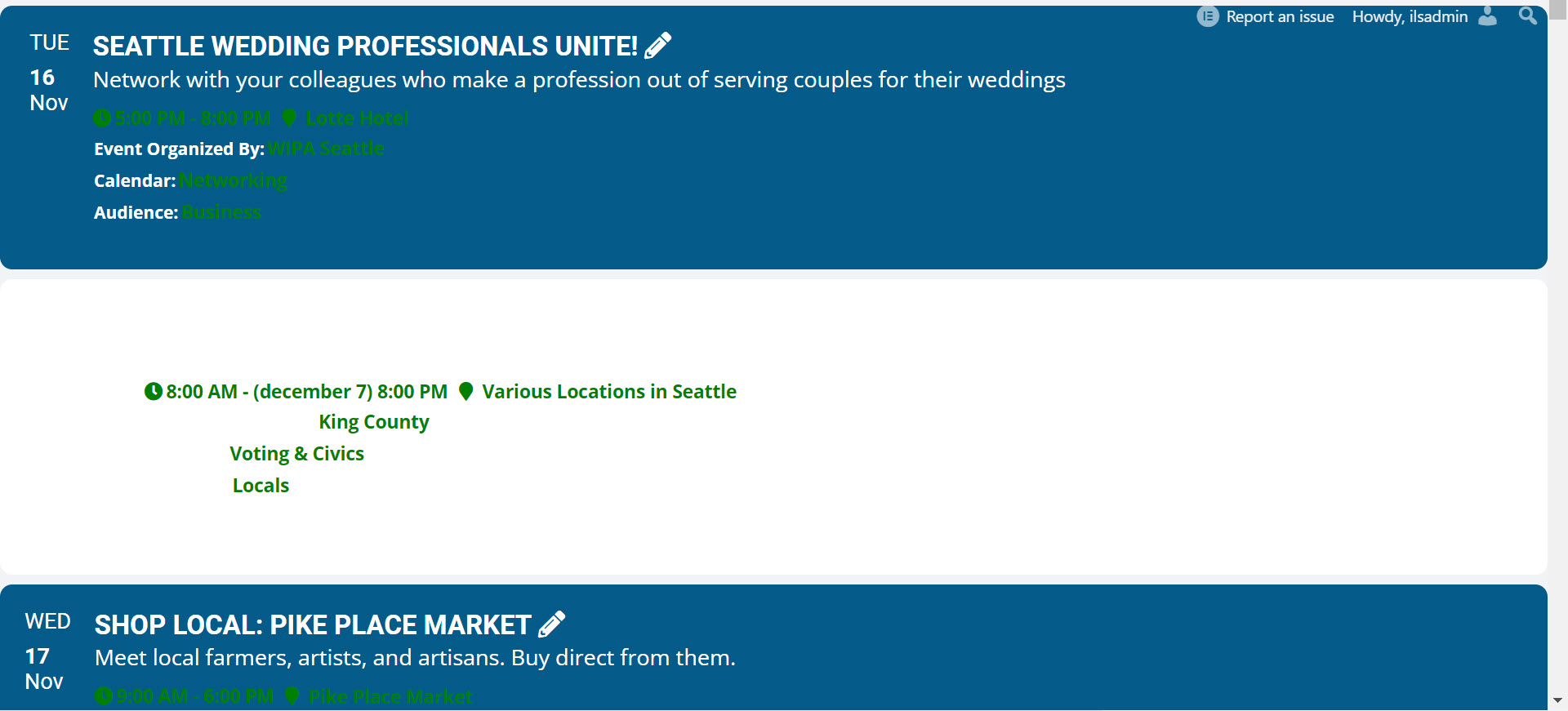
With regard to your last question. All events are set to the same color, and it seems to be the same blue that appears on the problematic calendars. I changed the color of one event and it did seem to affect the background color for that event. However the font colors stay same, so it becomes white and white, so not visible.
Could you tell us why do you need to change anything in shortcode if they all have the correct styling (the one that the previous version had):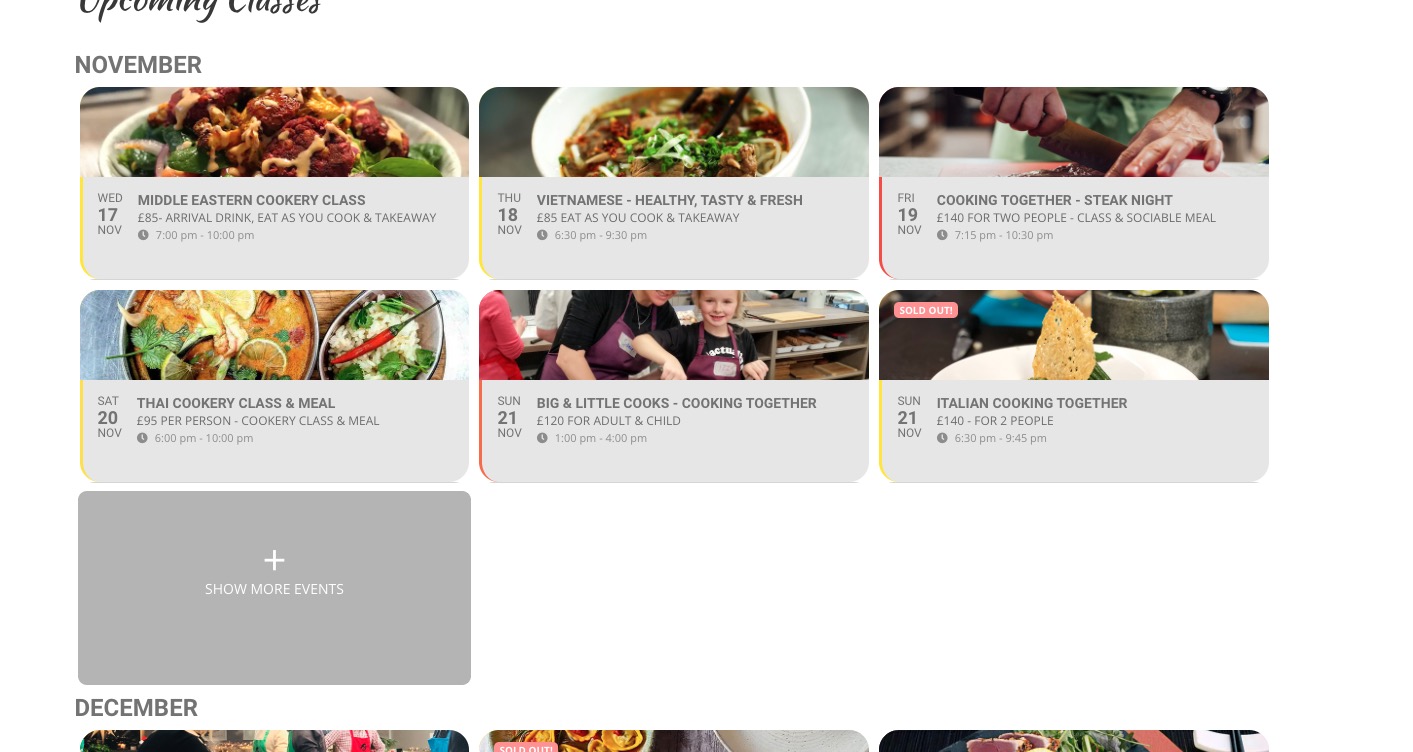
You want this design on all your shortcodes, right?
Hello,
Please update EventON and other add-ons.
To update eventon to latest version: If you are unable to do autoupdate, you can go to codecanyon your account > download and get the latest eventon version as zip file. Then you can go to your website, deactivate old eventon, activate (Do not delete eventon settings & data when EventON is uninstalled) from eventon settings, delete old eventon, install new one and activate. This link will further explain the process it. Also you can follow us on twitter to get real-time announcements on updates!
To update eventon addons: You can download latest eventon addons from myeventon > my account. Then you can go to your website, deactivate old addon and install new one and activate then delete the old addon. This link will further explain the process. Also you can follow us on twitter to get real-time announcements on updates!
Hello,
Please go to EventON Settings > disable Auto move events to trash when the event date is past.
Ashan,
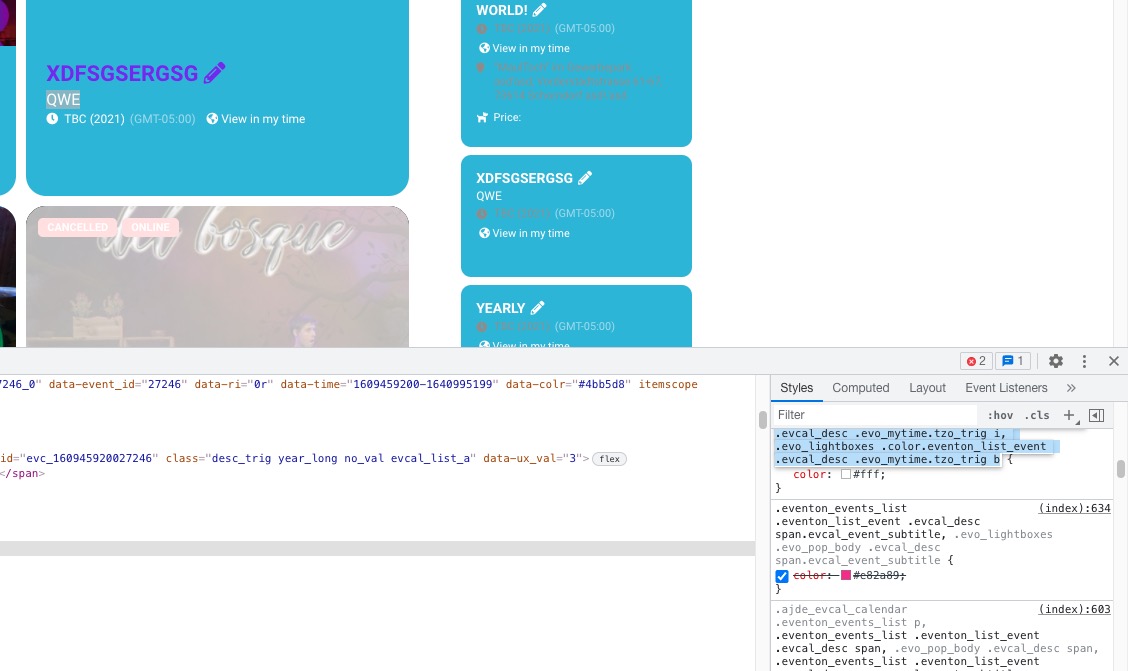
On dev2 you cannot change Subtitle color: https://dev2.myeventon.com/28591-2/
Hello,
As a temporary solution please add this CSS code to EventON > Styles (If you don’t see any change, EventON > Scripts & Styling > turn off Write styles to header > save settings > turn on Write styles to header):
.ajde_evcal_calendar.color #evcal_list .eventon_list_event .evcal_desc span.evcal_event_subtitle { color: #6b6b6b; } .ajde_evcal_calendar.color #evcal_list .eventon_list_event .evcal_desc em {color: #6b6b6b;} .ajde_evcal_calendar.color #evcal_list .eventon_list_event .evcal_cblock {color: #6b6b6b;}
I am also going to assign this ticket to Ashan so we can fix this in the next version.
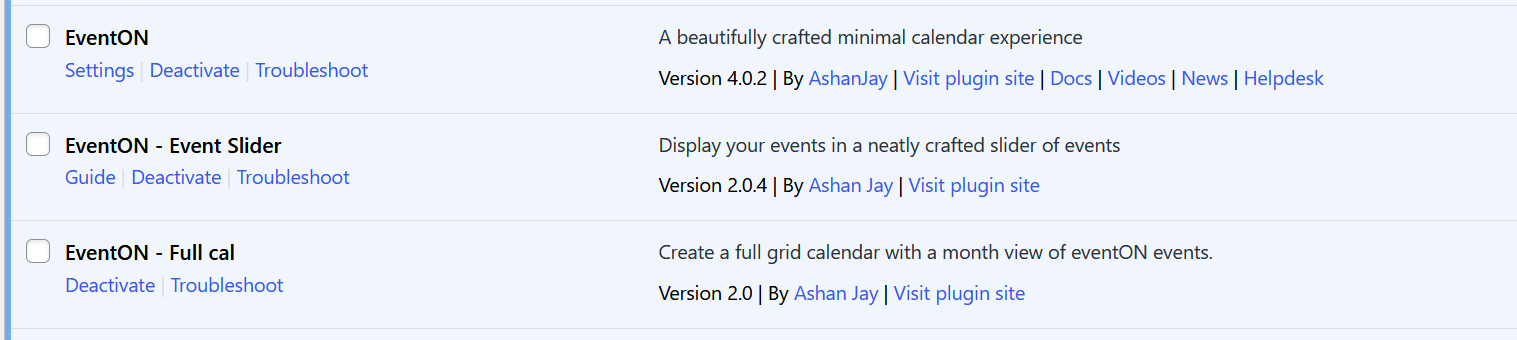
Yes, I already have the latest version. Do you think I didn’t upgrade the version in a year?
You must have a demo version available to you to test before you respond to help desk messages.
Please add custom recurrences to any event and you will see that the date picker for custom recurrences behaves differently than the main primary event date/time picker.
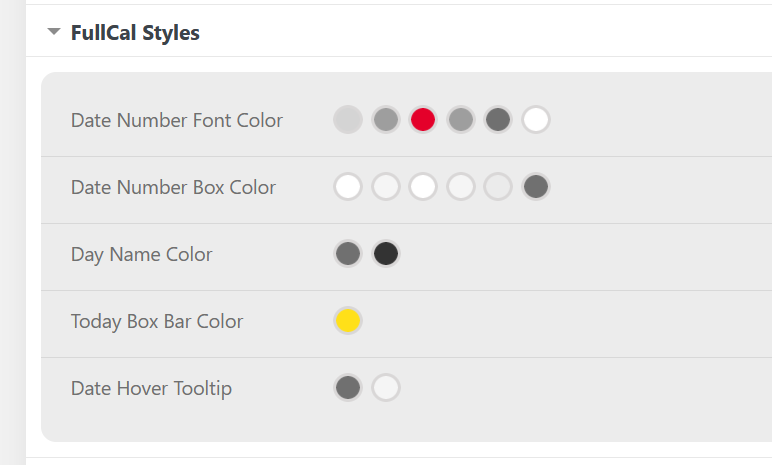
Hi, yes, but I wasn’t talking about the custom styles added manually. I meant the styles selected in the control panel. See attached screenshot.
There isn’t a way that I can see to mark these selections as !important.
Also could you add a couple of test events to https://thessaloniki.gr/%ce%b8%ce%ad%ce%bb%cf%89-%ce%bd%ce%b1-%ce%b3%ce%bd%cf%89%cf%81%ce%af%cf%83%cf%89-%cf%84%ce%b7%ce%bd-%cf%80%cf%8c%ce%bb%ce%b7/%ce%b1%ce%bd%ce%b1%ce%ba%ce%b1%ce%bb%cf%8d%cf%88%cf%84%ce%b5/%ce%b5%ce%bc%cf%80%ce%b5%ce%b9%cf%81%ce%af%ce%b1-%cf%84%ce%b7%cf%82-%cf%80%cf%8c%ce%bb%ce%b7%cf%82/%cf%80%ce%bf%ce%bb%ce%b9%cf%84%ce%b9%cf%83%ce%bc%cf%8c%cf%82/%ce%ba%ce%ad%ce%bd%cf%84%cf%81%ce%bf-%ce%bc%ce%bf%cf%85%cf%83%ce%b9%ce%ba%ce%ae%cf%82/%cf%83%cf%85%ce%bc%cf%86%cf%89%ce%bd%ce%b9%ce%ba%ce%ae-%ce%bf%cf%81%cf%87%ce%ae%cf%83%cf%84%cf%81%ce%b1/
So we can check if it sorts events within a month.