Please check now: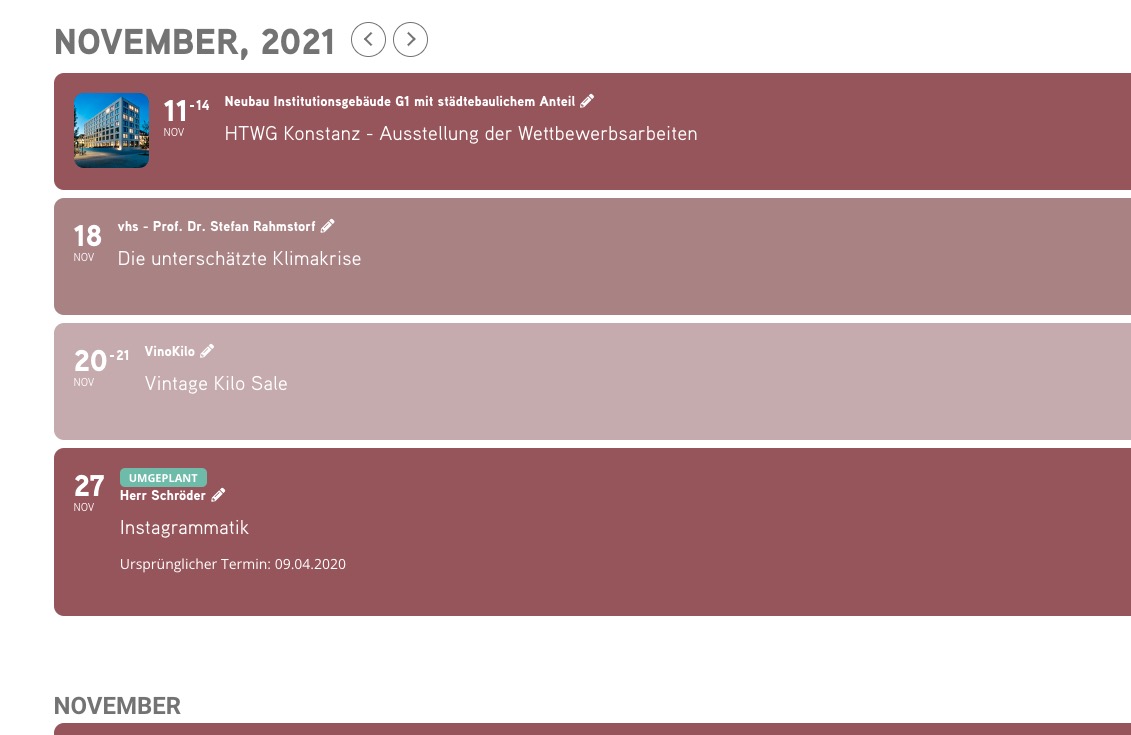
Archives: Replies
Replies for tickets on suppota
Reply to: tickets(260798)
About the translation. Could you elaborate more? Do you want to translate front-end or back-end or have events in multiple languages?
Reply to: tickets(260798)
1. Go to Edit Event > Event Options > Featured Event.
2. You can use Gutenberg’s video block https://gutenberghub.com/video-block-overview-how-to-use-guide/
3. You should be able to hide them with CSS:
https://docs.myeventon.com/documentations/change-css-calendar/
Reply to: tickets(261120)
Hello,
You should be able to add these fields to Checkout:
https://docs.myeventon.com/documentations/how-to-add-additional-fields-at-checkout/
Reply to: tickets(261123)
Hello,
…creating events in the past. And than asks for manual fix. For free…
Could you tell us more about this? They can just use [evo_event_manager] to change dates themselves.
Reply to: tickets(261072)
Hello,
Please remove this from the shortcode:
tile_bg_size=”med”
Reply to: tickets(261096)
Hello,
Please add this CSS code to EventON > Styles (If you don’t see any change, EventON > Scripts & Styling > turn off Write styles to header > save settings > turn on Write styles to header):
.eventon_events_list .eventon_list_event .evcal_list_a { padding: 10px; }
For the font-size:
.evcal_event_title { font-size: 14px !important; }
Reply to: tickets(261116)
Hello,
We are glad your issue is resolved, if you have any further questions or concerns please feel free to create a new ticket.
Reply to: tickets(260613)
still pending…
Reply to: tickets(261116)
Thanks, it worked!