Hi Dave,
Thank you for that explanation. I requested permission to set you up with wp-admin, no problem, and I am happy if you can solve it without taking any of the boss’ time.
We were working on some hosting setup issues affecting cache this weekend. This is a multisite install on a shared host (siteground) with Elementor and JetPack on Flexia child theme. However, we are prepared to change any of that, as needed, for optimal EO implementation.
As you will see, the EO calendar on https://events.iloveseattle.org is the Now Happening with this shortcode
[add_eventon_now show_et_ft_img=”yes” etc_override=”no” eventtop_style=”0″]
There is another almost identical shortcode on the same page with conditional logic for visitors looking at screen on mobile (same view without ft-img). Most of our pages in current configuration contain multiple calendars that show based on conditional logic (device or logged in status).
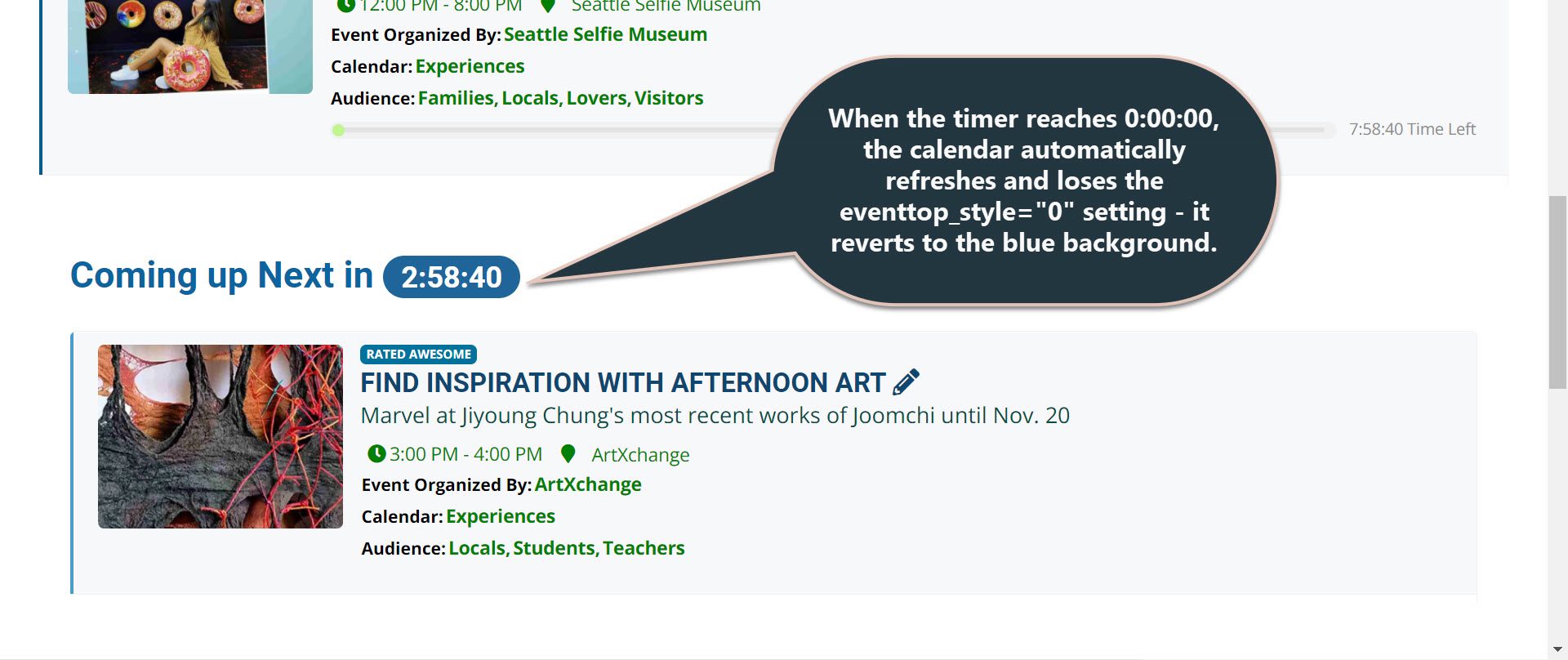
Here is what I noticed: If you load the home page and let the timer for the next upcoming event reach 0:00:00, then the calendar refreshes automatically AND reverts to the dark background blue formatting. I also did not see any option for eventtop_style in the code executor . Does this reveal anything that would allow us to narrow down the source of this issue or to recommend a fix I can do myself?
I am attaching a screenshot for your convenience.
Thank you and g’day. G
Hi All,
Thank you for the information. I installed the new UPDATE from eventon from codecanyon. Now it is ok again in terms of Appearance. BUT .. the only issue left is to resolve the RSVP invitees GUEST LIST that does not show INIVTEES WHEN HOVER over the member. We do see any +1 or +n added invitees there but their names do not show up on HOVER..
Can you help, as this was resolved by you until the new update 4.0..
Kind regards
Olivier
Hello,
That is possible only with the Event Lists Extended.
Let us know if you need help with anything else.
Hello,
We need to see the filter or have access wp-admin for a test.
Please send us wp-admin access to your site as a private message for us to further assist your situation.
Hello,
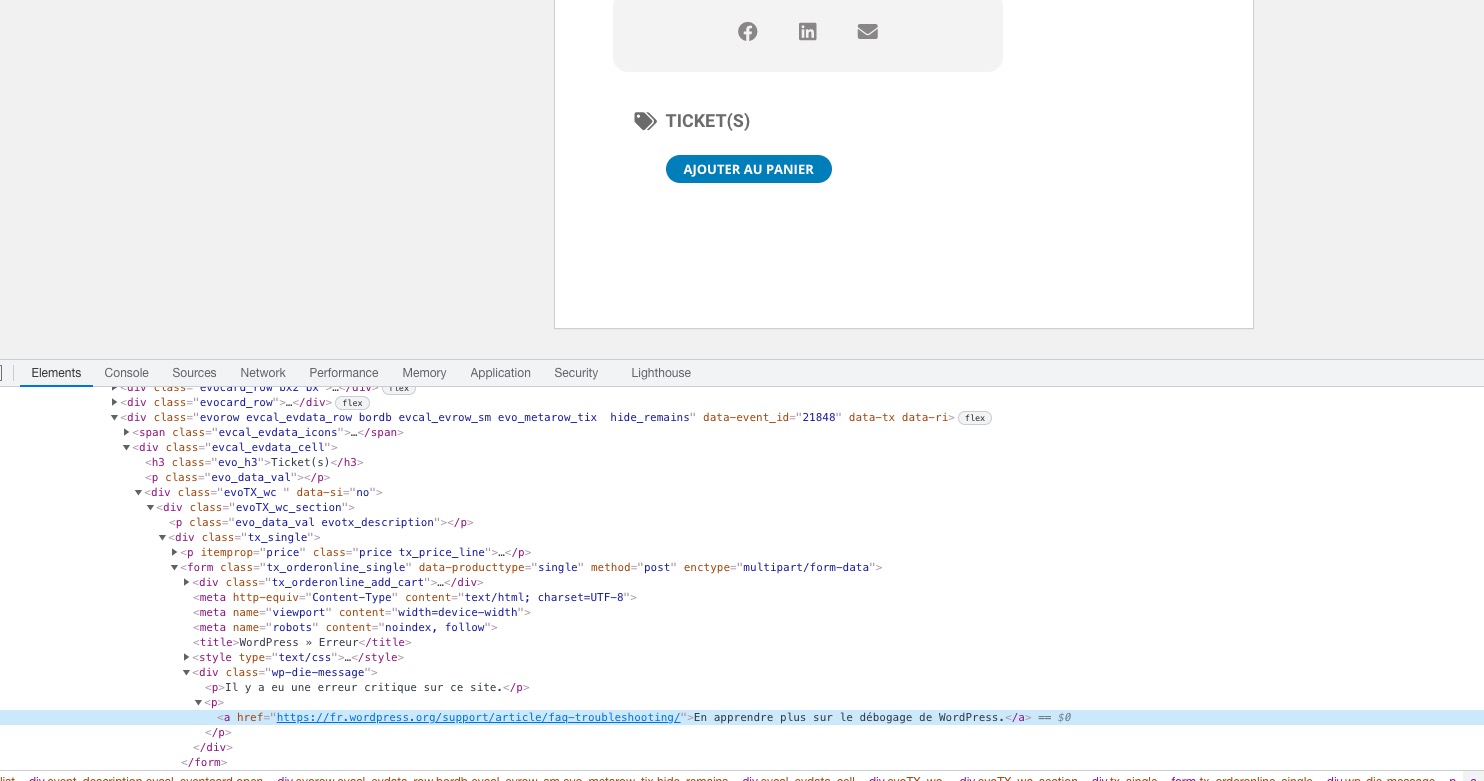
There is something wrong with Woo’s Variations:
Please follow the instructions in this documentation to activate debug in your site to see any PHP errors recorded that can provide insight on to whats going on. Please reply with a link to debug.log file. If you are not able to do this please send us FTP access to your site so we can do this for you.
Hello,
You can customize RSVP emails by following
https://docs.myeventon.com/documentations/customize-rsvp-emails/
As for Reminders, you can just use inline styling the same way you use in regular emails: https://content.myemma.com/blog/css-in-html-emails-what-you-need-to-know-to-get-started
Just go to Event Settings > RSVP > Reminders > add Email Message.
We are glad your issue is resolved, if you have any further questions or concerns please create a new ticket.
If you have a moment, we would greatly appreciate if you could kindly leave us a review at codecanyon! from your account > downloads. Cheers!
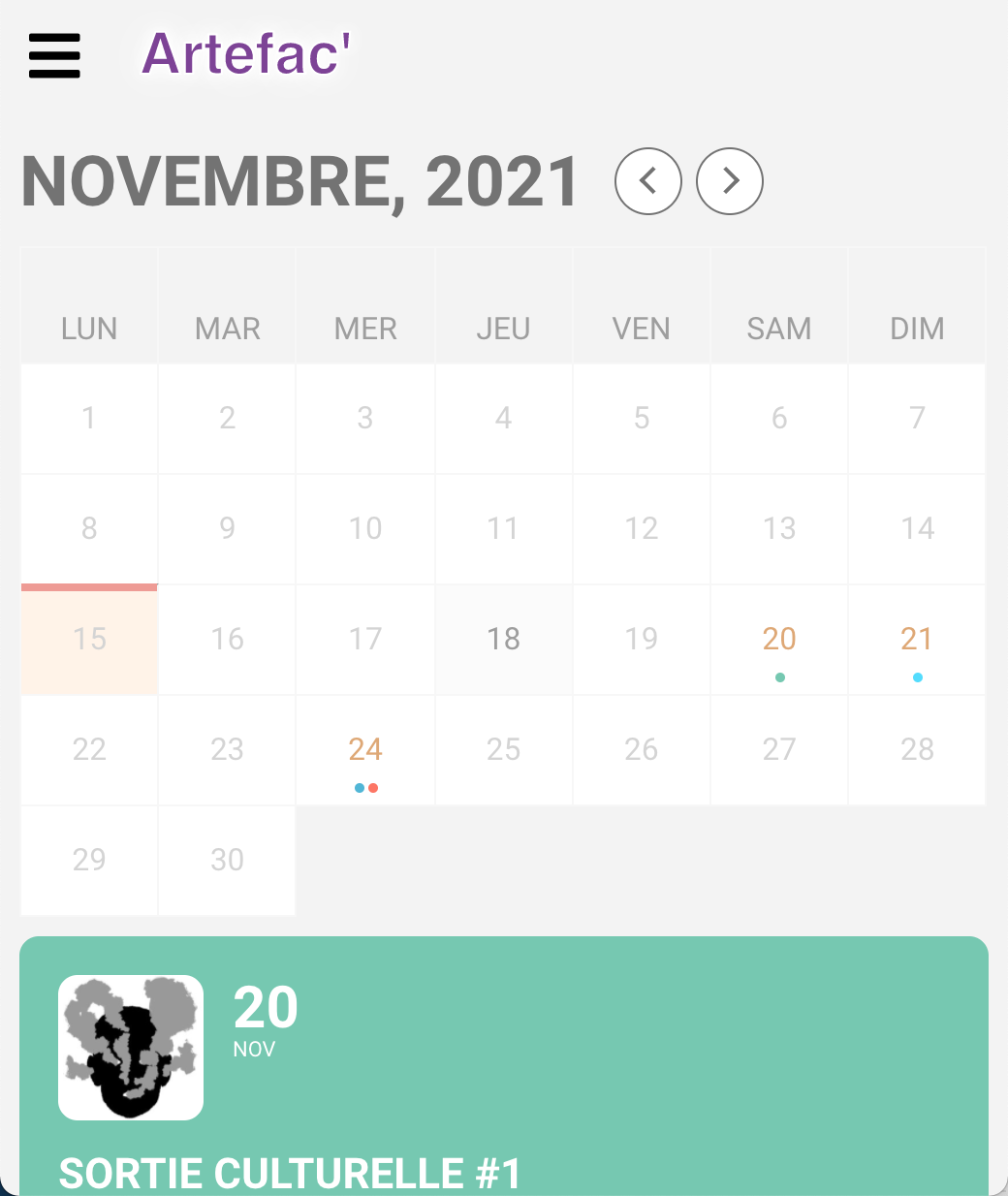
It fixed it !! Thank you so much, it is way better.
However, since there are not a lot of space for titles, I wonder if it would be possible to force the display as it is on mobile ? (with the little colored dots, see screenshot)
Another idea would be to change the ratio of the columns (column of the calendar and column of the events.) Do you think that might be possible ?
Many thanks !
Best regards,
Great the ESE widget is working. Thank you.
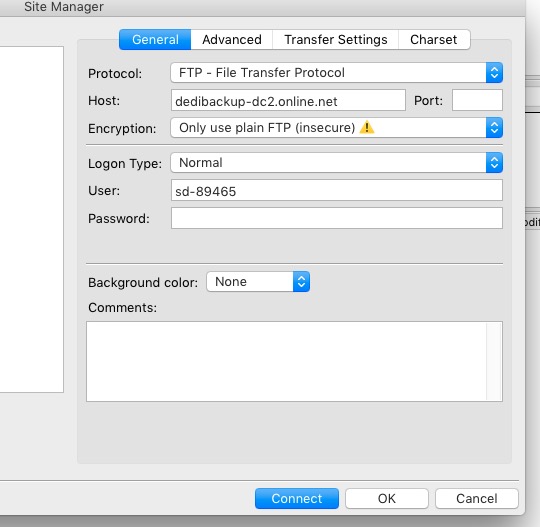
It seems that the password is incorrect:
Status: Resolving address of dedibackup-dc2.online.net
Status: Connecting to 62.210.17.47:21…
Status: Connection established, waiting for welcome message…
Response: 220 server ready – login please
Status: Plain FTP is insecure. Please switch to FTP over TLS.
Command: USER sd-89465
Response: 331 password required
Command: PASS ********
Response: 530 bad login
Could you check? My connection: