using the same shortcode (minus the event type)
https://dev2.myeventon.com/ihkih/
Archives: Replies
Replies for tickets on suppota
Reply to: tickets(259136)
Ashan
Reply to: tickets(259136)
Thank you for your messages, I am going to assign this ticket to Ashan and he will be able to take it from here and find you a solution. Please allow some time for him to get back to you, we greatly appreciate your patience and thank you for being a eventon customer!
Reply to: tickets(259136)
Here it works:
https://www.businessfactors.de/de/event-directory/
[add_eventon_list number_of_months=”36″ event_past_future=”future” hide_so=”yes” show_year=”yes” hide_empty_months=”yes” tiles=”no” tile_count=”3″ tile_bg=”1″ accord=”no” hide_mult_occur=”yes” ux_val=”3a”]
Reply to: tickets(259136)
Can you provide me 4.0.1 for download?
Reply to: tickets(259136)
[add_eventon_list number_of_months=”36″ event_past_future=”future” hide_past_by=”ss” event_type=”3354,” hide_so=”yes” show_et_ft_img=”no” tiles=”yes” tile_count=”3″ hide_month_headers=”yes” hide_empty_months=”yes” show_year=”yes” ft_event_priority=”yes” accord=”yes” tile_style=”0″ tile_bg=”0″ tile_bg_size=”thumb” ux_val=”3a”]
Reply to: tickets(259005)
Popup is working now 🙂
For this thing here below ~ would you pls take it as a feature request? (or is there a workaround like in google forms to pre-define the kind of answer like number / date / text only…?)
“Also, when I put the mouse in some fields, it will show me some irritating suggestion for pre-fill an address.”
Reply to: tickets(259136)
Hi Christian,
Please send in the full shortcode you are using so that we can test it on our end.
Reply to: tickets(258051)
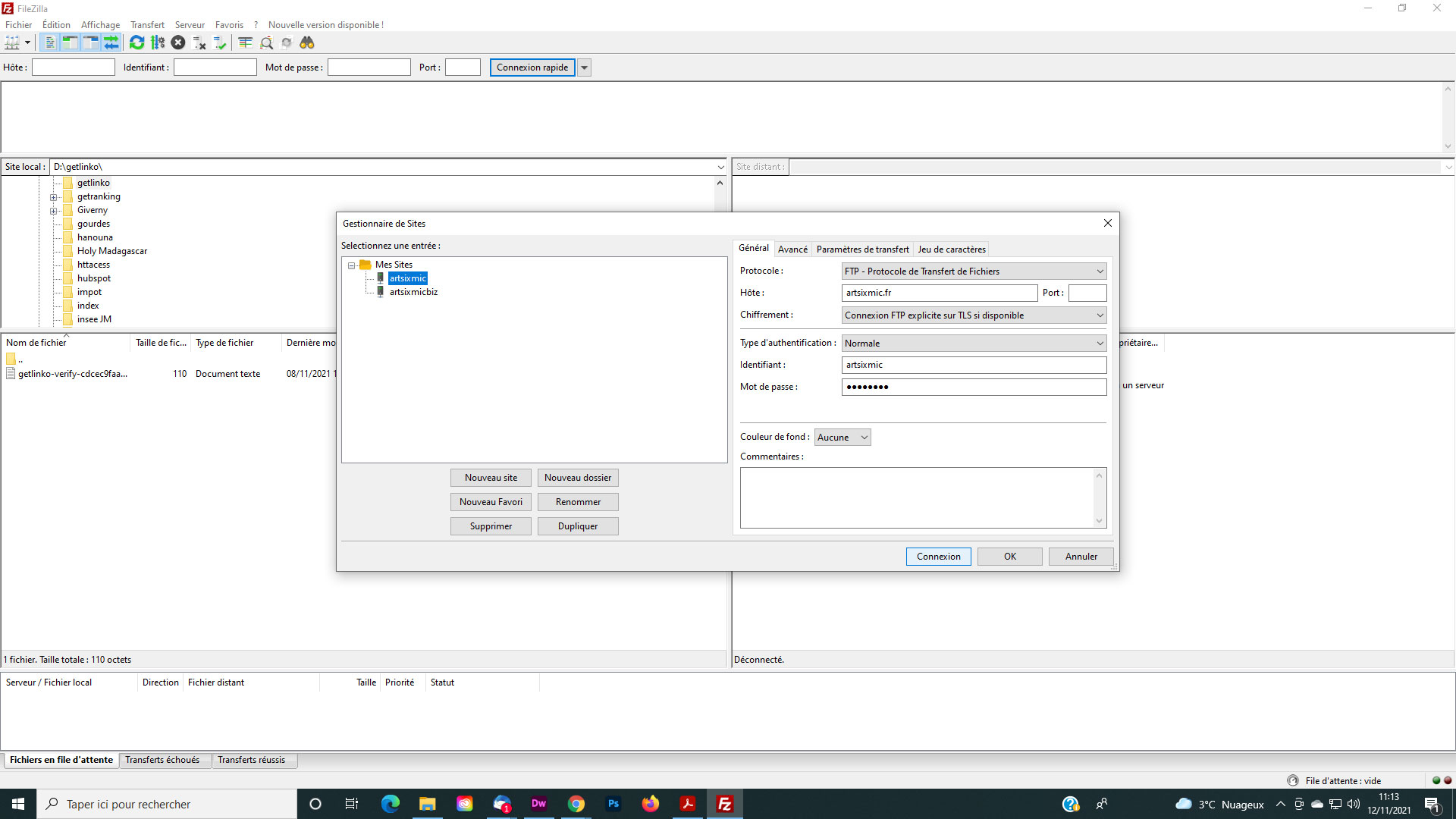
Ok, Can you try this with the same MDP ? See the screenshot
Reply to: tickets(258966)
She wants to use the frontend but she can’t because her info is already filled in. I don’t have the pre fill option enabled https://d.pr/i/XqRVAy. How can we avoid this?