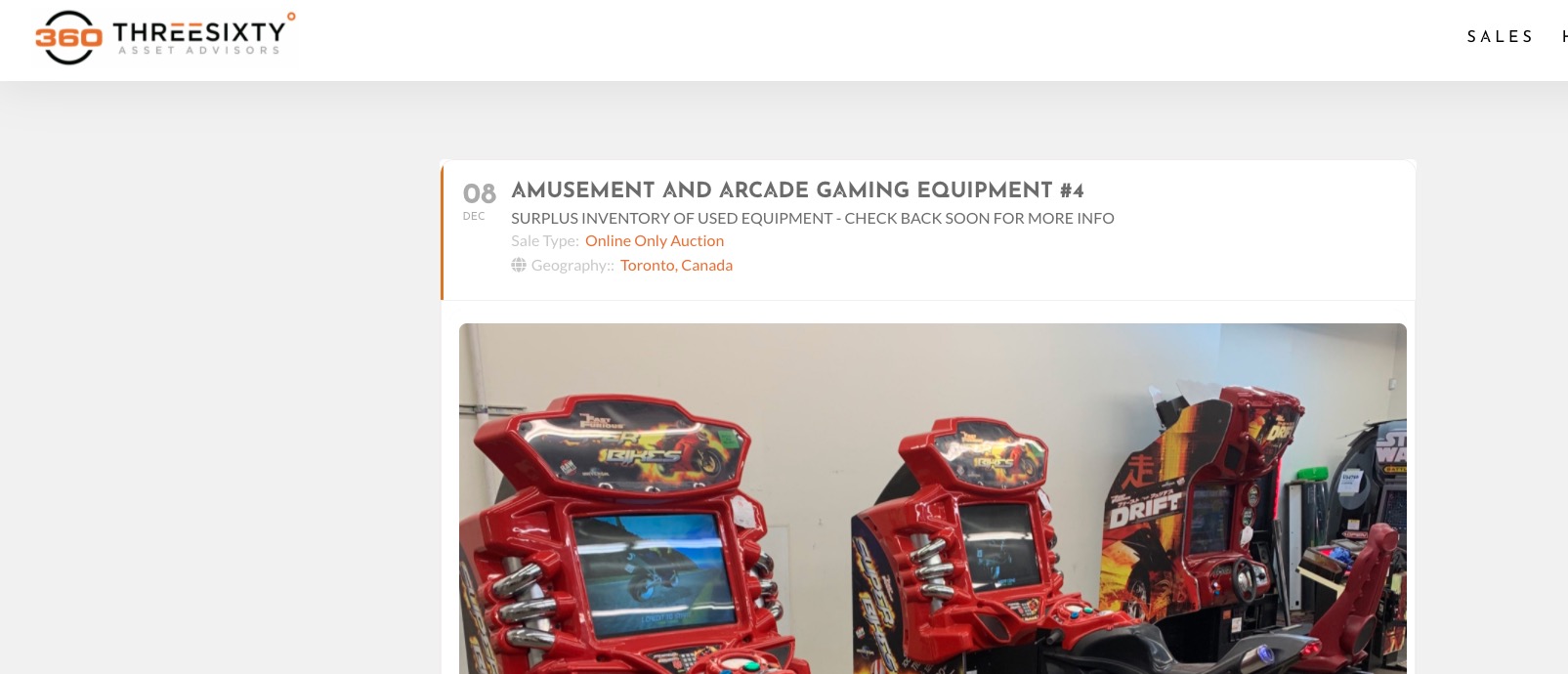
Maybe I’m not describing properly. For the event in question – December 8, I do not have details yet that warrant people being able to select and be directed to the single event page. So I have selected the option for nothing to happen when clicking from the event list. However, clicking on the event still directs to the single event page. See the option I selected in the attached image.
Hello,
Sorry that it’s taking so long to fix this. The problem is that it seems Action User Event Manager doesn’t work at your website. For example this test page I created: https://www.artsixmic.fr/wp-admin/post.php?post=155497&action=edit
As you can see it also not visible.
Have you tried the instructions mentioned in this documentation to make sure your issue is indeed coming from eventon?
But before please update Action User (and Plus). There are new versions available.
To update eventon addons: You can download latest eventon addons from myeventon > my account. Then you can go to your website, deactivate old addon and install new one and activate then delete the old addon. This link will further explain the process. Also you can follow us on twitter to get real-time announcements on updates!
It says:
Your account is awaiting e-mail verification.
Could you use your email or thisboxformail@gmail.com?
Great! Please keep us updated.
Hello,
Your versions of EventON and RSVP add-on are quite old. Could you update?
To update eventon to latest version: If you are unable to do autoupdate, you can go to codecanyon your account > download and get the latest eventon version as zip file. Then you can go to your website, deactivate old eventon, activate (Do not delete eventon settings & data when EventON is uninstalled) from eventon settings, delete old eventon, install new one and activate. This link will further explain the process it. Also you can follow us on twitter to get real-time announcements on updates!
To update eventon addons: You can download latest eventon addons from myeventon > my account. Then you can go to your website, deactivate old addon and install new one and activate then delete the old addon. This link will further explain the process. Also you can follow us on twitter to get real-time announcements on updates!
Hello,
I am not sure what the issue is either. When I click on an event it redirects me to a single event page:

And when you click on an event nothing happens, right?
Could you try adding ux_val=”1″ or ux_val=”3″ to the shortcode?
Perfect! Please make sure to keep us updated. I will close this ticket but you just create a new one if needed.
If you have a moment, we would greatly appreciate if you could kindly leave us a review at codecanyon! from your account > downloads. Cheers!
Will do, and thank you for discovering this!
Please feel free to close this ticket.
Best,
Steve
We are glad your issue is resolved, if you have any further questions or concerns please create a new ticket.
If you have a moment, we would greatly appreciate if you could kindly leave us a review at codecanyon! from your account > downloads. Cheers!
very much appreciated. It’s fixed now.
Thanks,,,