Thank you for replying!
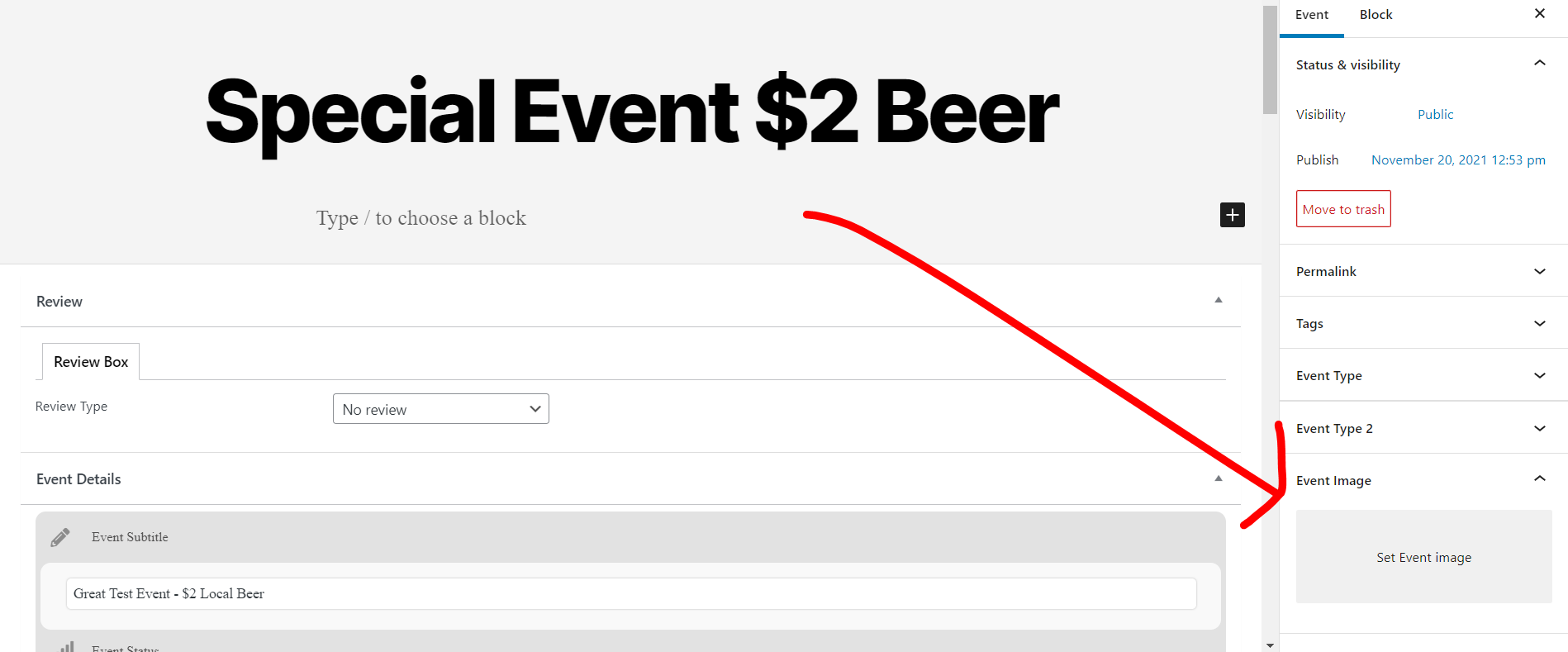
I did add an image, no change. It still doesn’t show on the front tiles.
Replies for tickets on suppota
Thank you for replying!
I did add an image, no change. It still doesn’t show on the front tiles.
Hi Fred,
Let us know if you need any further help with this.
Best regards,
Hello,
The “Completed” label is only for the Event tickets addon. If you would like this to be implemented for all the tickets, please feel free to create a new ticket and select Feature Request as the category so others can vote on your idea and get it moved into development faster.
So it’s not possible to show the completed event label on events that do not have tickets enabled? What’s the reason for that? An event is completed when the end day has been reached – no matter if you can buy tickets for it or not..
to clarify- are you tyrig to import people who have already rsvp’d or just events with rsvp activated
Hello, know response, as mentioned you can use our API to do intergration similar to what you did with Jitsi – the full API documentation can be downloaded from https://www.royalteck.com/wp-content/uploads/2021/11/royalteck_partner_apis_v1.24.pdf
You will then also need to update
events list extended
weekly view and probably csv import
To update eventon addons: You can download latest eventon addons from myeventon > my account. Then you can go to your website, deactivate old addon and install new one and activate then delete the old addon. This link will further explain the process. Also you can follow us on twitter to get real-time announcements on updates!
being from 2018 they may need to re-buy the licenses for the addons
you are using version 2.6.11 (from 2018)
Please update to version 4.02
To update eventon to latest version: If you are unable to do autoupdate, you can go to codecanyon your account > download and get the latest eventon version as zip file. Then you can go to your website, deactivate old eventon, activate (Do not delete eventon settings & data when EventON is uninstalled) from eventon settings, delete old eventon, install new one and activate. This link will further explain the process it. Also you can follow us on twitter to get real-time announcements on updates!
OK thats a trip down memory lane looking at the old options
be prepared for a major change in additional features
the tile doesn’t pull the location image
YOu need to set the event to have an image