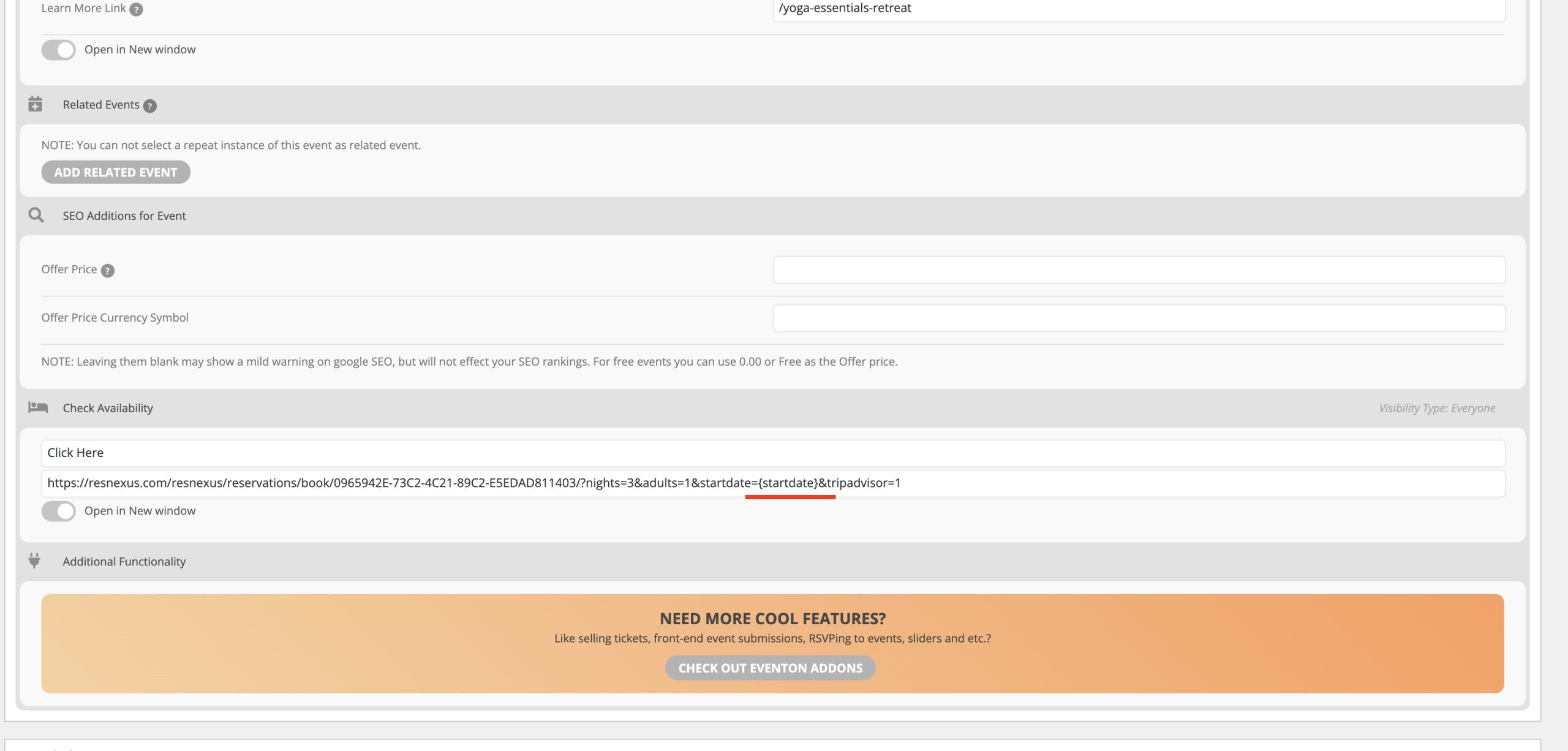
Hi – please see attached screen grab. You will see (underline in red) we have used the tag {startdate] as part of a URL that links to our reservation system that used to populate with the eventon event’s start date. This has been working for years on older versions of eventon but seems to have stopped since we updated.
- This no longer seems to work ?
- We would like to split the start date up into day, month and year if possible?
Thanks
Ashan,
Please check
https://dev2.myeventon.com/wp-admin/post.php?post=28424&action=edit
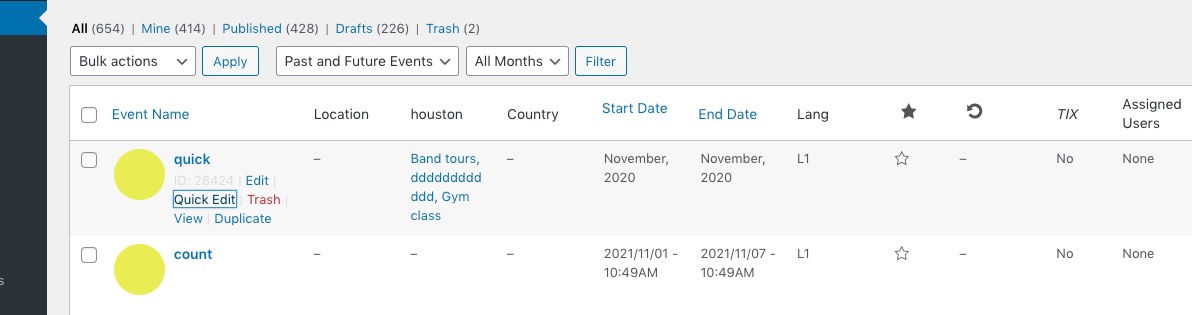
https://dev2.myeventon.com/wp-admin/edit.php?post_type=ajde_events#
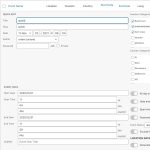
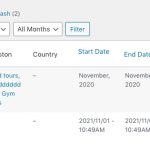
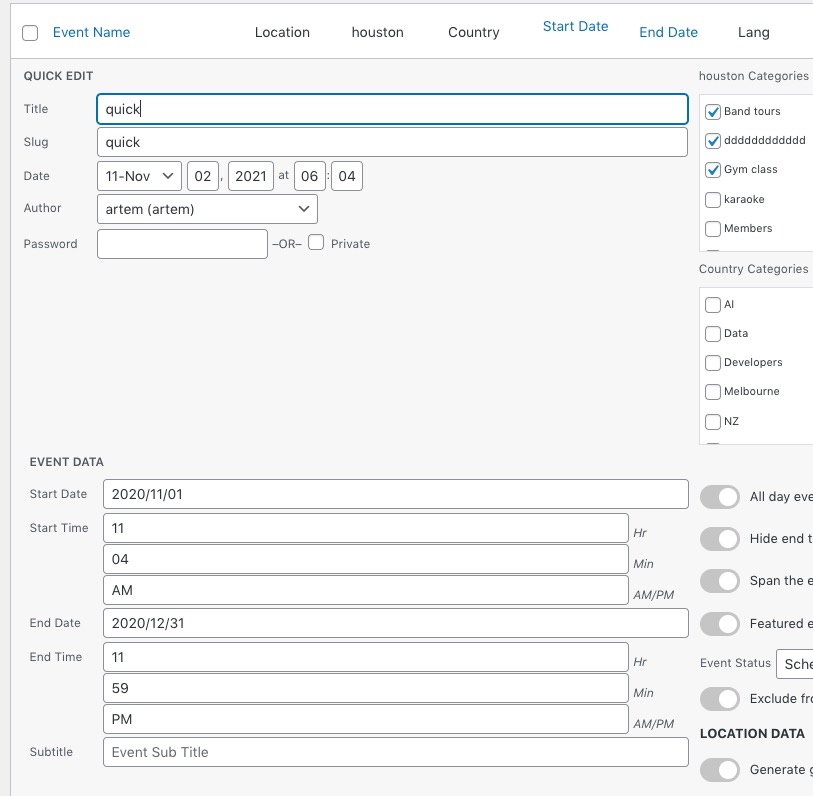
The problem when you quick edit month.
I’ve recreated the issue on our site so I am going to assign this ticket to Ashan and he will be able to take it from here and find you a solution. Please allow some time for him to get back to you, we greatly appreciate your patience and thank you for being a eventon customer! Also please disable any IP blocking on your site if there are any.
Checking in on resolution
The default color changes to the site that were pushed in the 4.0 update were unexpected and really messed up our site – it’s been a week and we’re still trying to clean it up. Don’t know if we can trust updates anymore without running them through a sand-box :/ Let us know how to get this fixed. Thank you.
Your shortcode on our test site:
https://dev2.myeventon.com/28432-2/
Please send us wp-admin access to your site as a private message for us to further assist your situation.
Could you try adding this CSS code to EventON > Styles (If you don’t see any change, EventON > Scripts & Styling > turn off Write styles to header > save settings > turn on Write styles to header):
.evosliderbox.ajde_evcal_calendar .eventon_events_list .eventon_list_event .evcal_list_a { text-align: left; } .evoslider.ajde_evcal_calendar .eventon_list_event .evcal_desc3 { align-items: flex-start; } .evosliderbox.ajde_evcal_calendar .eventon_events_list .eventon_list_event .evcal_cblock { align-items: flex-start; justify-content: flex-start; padding-top: 50px; } .evosliderbox.ajde_evcal_calendar .eventon_events_list .eventon_list_event .evcal_list_a { padding-left: 30px; }
Hello,
Meanwhile could you tell us more what how EventON and Eventbrite aren’t compatible with each other? Maybe we can fix the issue?
The thing with Event Lists: Ext shortcode is that you also need to add this to the shortcode:
event_count_list=”yes”
Could you try?
Action User add-on isn’t installed on the server. Could you install one?
Lets try this. Open
https://addons.myeventon.com/wp-content/plugins/eventon-weekly-view/assets/wv_styles.css?ver=1.1.3
Copy the code and put it to EventON Settings > Styles. Make sure to EventON > Scripts & Styling > turn off Write styles to header > save settings > turn on Write styles to header.
Hello,
Please take a look at this guide:
https://docs.myeventon.com/documentations/customize-ticket-email-template/
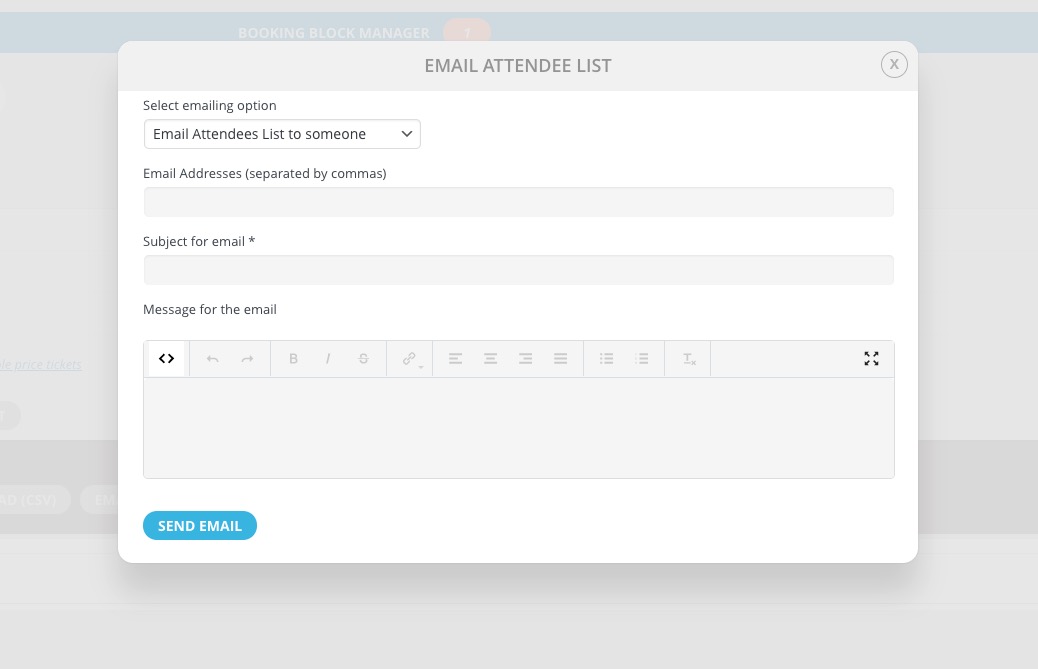
And if you are referring to Edit Event > Tickets > emailing, then press
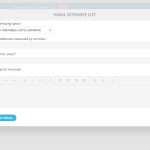
Here you can add HTML elements and also inline CSS code.