Hello,
Can I enable it? It’s disabled as I can see in Plugins.
Please also try following the instructions in this documentation to activate debug in your site to see any PHP errors recorded that can provide insight on to whats going on. Please reply with a link to debug.log file. If you are not able to do this please send us FTP access to your site so we can do this for you.
Das mit den Pfeilen hat sich erledigt. Das mit dem zentrerten Text der Monatsangabe funktioniert leider nicht der Rest passt. Danke!
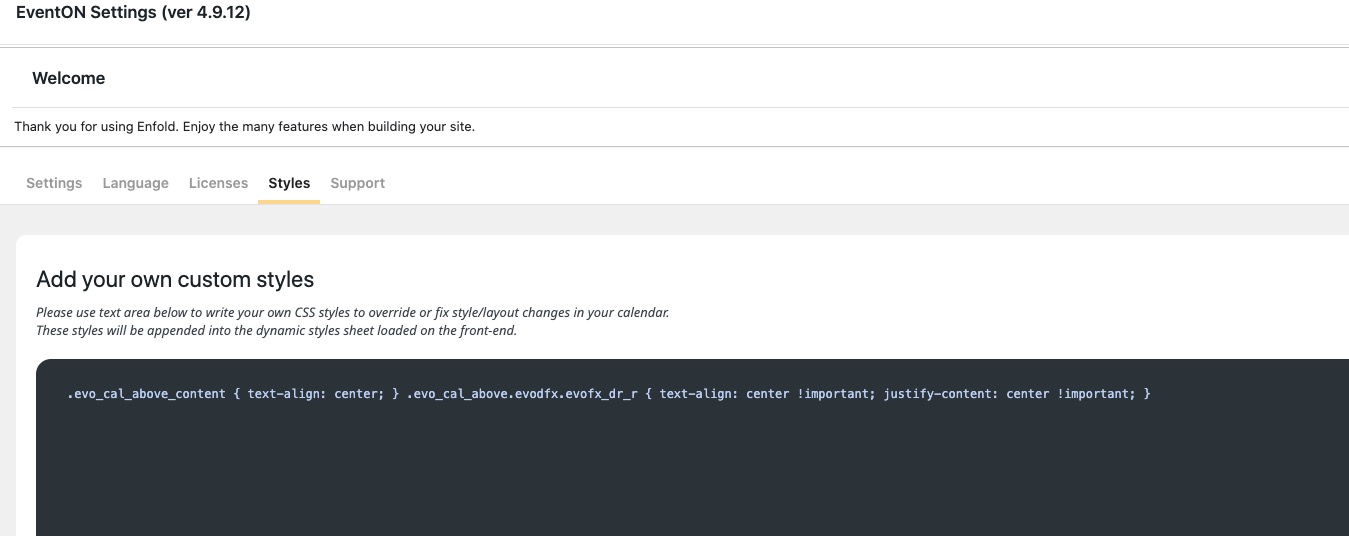
In order to align the text, please add this custom code
.ajde_evcal_calendar .eventon_sort_line, .eventon_filter_line { justify-content: center; }
to
Filter bar background color can be changed with this custom code:
.eventon_sorting_section, .evo_filter_bar { background-color: red !important; }
Arrows cannot be clicked on? Could you elaborate how they don’t work?
Done adding in version 5.0 🙂
Will you be making more changes in the future to improve this? I’ve not done extensive testing it’s just what I noticed when trying it out.
Please create a new ticket and select Feature Request as category so others can vote on your idea and get it moved into development faster.
We check new requests daily.
across the site we have an ID ‘page-content’ and this is missing from the event pages, is there a template where I can add this in?
Please follow this guide:
https://docs.myeventon.com/documentations/customize-single-events-page/
The code should be in single.php file of your current theme. I believe that you need to just copy it to the custom template.
Thank you Toni for this request. We are hoping to have our own app. However we have released updated versions to QR code addon https://www.myeventon.com/addons/qr-code/ — which adds webbased QR scanner which allow scanning without the need of an app.
We also have check-ins addon https://www.myeventon.com/addons/check-ins/ that also allow real time checking in guests.
Hello,
I don’t see the attached screenshot. Could you send it again?
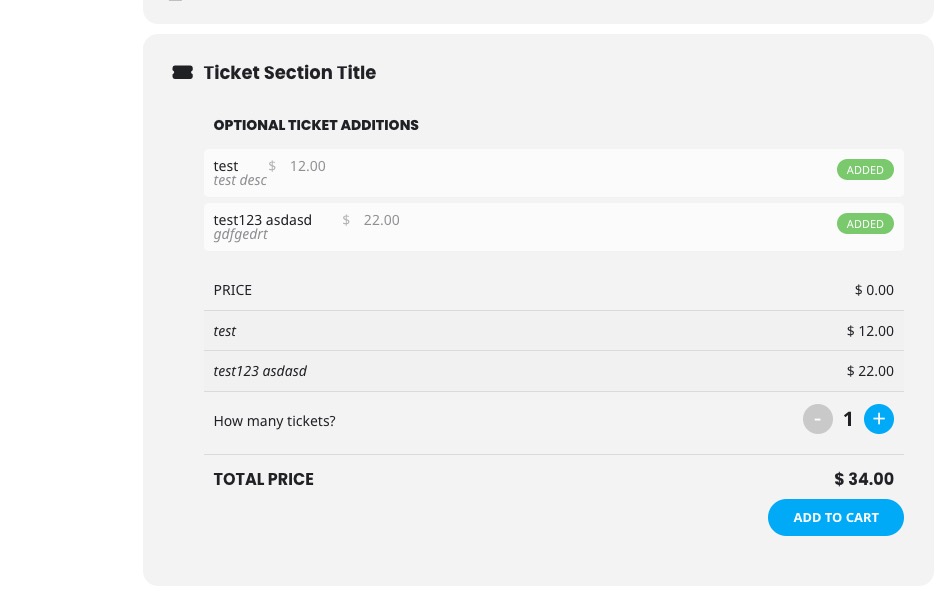
Not sure where prefixes are coming from:
Hey and thank you for the reply,
Here i see it have an ability to attach images, so it just doesn’t appear the editor when you first add a new ticket.
In your reply you saying if i tried to contact you in the forum. No i didn’t, i don’t want the question to be public, i tried send you a message through codecanyon but no reply.
About your answers:
Ty solved almost everything
About images. In Mobile appear perfectly. For a strange reason, it doesn’t appear full image in desktop mode. Is there a code or a setting to appear in desktop mode also full image?
The setting inside is Fit Entire Image, resized box height. I tried Fit entire image, resized to min height or scaled cropped image to fit the full box still but still distorts the popup image. So, i don’t think it’s that setting.
Also some additional questions
5. Do you support css effects on event images, for example appear as B/w and when you mouse over, appear with color
6. There is a text here below the calendar, about Timezone. Where i can find that text color? https://ibb.co/fGnCRh03
7. Below each event on the eventcard is the social button. I noticed that it doesn’t include also the event image when you click on it, for example to share it on facebook. Can this be fixed somehow?
8. Users can download manually the ics for all the events and import them to their calendars. In order this to be achieved automatically and everytime we add new events, to be added to users calendars, i understand we need to use an addon? Do you know if this support also Viber Communities Calendar?
9. To have more calendar styles, i need to buy the related addon for maps?
Thank you in advance again