Archives: Replies
Replies for tickets on suppota
Reply to: tickets(256579)
https://www.centreformindfulliving.org/26428-2/
Reply to: tickets(256579)
URL link:
https://www.centreformindfulliving.org/26428-2/
Reply to: tickets(257348)
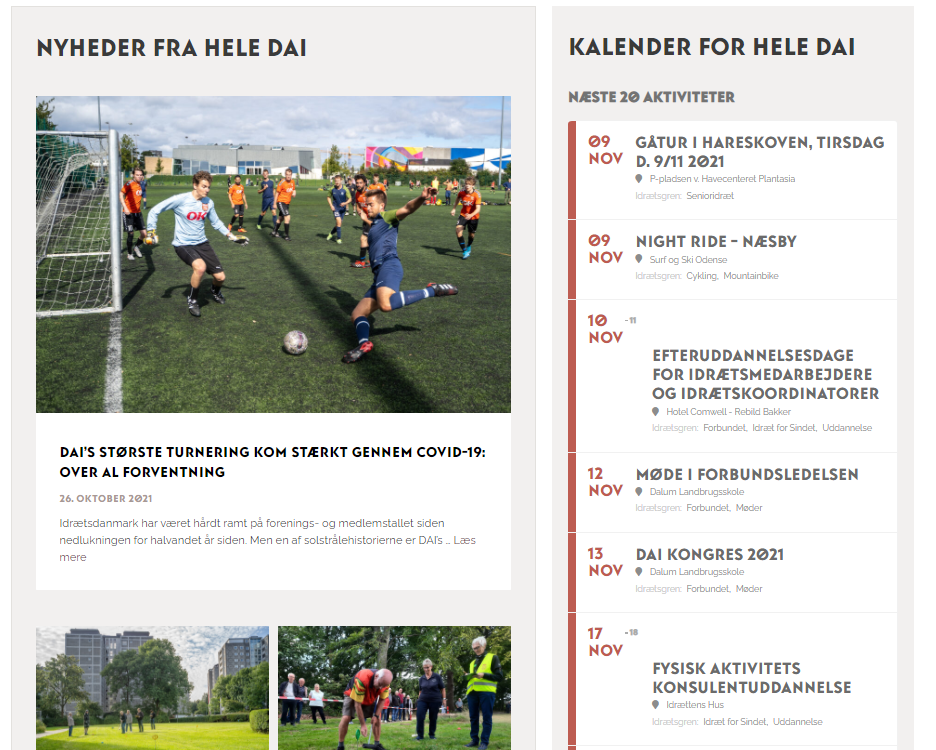
Hi again – thank you for the quick reply. I have now removed the highlighted code – but there are still issues with events spanning multiple dates.
Reply to: tickets(256579)
In order to have arrows you need to use Main Calendar. The problem is that it will completely change it:
https://www.centreformindfulliving.org/26428-2/
As you can see now it shows no events. Are you sure that there are events on fixed_date=”31″ fixed_month=”12″ that are assigned to event_type=”8,9,10,11,” categories.
Reply to: tickets(257381)
Hello,
Could you try adding evc_open=”yes” to your shortcode? This opens eventCards on load.
Reply to: tickets(256926)
The background should be green with white text. There is a problem with FontAwesome icons though, because you cannot load files from a different server:
Access to font at ‘https://www.my-hub-retail.com/wp-content/plugins/eventON/assets/fonts/fa-solid-900.woff’ from origin ‘https://www.hub-retail.com’ has been blocked by CORS policy: No ‘Access-Control-Allow-Origin’ header is present on the requested resource.
I can hide with with CSS, if you want.
Reply to: tickets(257281)
Hello,
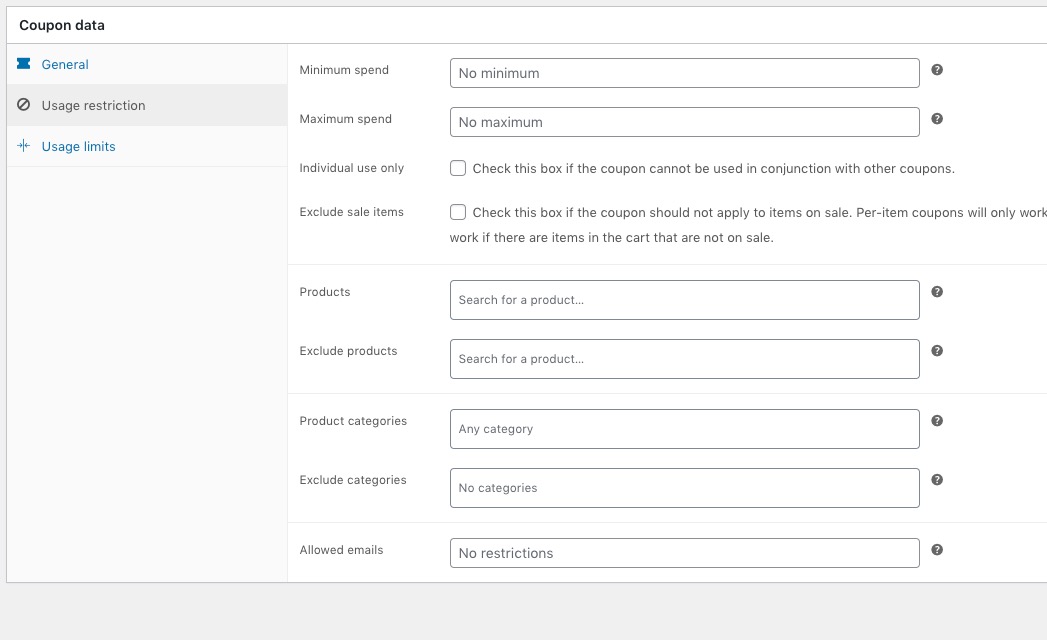
Unfortunately, you cannot do this with variations add-on at the moment.
The thing is that WooCommerce doesn’t allow you to apply codes to it’s own built-in variations as well:
Reply to: tickets(257348)
Hello,
1. It seems there is a custom code was added to EventON Styles:
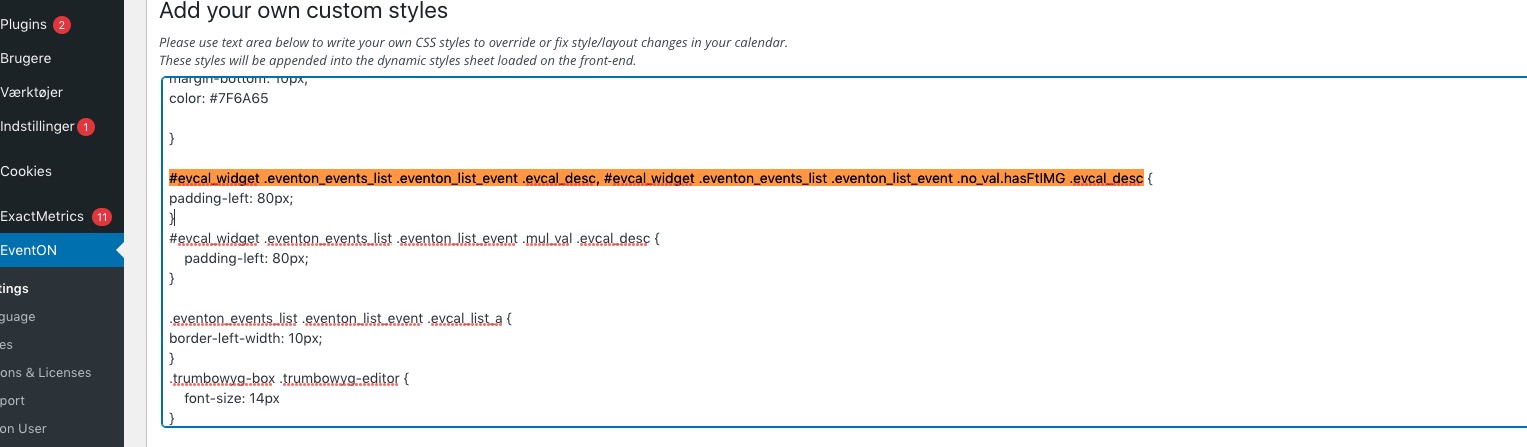
Could you remove it?
2. Unfortunately, not at the moment. If you want to use the old design, please add eventtop_style=”0″ to shortcodes.
Reply to: tickets(257348)