Ashan,
Not sure what the issue is:
https://carmeetings.nl/kalender/
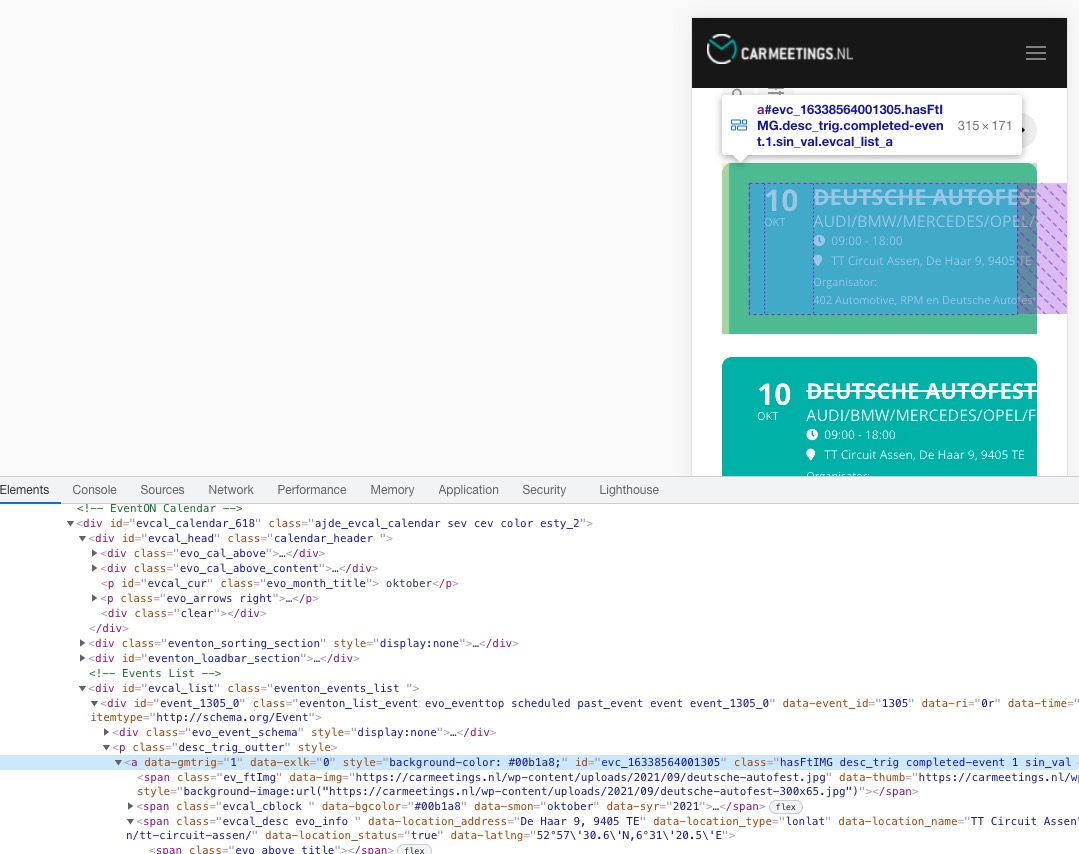
Cannot find the code that is responsible for this.
Dev2:
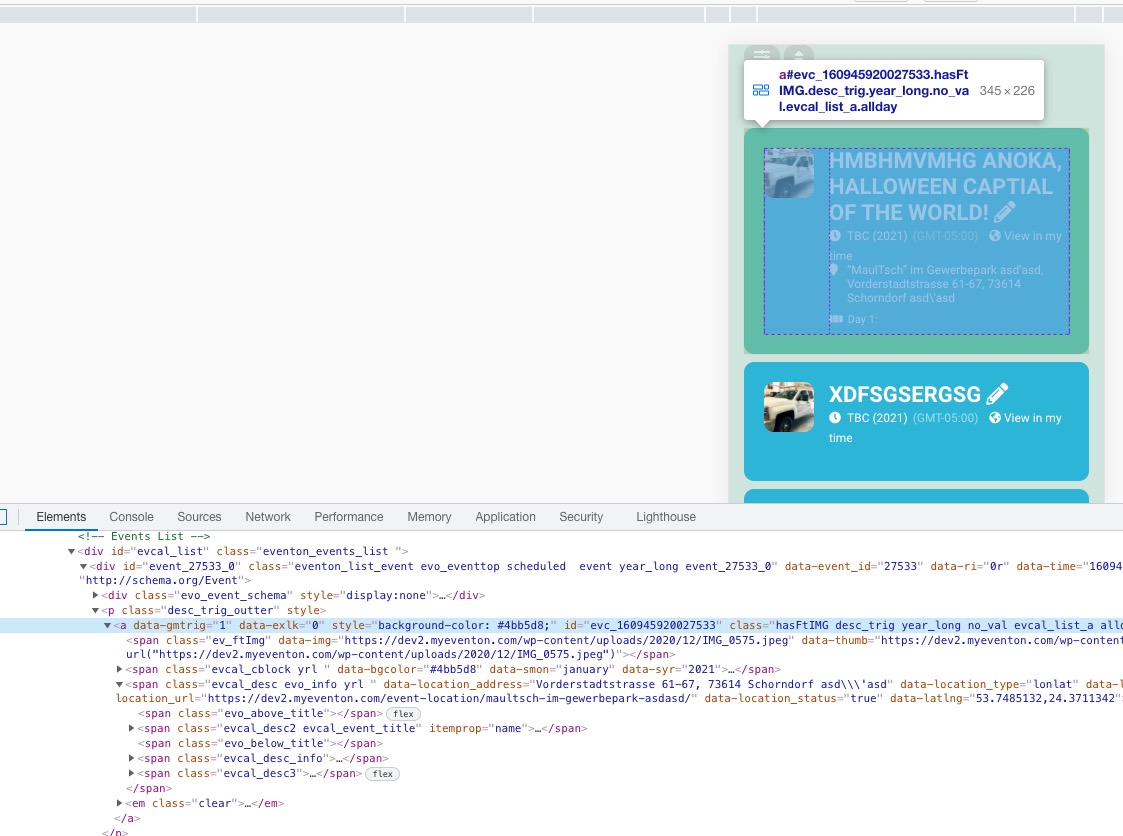
Replies for tickets on suppota
Ashan,
Not sure what the issue is:
https://carmeetings.nl/kalender/
Cannot find the code that is responsible for this.
Dev2:
Thank you for your messages, I am going to assign this ticket to Ashan and he will be able to take it from here and find you a solution. Please allow some time for him to get back to you, we greatly appreciate your patience and thank you for being a eventon customer! Also please disable any IP blocking on your site if there are any.
Memory limit is set pretty high. Here is debug log file.
I am sorry, I thought that you want to add your own custom buttons.
In order to add RESCHEDULED, please go to wp-admin > Events > Edit > Event Status > select Rescheduled. Make sure to go to EventON Settings > EventTop > unselect Select below EventTop tags to HIDE (Tags you selected below will be hidden from view on frontend.).
Ashan,
Not sure why some customers have this issue:
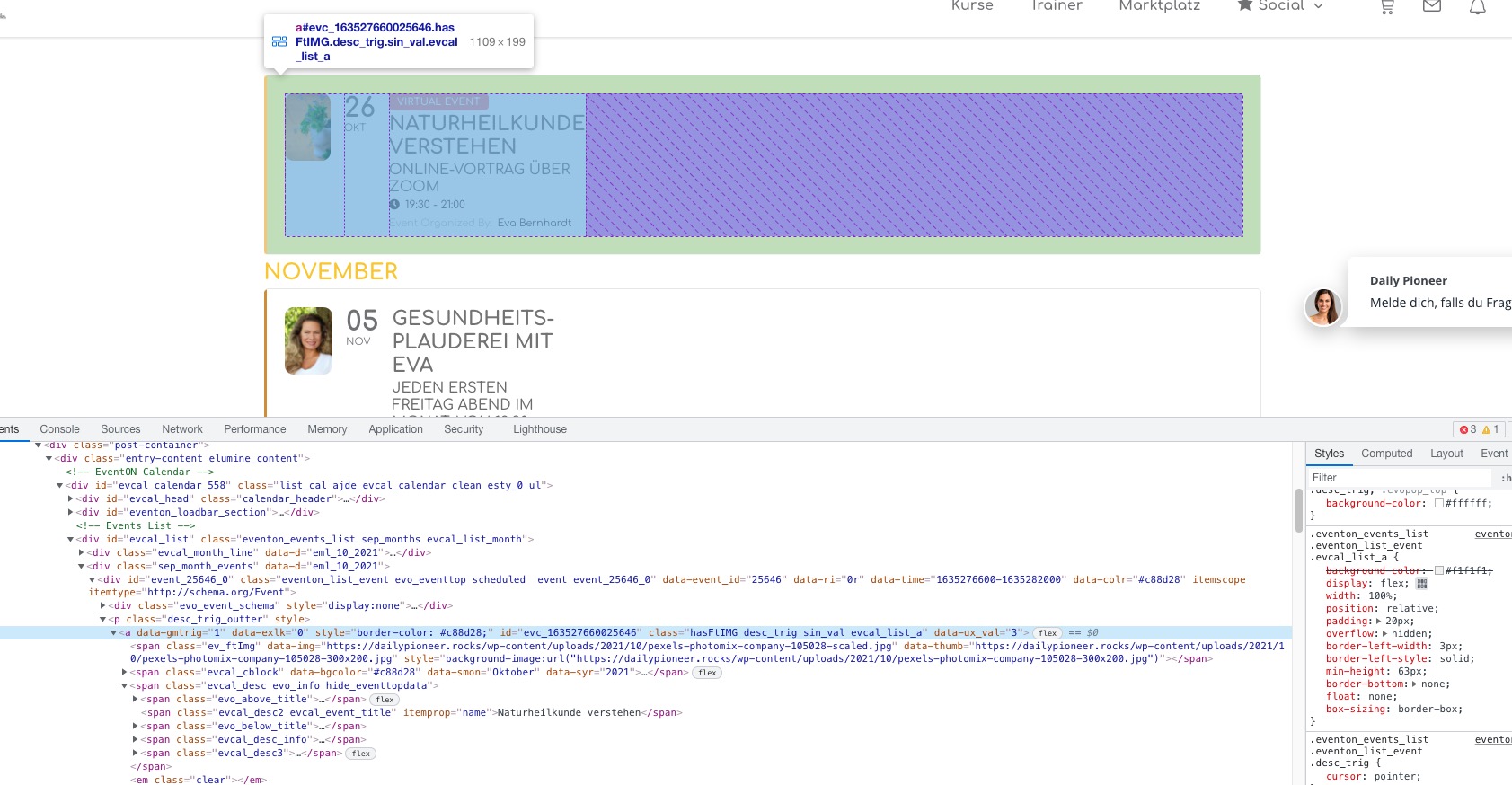
You can partially fix this with
.eventon_events_list .eventon_list_event .evcal_desc, .evo_pop_body .evcal_desc, #page-content p.evcal_desc { flex: 1 1 100%; }
Could you check?
Please check now.
There is still an issue with the content width, so I am going to assign this ticket to Ashan and he will be able to take it from here and find you a solution. Please allow some time for him to get back to you, we greatly appreciate your patience and thank you for being a eventon customer! Also please disable any IP blocking on your site if there are any.
Hi,
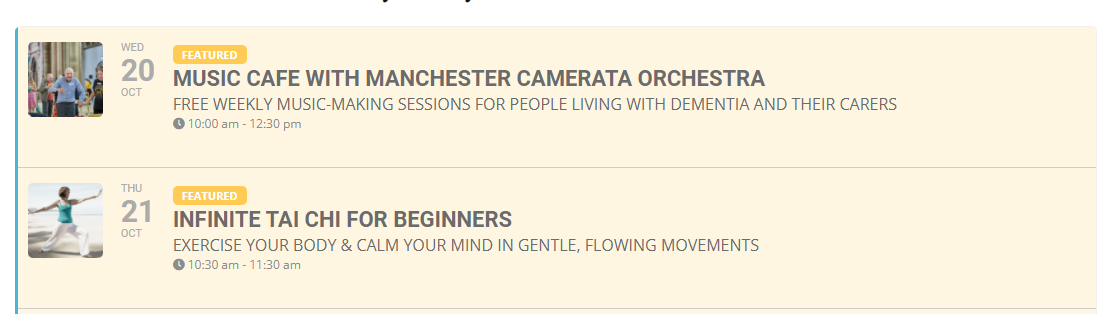
I already have this inside my shortcode – the problem isn’t that events are showing more than once, it’s that recurring events are showing the first initial date – and not changing as the weeks progress.
See attached image; these are two recurring events but they’re showing older dates from last week – not this week.
This is what I need to check 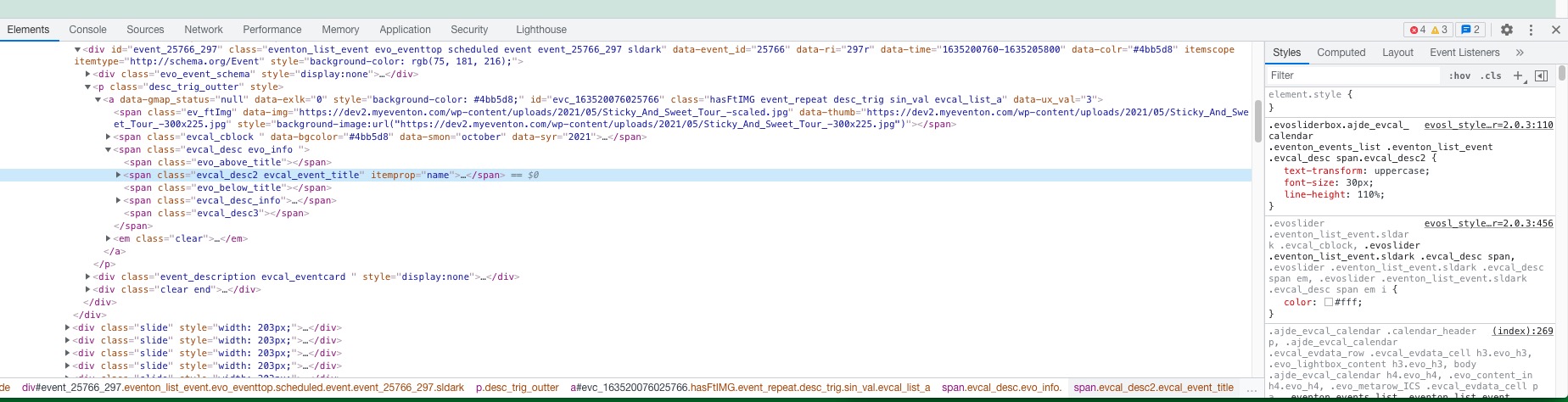
HTML and also CSS code for the whole page to make sure the theme or other plugin don’t affect Event Slider.
And if you go to EventON Settings > Scripts & Styling, which options are enabled?
We are glad your issue is resolved, if you have any further questions or concerns please create a new ticket.
If you have a moment, we would greatly appreciate if you could kindly leave us a review at codecanyon! from your account > downloads. Cheers!
Hello,
Usually, the problem is with memory limit: https://docs.myeventon.com/documentations/increasing-wordpress-memory-limit/.
Please follow the instructions in this documentation to activate debug in your site to see any PHP errors recorded that can provide insight on to whats going on. Please reply with a link to debug.log file. If you are not able to do this please send us FTP access to your site so we can do this for you.