1: Can you clarify this
what exactly do you want to show? 1 month or a list?
do you want to be able to switch months?
2: https://www.centreformindfulliving.org/eventon-past/ using the events list extended addon which you have purchased you can select past events from that shortcode generator
3: you are going to need to send us the direct link to where those calendars are and what widget is used to hold/display them so we can diagnose
4: again send us a direct link to the page with the widgets
also what was the past version you were using?
I have assigned Ashan the boss to your ticket for the refund
However – RSVP does send emails with the zoom link Automatically plus you can sed emails to only those who have RSVP’d please see video below

works for me- the sub title goes to a new line
clear your browser cache
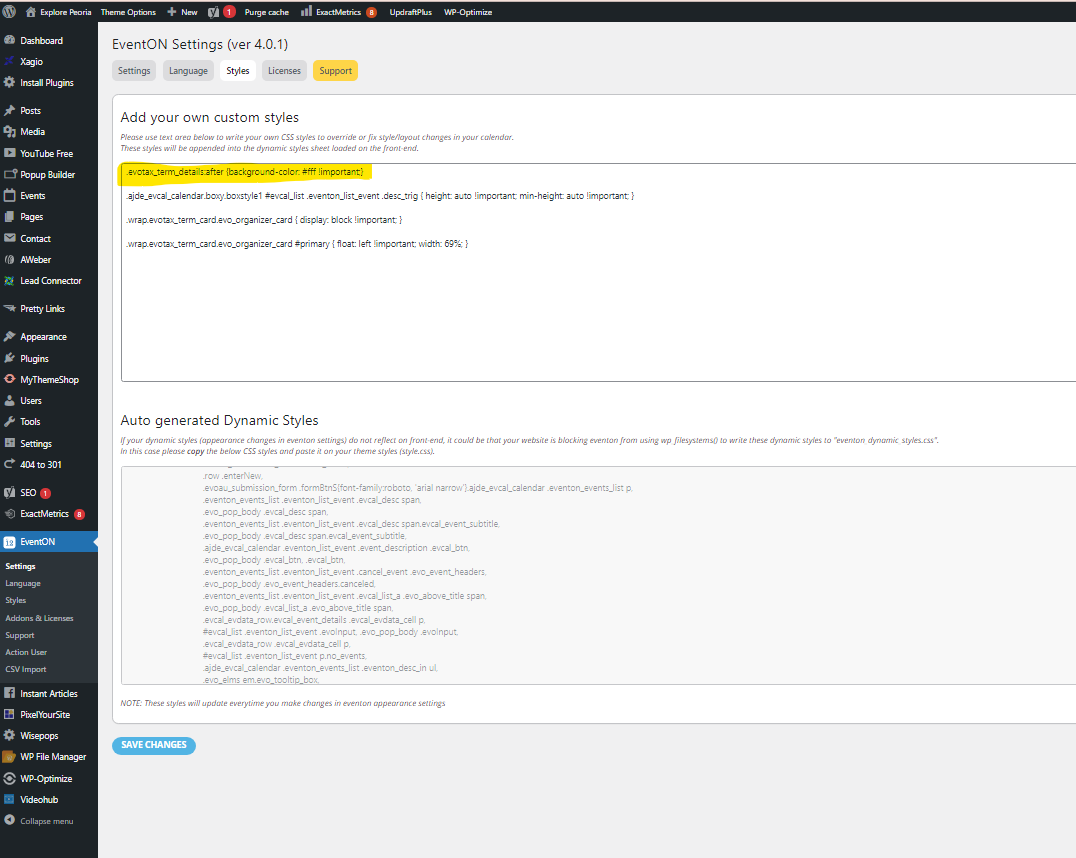
I’m not sure if I’m putting this in the right place – your description “EventON > Styles or Appearance > Customize > Additional CSS:”
I don’t see “Customize” or “Additional CSS” anywhere – I put it in the field indicated in the screenshot and saved it and it didn’t change the look of the page (for example: https://explorepeoria.com/event-organizer/corn-stock-theatre/)
Please clarify or confirm that I’m putting this in the correct place.
Thanks.
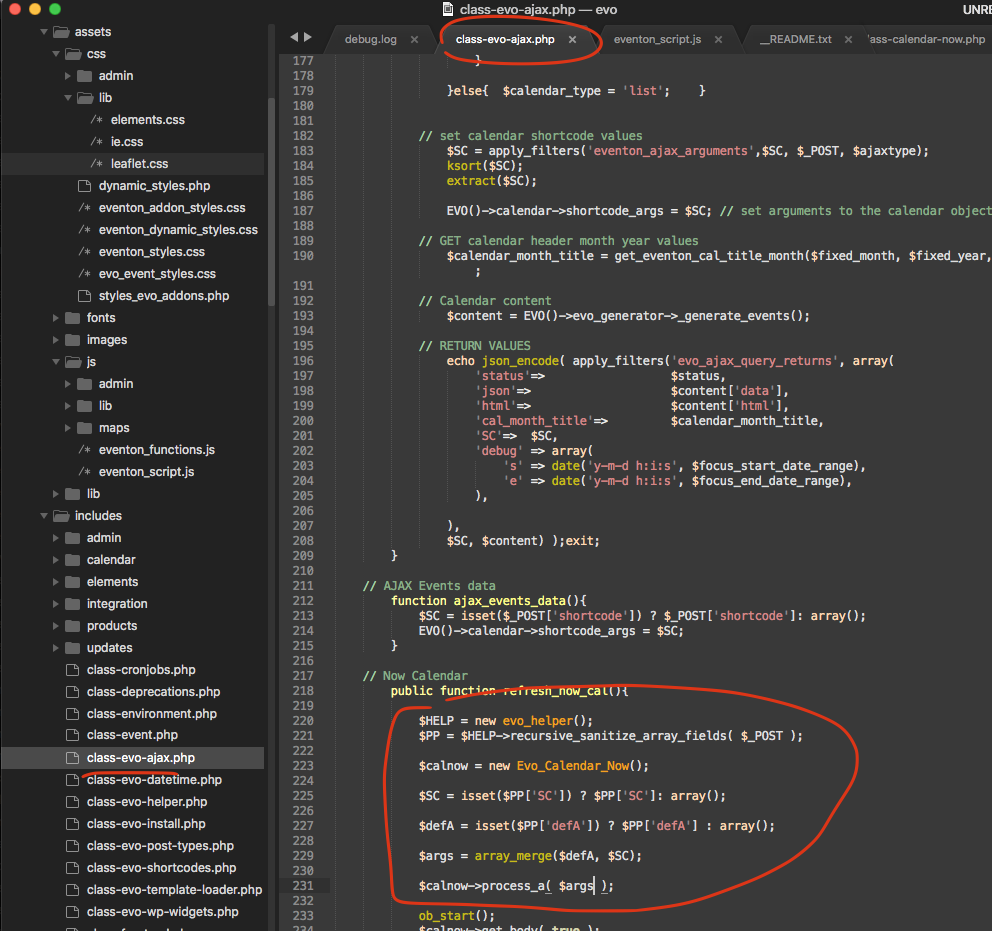
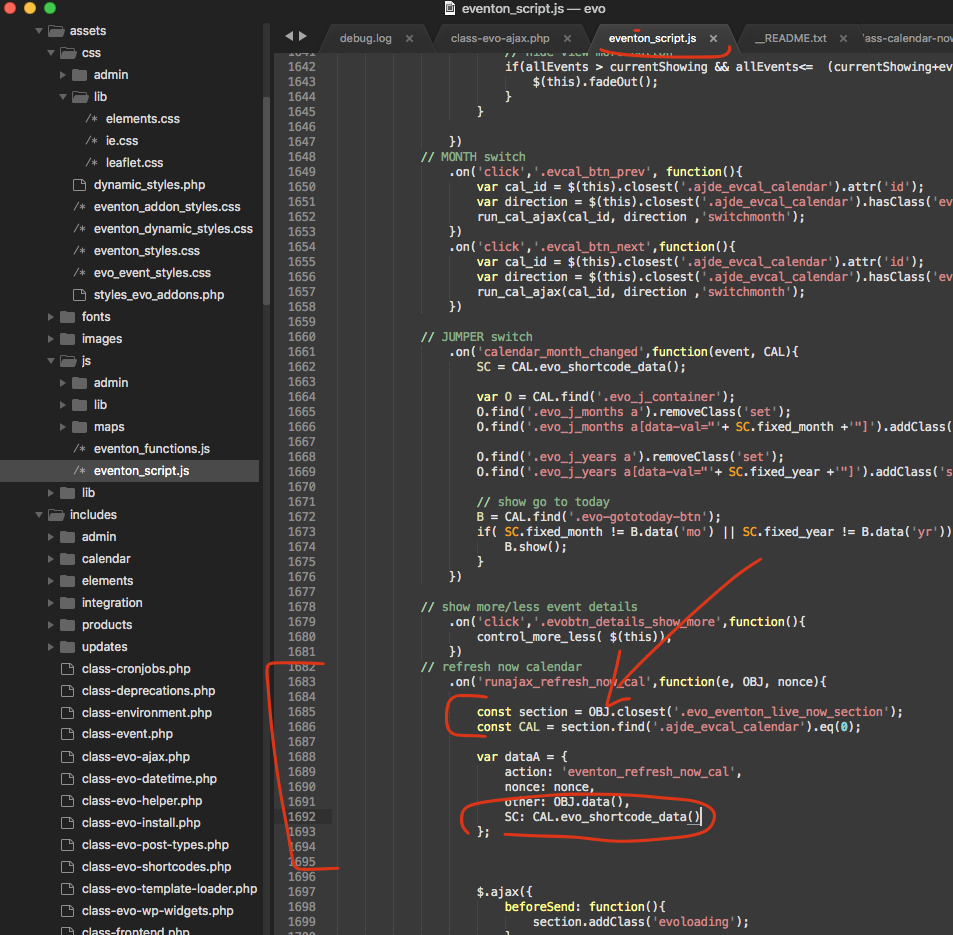
found a patch fix for you. This is 2 files.
Artem,
Really don’t understand your post – I already have added the customised css.
Please login to dev.asbyparish.org.uk to see this.
Geoff
Please follow the instructions in this documentation to activate debug in your site to see any PHP errors recorded that can provide insight on to whats going on. Please reply with a link to debug.log file. If you are not able to do this please send us FTP access to your site so we can do this for you.
The problem is in
[23-Oct-2021 19:47:56 UTC] PHP Fatal error: Allowed memory size of 104857600 bytes exhausted (tried to allocate 94208 bytes) in /home1/ernesto5/public_html/wp-admin/includes/admin.php on line 63
Please follow this guide https://docs.myeventon.com/documentations/increasing-wordpress-memory-limit/
Could you try adding the code to Appearance > Customize > Additional CSS?