Main Calendar shortcode [add_eventon] cannot show events from multiple months. You need to use Event Lists:
[add_eventon_list cal_id=”1″ event_count=”6″ ux_val=”4″ exp_so=”no” event_past_future=”future” filter_type=”select” show_et_ft_img=”yes” eventtop_style=”0″ tiles=”yes” tile_count=”3″ tile_style=”2″ livenow_bar=”yes” tile_bg=”1″ tile_bg_size=”med” filter_show_set_only=”no” filter_relationship=”OR” number_of_months=”12″]
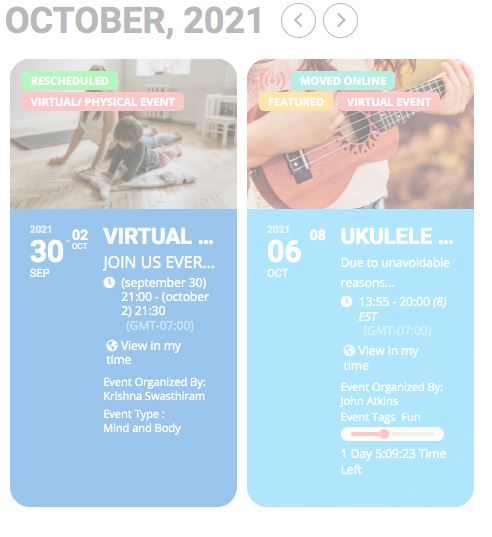
The problem is that it shows by 6 events from Oct and Nov. If you want to show 6 events from multiple events as one list you need to use Event Lists: Ext add-on https://www.myeventon.com/addons/event-lists-extended/:
[add_eventon_el cal_id=”1″ event_count=”6″ ux_val=”4″ exp_so=”no” event_past_future=”future” filter_type=”select” show_et_ft_img=”yes” eventtop_style=”0″ tiles=”yes” tile_count=”3″ tile_style=”2″ livenow_bar=”yes” tile_bg=”1″ tile_bg_size=”med” filter_show_set_only=”no” filter_relationship=”OR” number_of_months=”12″ event_count_list=”yes”]
Try on https://dev.myeventon.com/wp-admin/
Hello,
Please use this shortcode:
[add_eventon tiles=”yes” tile_style=”1″ tile_bg=”1″]
Hello,
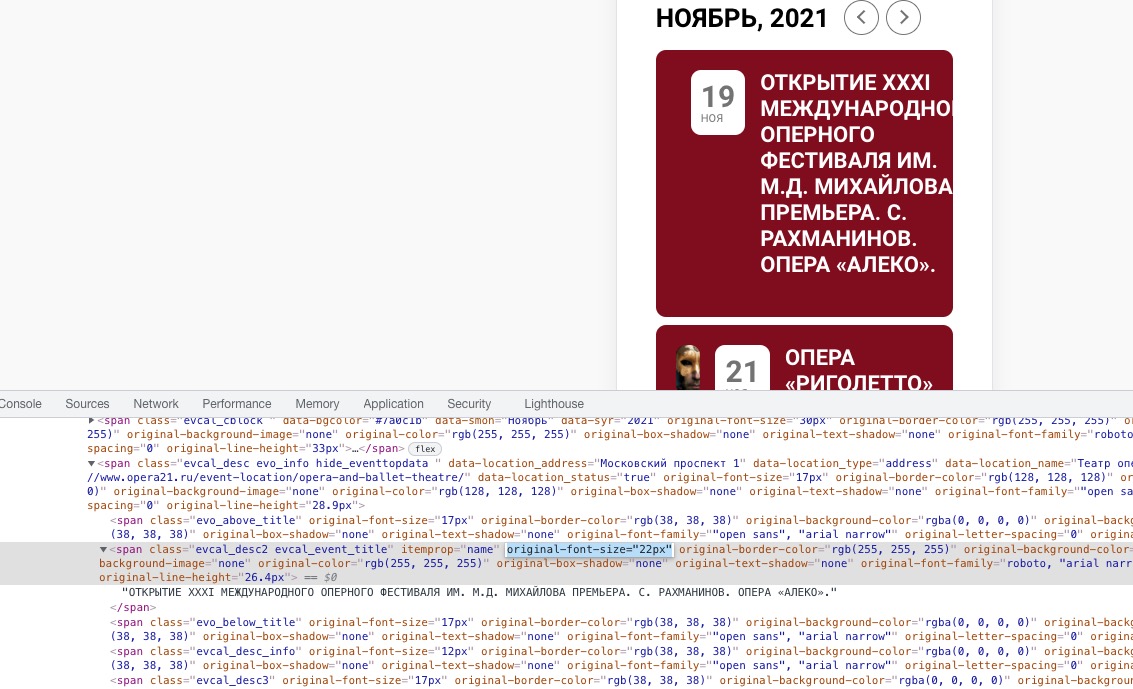
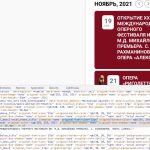
1. There are strange attributes inside of every element. For example, original-font-size=”22px”:
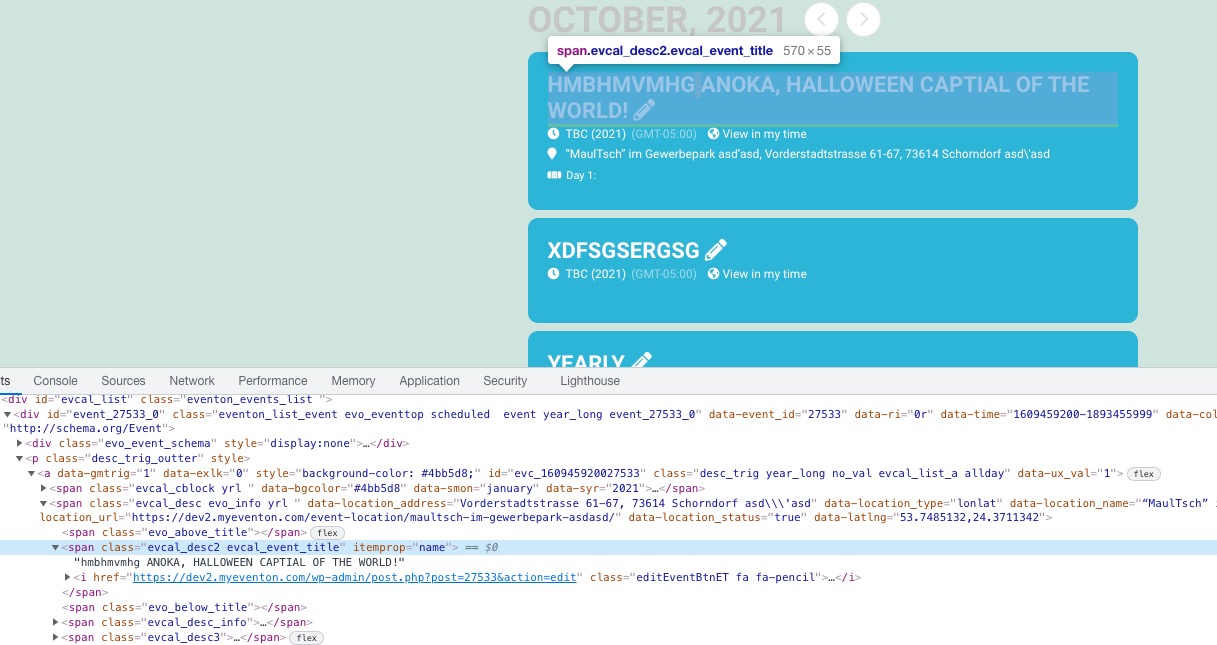
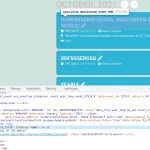
No similar attributes on our test server:
Could you please try the instructions mentioned in this documentation to make sure your issue is indeed coming from eventon.
2. Please add this CSS code to EventON > Styles (If you don’t see any change, EventON > Scripts & Styling > turn off Write styles to header > save settings > turn on Write styles to header):
.evo_lightbox_content { max-width: none; }
Hi!
And don’t you think you should add this feature in the near future?
Is something people with variation tickets is going to need for sure..
Many thanks,
David
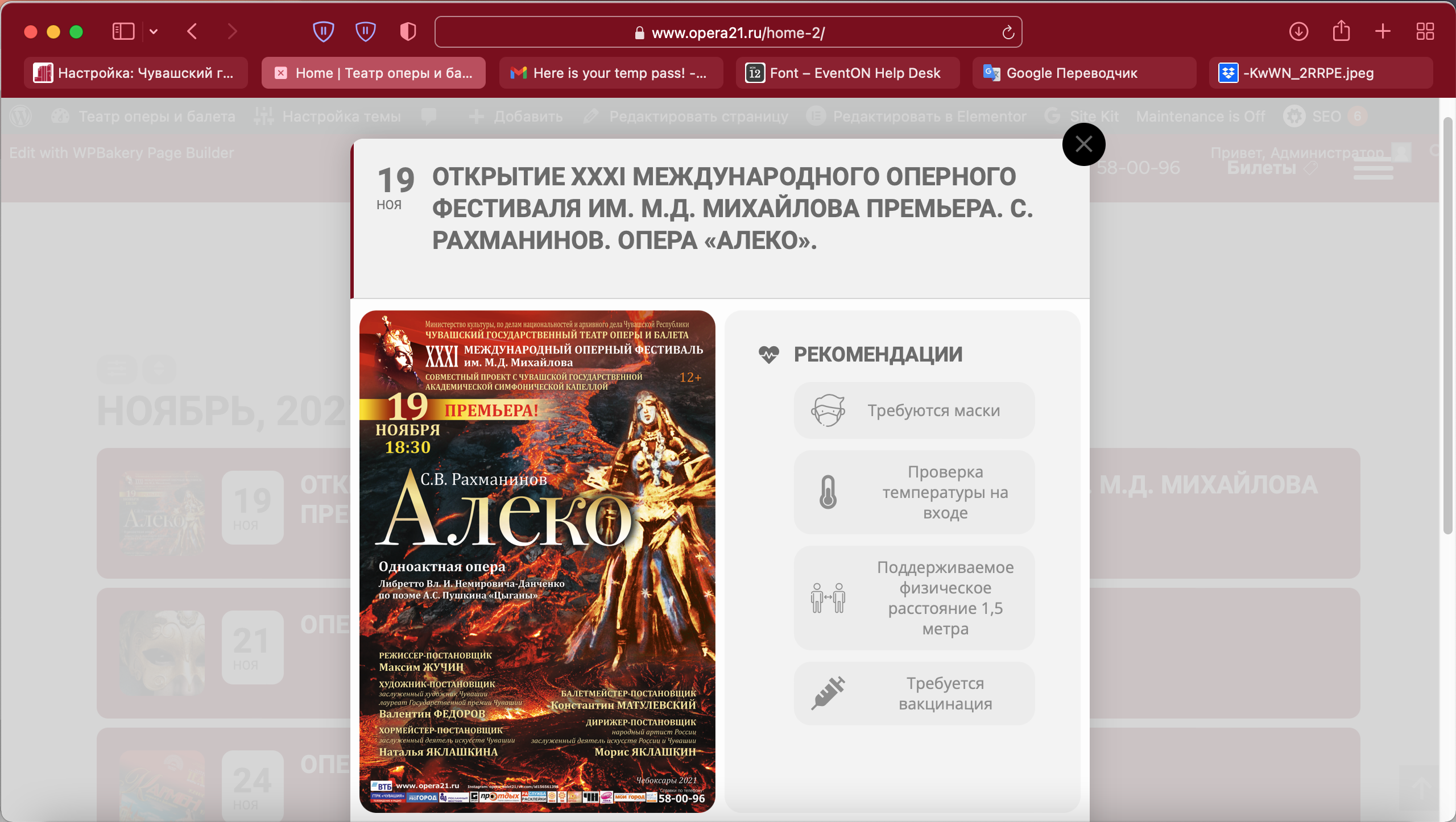
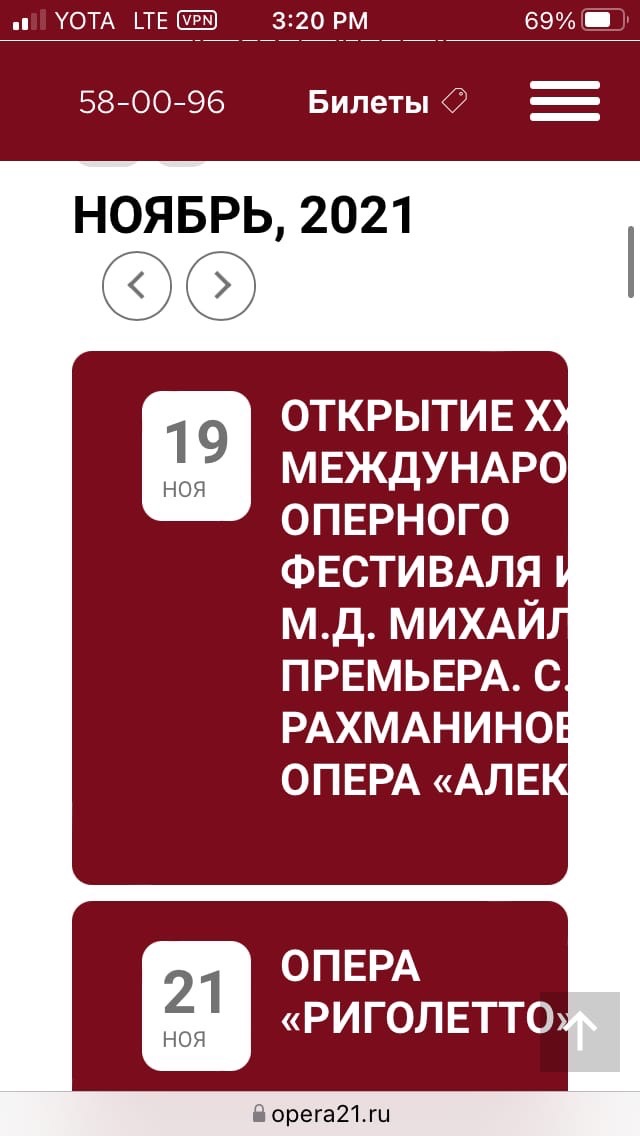
Позвольте еще вопрос. Возможно ли всплывающее окно сделать в полноэкранном режиме? https://www.dropbox.com/s/h2n6e7lpw5y50ik/sreen2.png?dl=0
[22-Oct-2021 12:23:22 UTC] PHP Fatal error: Uncaught TypeError: Argument 1 passed to SkyVergeWooCommerceMembershipsTeamsProduct::has_team_membership() must be an instance of WC_Product, string given, called in /var/www/www.dev.ungdomsringen.dk/www/wp-content/plugins/woocommerce-memberships-for-teams/src/Frontend/Products.php on line 108 and defined in /var/www/www.dev.ungdomsringen.dk/www/wp-content/plugins/woocommerce-memberships-for-teams/src/Product.php:66
Stack trace:
#0 /var/www/www.dev.ungdomsringen.dk/www/wp-content/plugins/woocommerce-memberships-for-teams/src/Frontend/Products.php(108): SkyVergeWooCommerceMembershipsTeamsProduct::has_team_membership(”)
#1 /var/www/www.dev.ungdomsringen.dk/www/wp-includes/class-wp-hook.php(292): SkyVergeWooCommerceMembershipsTeamsFrontendProducts->team_quantity_input_args(Array, ”)
#2 /var/www/www.dev.ungdomsringen.dk/www/wp-includes/plugin.php(212): WP_Hook->apply_filters(Array, Array)
#3 /var/www/www.dev.ungdomsringen.dk/www/wp-content/plugins/woocommerce/includes/wc-template-functions.php(1778 in /var/www/www.dev.ungdomsringen.dk/www/wp-content/plugins/woocommerce-memberships-for-teams/src/Product.php on line 66
It seems that the issue is with woocommerce-memberships-for-teams plugin. Could you try to disable it?
Ah yes, you are exactly right. Unfortunately, QR Code doesn’t support this. As an alternative, you may seek 3rd party developers via www.fiverr.com or www.upwork.com.