QR Code is to check-in your customers https://docs.myeventon.com/documentations/use-qr-code-addon-check-attendees/. If you need more info about the ticket you can find it by it’s id in wp-admin > Events > All Event Tickets.
Archives: Replies
Replies for tickets on suppota
Reply to: tickets(256255)
Try also adding slider_pause=”1″.
Reply to: tickets(256330)
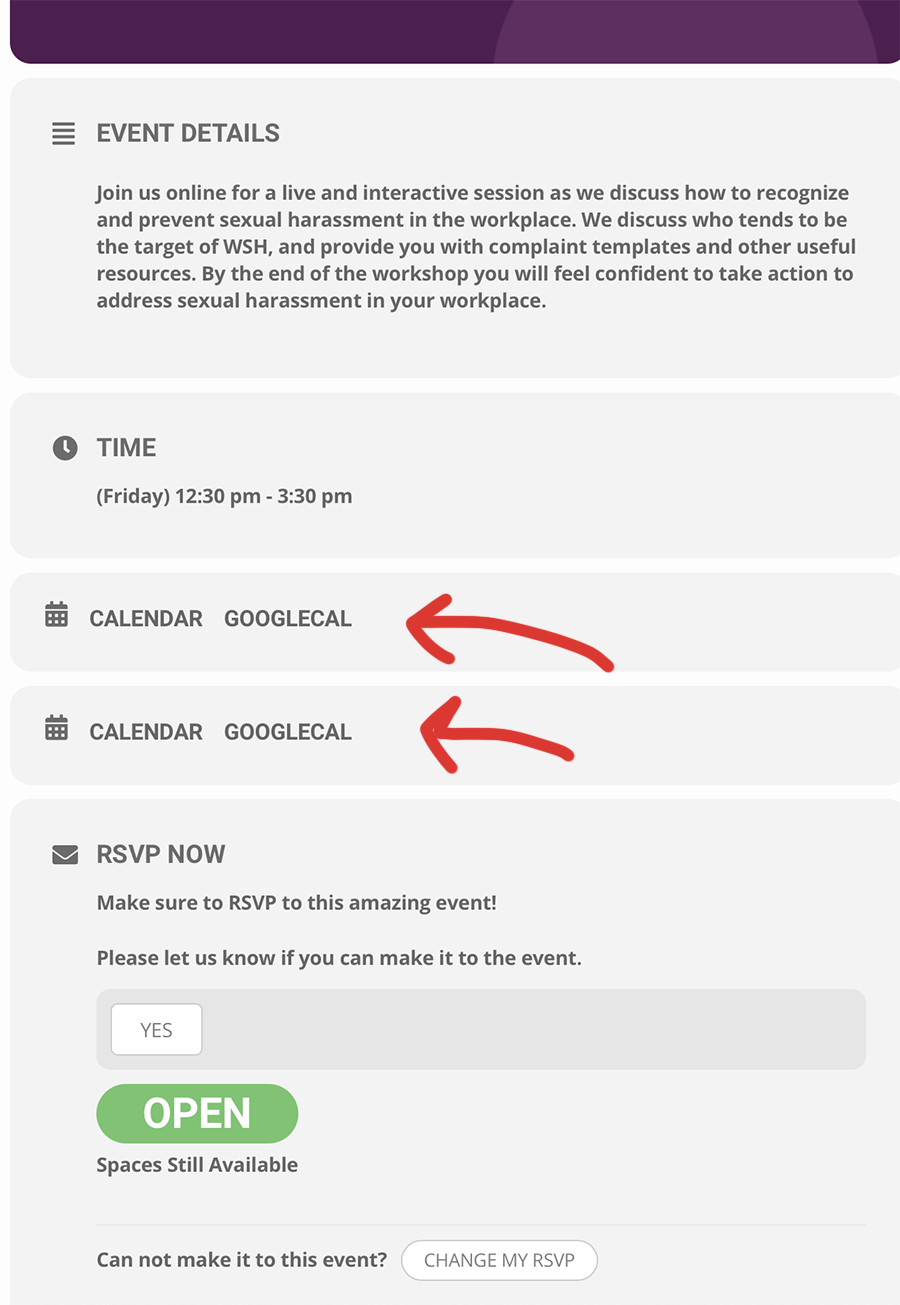
Thanks – but I see I have 2 calendars – how can I get rid of one?
Reply to: tickets(256325)
Hello,
Could you replace tile_style=”1″ with tile_style=”2″ in the shortcode?
After, if you don’t see any color change, EventON > Scripts & Styling > turn off Write styles to header > save settings > turn on Write styles to header.
Reply to: tickets(256242)
Unfortunately, you cannot change the date format, however you can easily change the time format from wp-admin > Settings > General > Time Format.
Reply to: tickets(256330)
Hello,
Please check now. I’ve already fixed the issue so you can see it now.
Reply to: tickets(256333)
Ashan,
The same on dev2: https://dev2.myeventon.com/wp-admin/admin.php?page=eventon#evcal_003
Reply to: tickets(256333)
Hello,
Thank you for your messages, I am going to assign this ticket to Ashan and he will be able to take it from here and find you a solution. Please allow some time for him to get back to you, we greatly appreciate your patience and thank you for being a eventon customer!
Reply to: tickets(256253)
Yes it is ldhuyvetter967@gmail.com.
Reply to: tickets(255690)
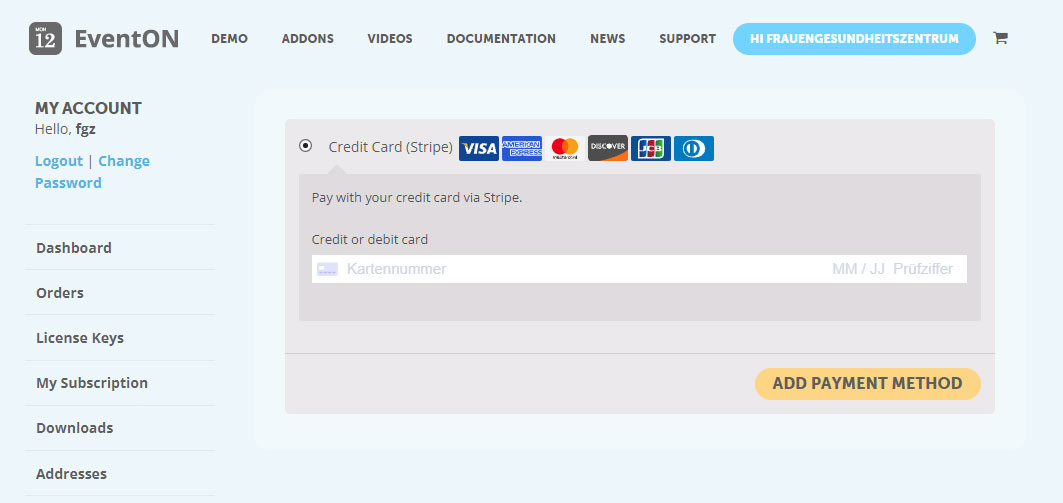
Hi Ashan,
thank you for your reply. Within the link you sent I can only add credit card information. This is not what I want.
As I wrote, I would like to change my saved paypal date.