I’ve enabled them by following https://docs.myeventon.com/documentations/how-to-show-various-information-in-eventtop/ so it should work now. Please check and let me know.
Archives: Replies
Replies for tickets on suppota
Reply to: tickets(255981)
We are glad your issue is resolved, if you have any further questions or concerns please create a new ticket.
Reply to: tickets(256073)
Hello,
Please send us FTP access to your site as a private message, so we can perform several tests from our end and resolve your issue fast!
Could you also please try the instructions mentioned in this documentation?
Reply to: tickets(256017)
Please go to EventON Settings > Appearance > EventCard Styles > Primary Button Colors. If you don’t see any change, EventON > Scripts & Styling > turn off Write styles to header > save settings > turn on Write styles to header.
Reply to: tickets(256017)
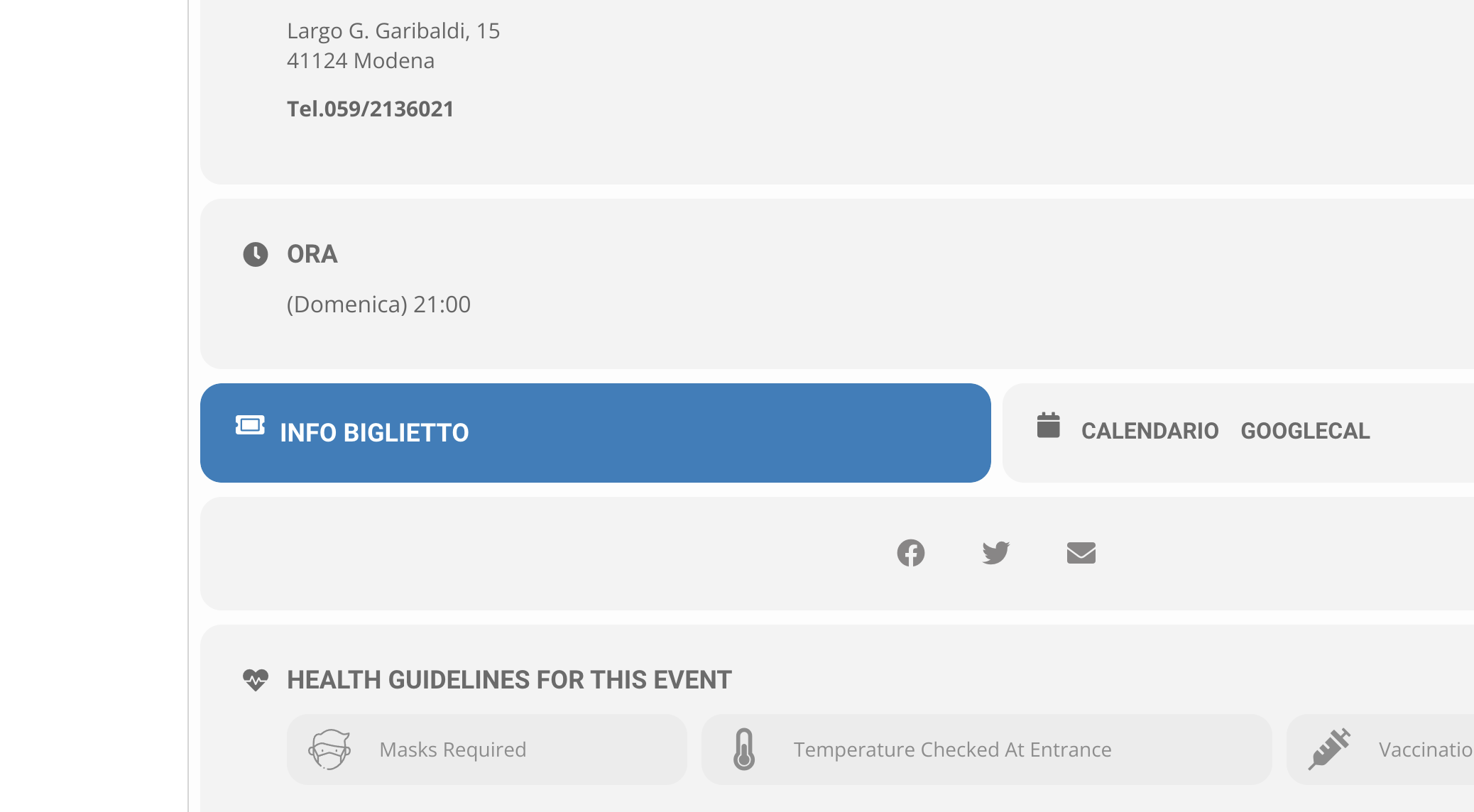
Thank u.
How can I change the Background color of Button “INFO BIGLIETTO”? Now is blue but I want to change in another color. Thank u
See image
Reply to: tickets(255981)
I went ahead and made the shortcode fix throughout.
We can close this ticket. Thank you for your help.
Reply to: tickets(255757)
Thank you! Please confirm when the addons are completed.
Reply to: tickets(255981)
Hi Janette,
I am sorry but no, that is the best solution to give you the look that you want.
Reply to: tickets(255961)
login page – https://scruffycity.com/wp-login.php
User: winston.brett@gmail.com
PW: Support_1*
Reply to: tickets(256012)
document.getElementsByClassName(‘evolbclose ‘)[0].setAttribute(‘href’, ‘#’);
document.getElementsByClassName(‘evolbclose evors_lightbox’)[0].setAttribute(‘href’, ‘#’);