Thank you, that will work!
Archives: Replies
Replies for tickets on suppota
Reply to: tickets(395733)
I’m still having problems with the interactive event map:
– How do I display the sidebar as shown in the demo (https://addons.myeventon.com/?view=event-map-with-sidebyside-view)? I used the shortcode, but it doesn’t appear ([add_eventon_evmap map_type=”upcoming” focusmap=”yes” show_alle=”no” lightbox=”yes” ux_val=”3″ display_style=”sideby” loc_page=”yes”])
– Why does a popup open and the event isn’t selected as shown in the demo?
Reply to: tickets(396038)
Good morning, in the “How many people in your party?” field, the participant count goes from 1 to 3, 3 to 5, etc. What setting am I doing wrong?
Thanks
Reply to: tickets(396002)
You can create a new event for each repeat and then enable Virtual Event in each.
Then go to EventON > Tim Settings > enable Hide past events for default calendar(s).
This way past events will be hidden and only the future will be available.
Please check and let me know.
Reply to: tickets(395181)
If you add the code to EventON > Styling, it stays there after updates. You can also add it to wp-admin > Appearance > Customize > Additional CSS.
Reply to: tickets(396225)
About Swipe. I am going to contact Ashan about this. Not sure if this functionality is available at the moment.
Reply to: tickets(396225)
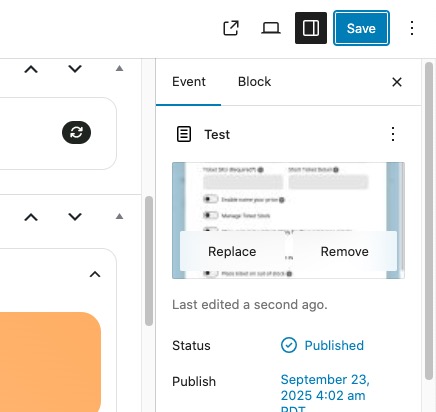
Please take a look at this Test event:
https://dev.myeventon.com/events/test-2/
1. You need to assign a new Event Image on Edit Event page.
Then on the same page, add new images to Extra Images:
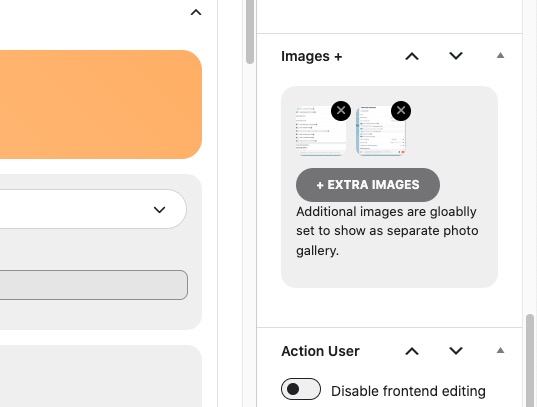
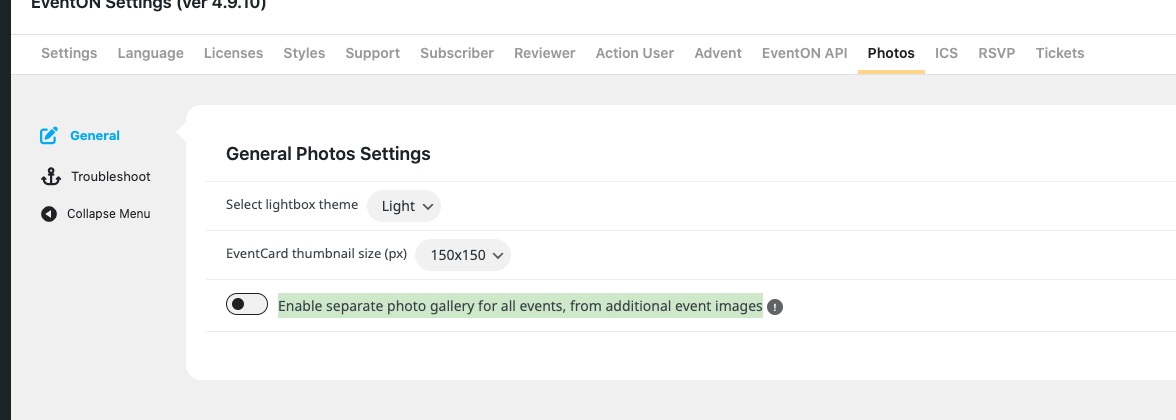
If you want to have the gallery separately, you can go to EventON > Photos > Enable separate photo gallery for all events, from additional event images:
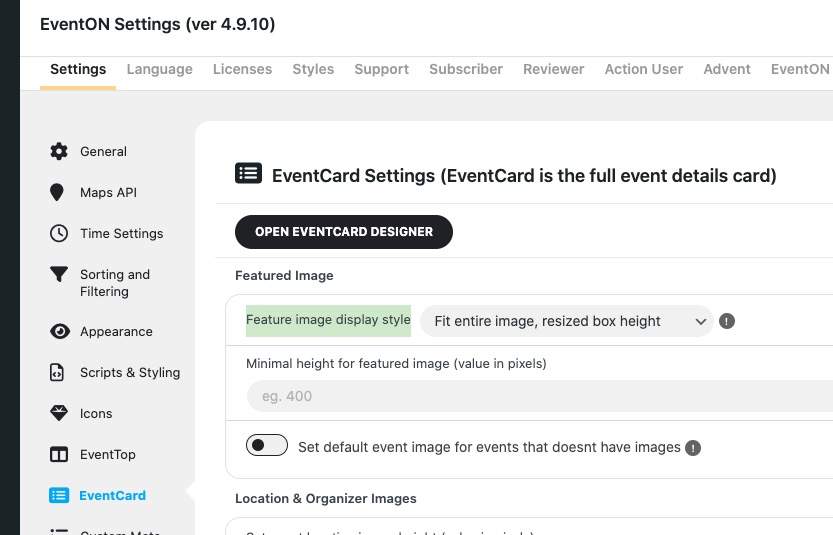
2. Please go to EventON > Event Card > try a different Feature image display style.
Reply to: tickets(395832)
I didn’t do anything with the website. Did you check the guide from GoDaddy?
For the footer widget, please use ESE and then add cal_init_nonajax to it:
https://docs.myeventon.com/documentations/use-eventon-shortcode-executor-widget/
Reply to: tickets(395780)
Please send us wp-admin access to https://masterfoto.se/ site from “Access Info” box on right side menu, to further assist your situation.
Reply to: tickets(337218)
Please use Jumper as an example and then follow this guide to get the correct settings enabled and then copy them to your shortcode:
https://docs.myeventon.com/documentations/shortcode-generator/
gibt es auch die möglichkeit die Monats Springer und die Filter Zentriert, also mittig zu setzten oberhalb des Kalenders? Danke nochmal
Please add this CSS code to EventON > Styles (If you don’t see any change, EventON > Scripts & Styling > turn off Write dynamic styles to header > save settings > turn on Write dynamic styles to header). You can also add this code to wp-admin > Appearance > Customize > Additional CSS.
.evo_cal_above_content { text-align: center; } .evo_cal_above.evodfx.evofx_dr_r { text-align: center !important; justify-content: center !important; }