Hello,
Please send us wp-admin access to your site as a private message for us to further assist your situation.
Could you make sure that Orders are completed? You can make sure by going to WooCommerce > Orders > Edit > Status.
Replies for tickets on suppota
Hello,
Please send us wp-admin access to your site as a private message for us to further assist your situation.
Could you make sure that Orders are completed? You can make sure by going to WooCommerce > Orders > Edit > Status.
This page seems to be working:
https://www.calven.ch/gms/reisen/15-21-von-armeepferden-und-ihren-aerzten/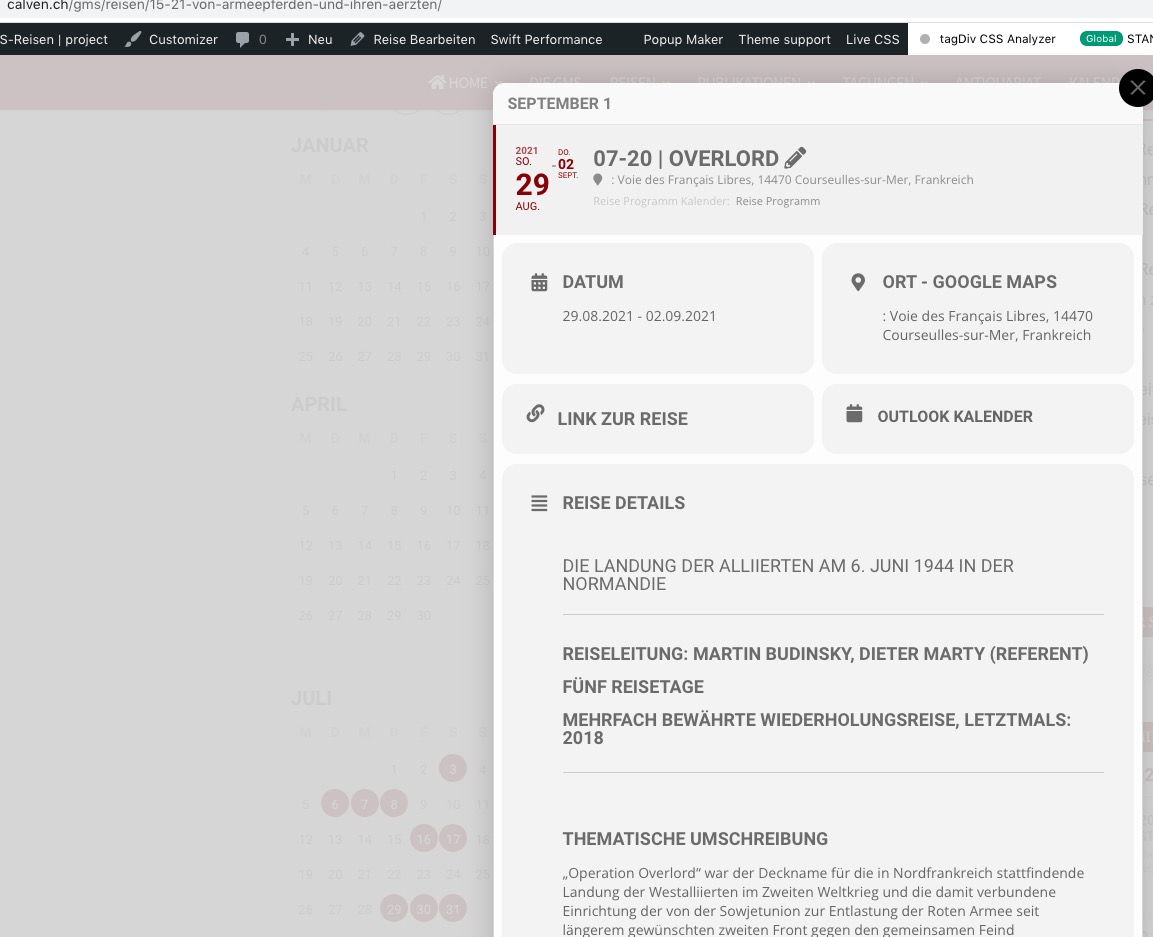
Could you try cleaning cache?
Ashan,
The same issue with with the default theme.
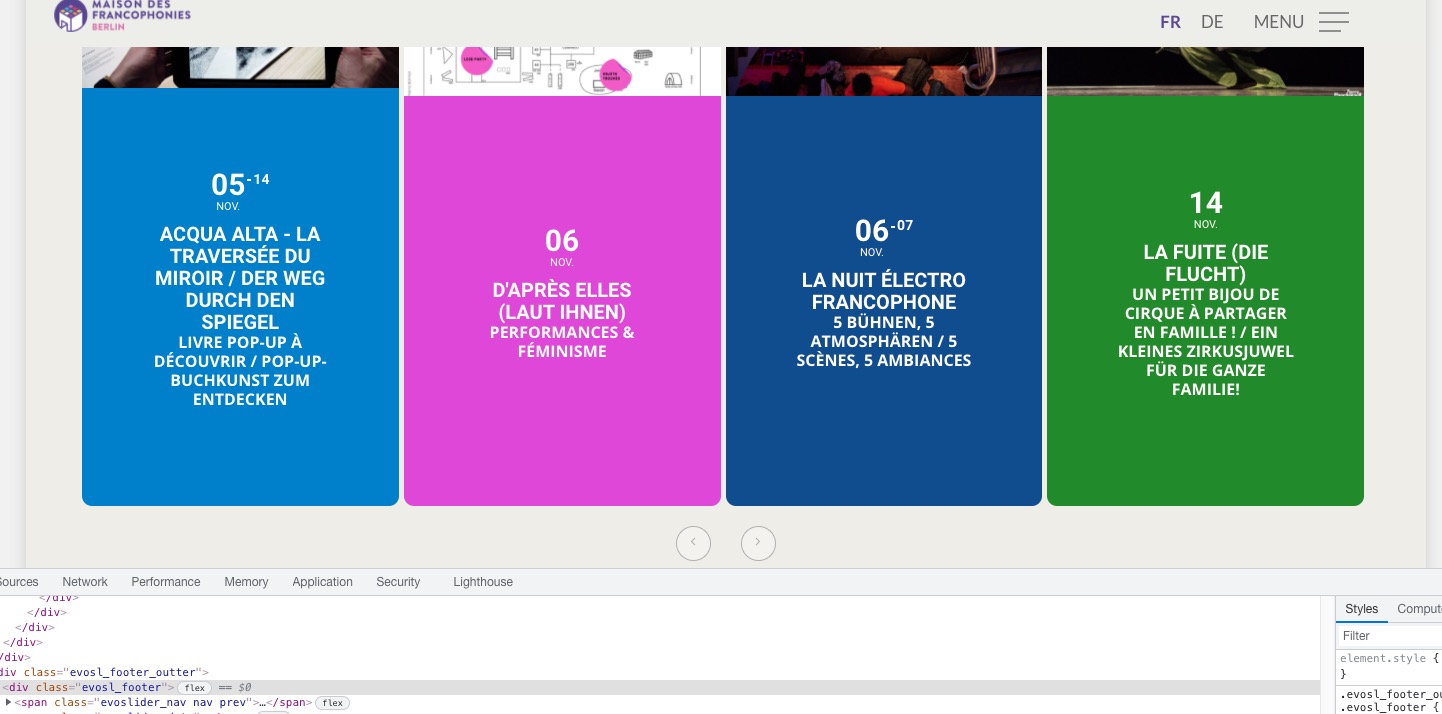
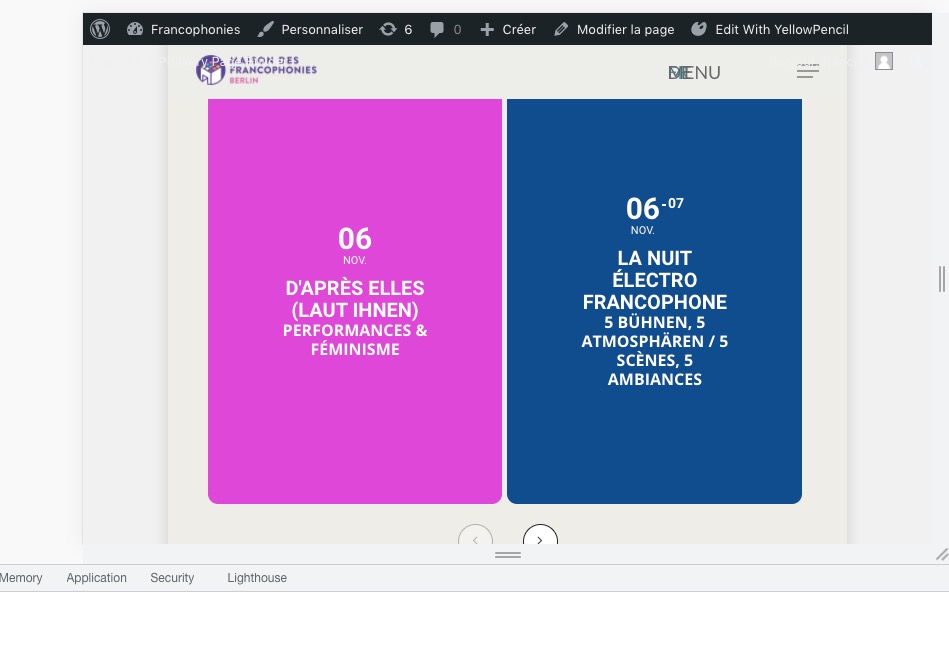
Works correctly on dev: https://dev2.myeventon.com/28214-2/
The order ID is #125903 and #126332.
Thank you for your messages, I am going to assign this ticket to Ashan and he will be able to take it from here and find you a solution. Please allow some time for him to get back to you, we greatly appreciate your patience and thank you for being a eventon customer! Also please disable any IP blocking on your site if there are any.
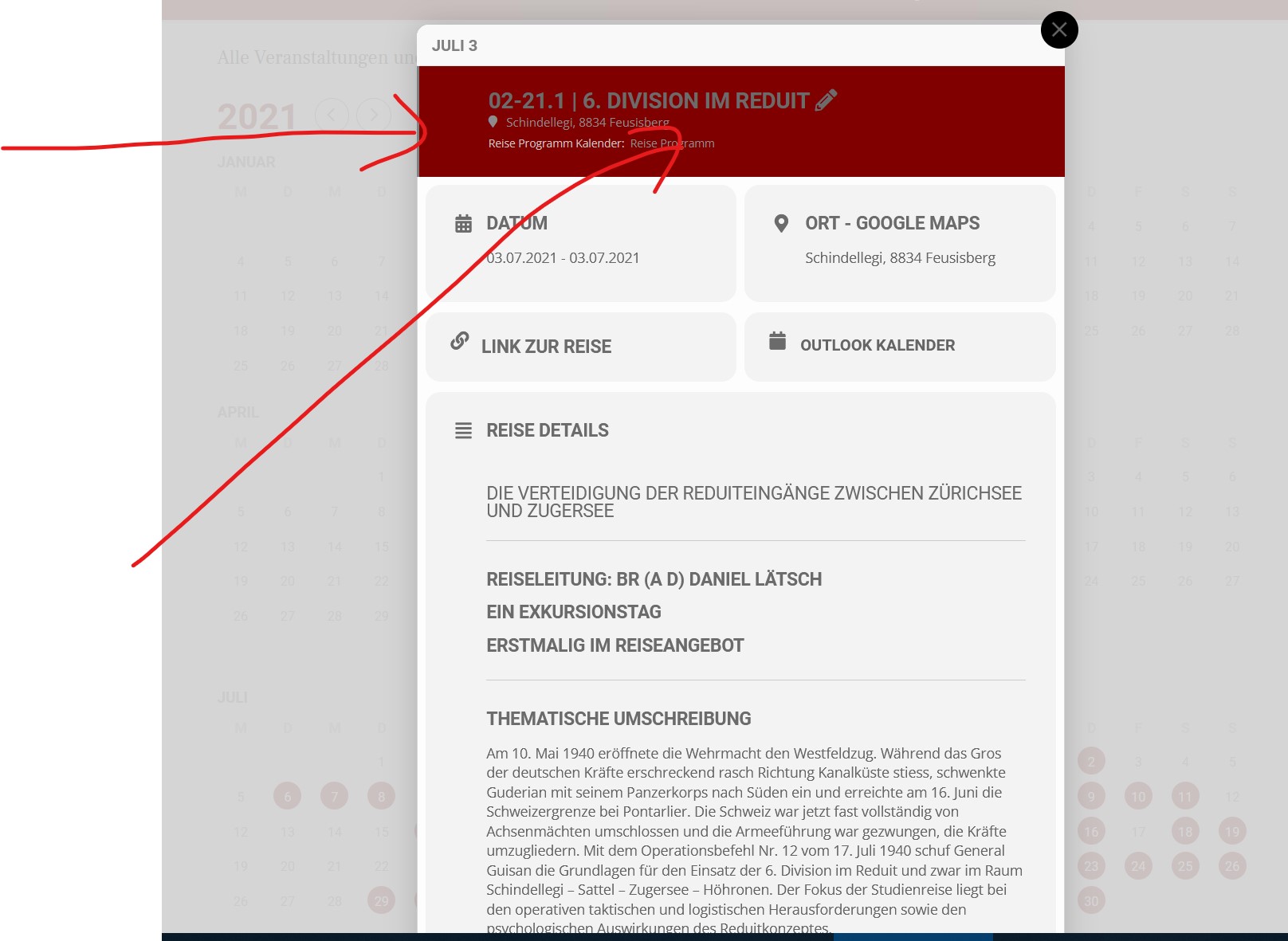
Now is getting better, right
and for the annual calendar, the background should be red and the small vertical line on the left should be red and the background should be transparent.
To make columns in one row please add this CSS code to EventON > Styles (If you don’t see any change, EventON > Scripts & Styling > turn off Write styles to header > save settings > turn on Write styles to header):
#evcal_widget .event_description .evcal_evdata_row { border-radius: 0; } #evcal_widget .evocard_box.time { border-radius: 15px 15px 0 0 } #evcal_widget .evocard_box.learnmore { border-radius: 15px 15px 0 0} #evcal_widget .evocard_box.addtocal { border-radius: 0 0 15px 15px} #evcal_widget .evocard_box.location { border-radius: 0 0 15px 15px}
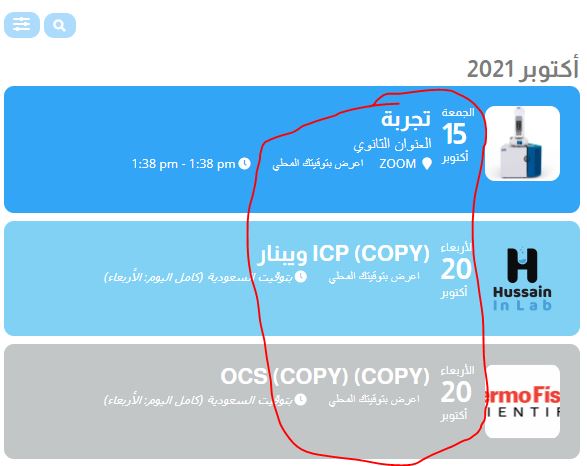
I meant Event Top color, because I’m using thumbnails but the font is always in white color event if I changed it, it doesn’t pickup the new color!
Sure. Go ahead of it’s for 5 seconds 🙂
The same with Yearly View: https://www.calven.ch/gms/reisen/15-21-von-armeepferden-und-ihren-aerzten/