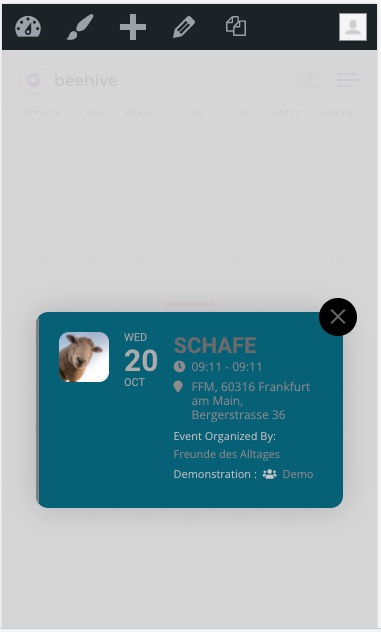
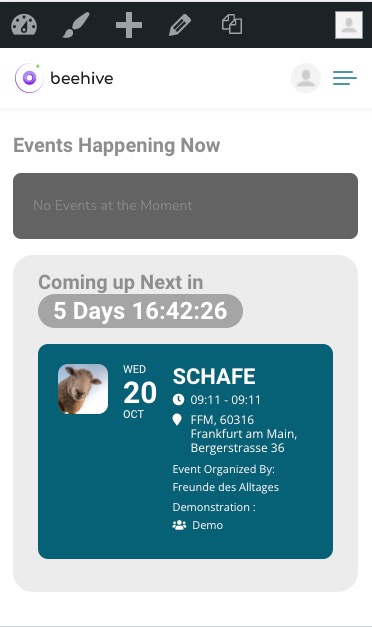
We are very sorry for the inconvenience. Could you please update EventON to 4.0.1?
To update eventon to latest version: If you are unable to do autoupdate, you can go to codecanyon your account > download and get the latest eventon version as zip file. Then you can go to your website, deactivate old eventon, activate (Do not delete eventon settings & data when EventON is uninstalled) from eventon settings, delete old eventon, install new one and activate. This link will further explain the process it. Also you can follow us on twitter to get real-time announcements on updates!
We are very sorry for the delay. We tried to recreate the issue on our end however it didn’t work.
Please send us FTP access to your site as a private message, so we can perform several tests from our end and resolve your issue fast!
- deactivated all Plugins except EventOn
- changed to standard Theme
- activated Log:
only Output:
[14-Oct-2021 14:50:30 UTC] PHP Notice: Constant WPLANG already defined in /customers/a/7/0/gewerbegemeinschaft.org/httpd.www/wp-config.php on line 97
nothing change to the problem.
Hello,
Please add this CSS code to EventON > Styles (If you don’t see any change, EventON > Scripts & Styling > turn off Write styles to header > save settings > turn on Write styles to header):
.eventon_events_list .eventon_list_event .evcal_desc, .evo_pop_body .evcal_desc, #page-content p.evcal_desc { flex: 1 .5 100%; }
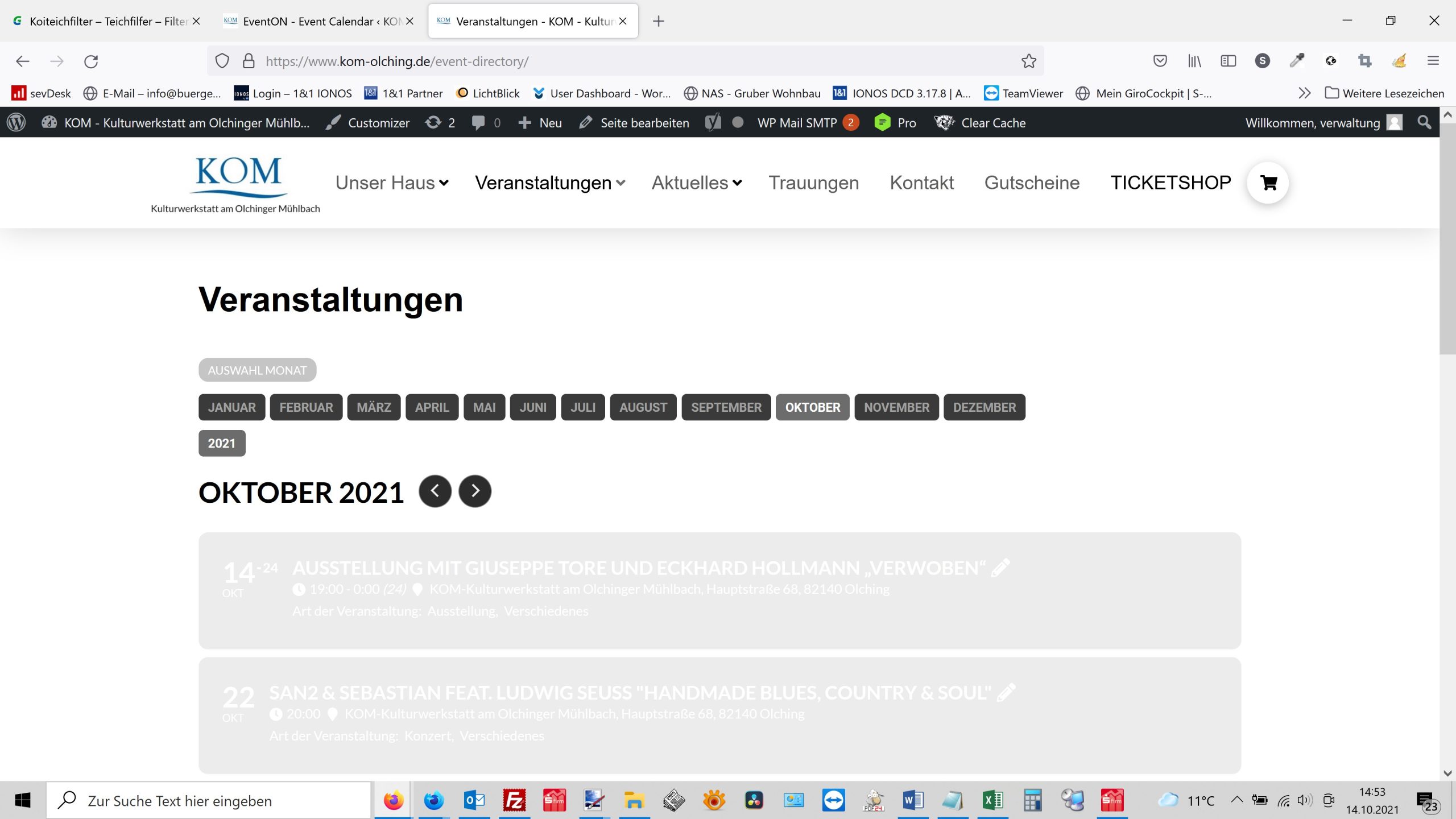
You can see it again
It must look like this again:
https://www.olching-kom.de/event-directory/
Seems to be working after the update:
Similar with Live now:
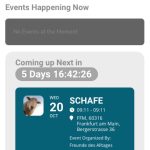
What is wihte the patch
Could you elaborate more?
Thanks!
All is working OK
1. Unfortunately, the only solution is to find a developer on site like upwork.com or similar, that will be able to developer this customization for you quickly.
We are sorry for the delay.
because the icon for each section moves the text and is difficult to read
Could you send us a screenshot of this part so we can give your the code?
of the event type text and its symbol, or the color of the thin white border on the top of the card
This part as well.
hmmm what should be happeneing is the words change to something like
“RSVPing is closed at this time.”
for example the dev site does it right https://dev2.myeventon.com/events/xcfdffg/
Could you please try the instructions mentioned in this documentation to make sure your issue is indeed coming from eventon. This helps us pin point that the issue is not coming from another plugin or theme