OK could you then delete my account permanently?
Archives: Replies
Replies for tickets on suppota
Reply to: tickets(255003)
Hello,
The issue with transparent Event Top was fixed on 4.0.1:
https://www.calven.ch/gms/reisen/21-2020-holland-1940-1944/
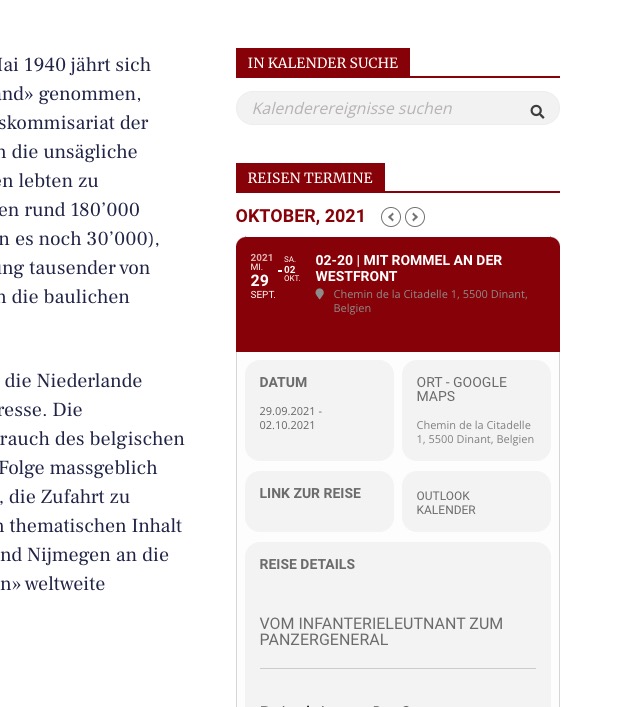
Could you clean your cache?
Please go to EventON Settings > Single Events > Select EventTop Style: Clean White.
After go to your shortcodes and add eventtop_style=”0″.
“Learn More” now changes it’s background when hover. You can change it’s background by going to EventON Settings > EventCard Design.
Event Card sections can now be in two columns, because their font-size is smaller.
Reply to: tickets(255017)
Hello,
Please go to https://bordeaux.business/wp-admin/admin.php?page=eventon#evcal_005 > add Google maps API Key (Required). Make sure to disable “Disable Google Maps API”.
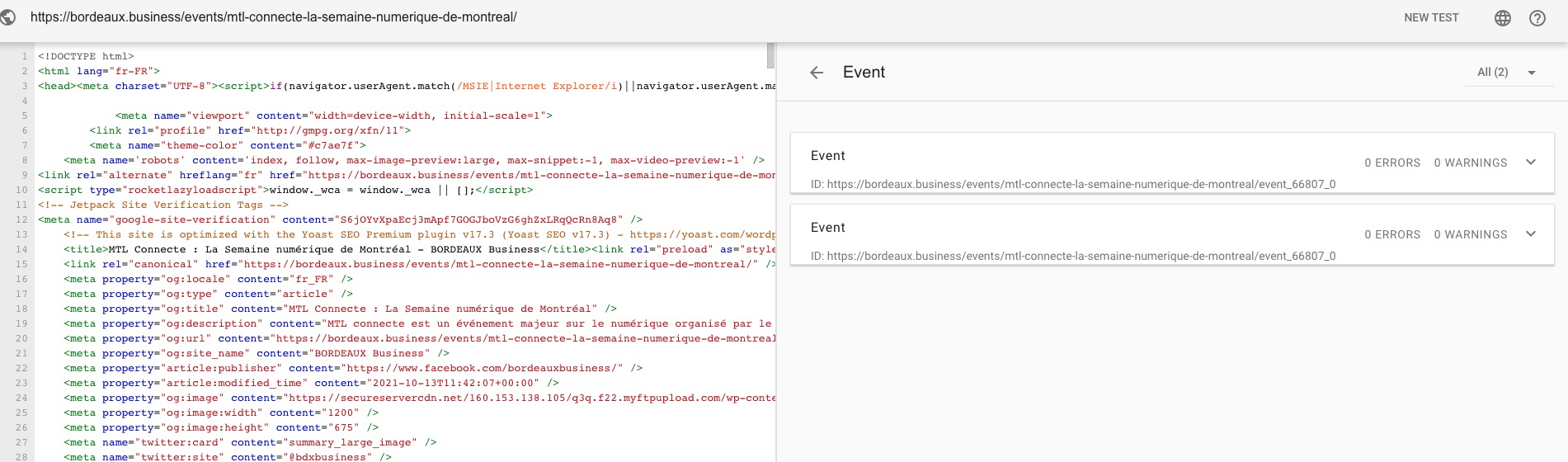
…is there way to resolve this issue cause i have 50 warnings cause of that for the moment…
Could you send us a screenshot? No warnings: https://validator.schema.org/#url=https%3A%2F%2Fbordeaux.business%2Fevents%2Fmtl-connecte-la-semaine-numerique-de-montreal%2F
Reply to: tickets(255020)
Hello,
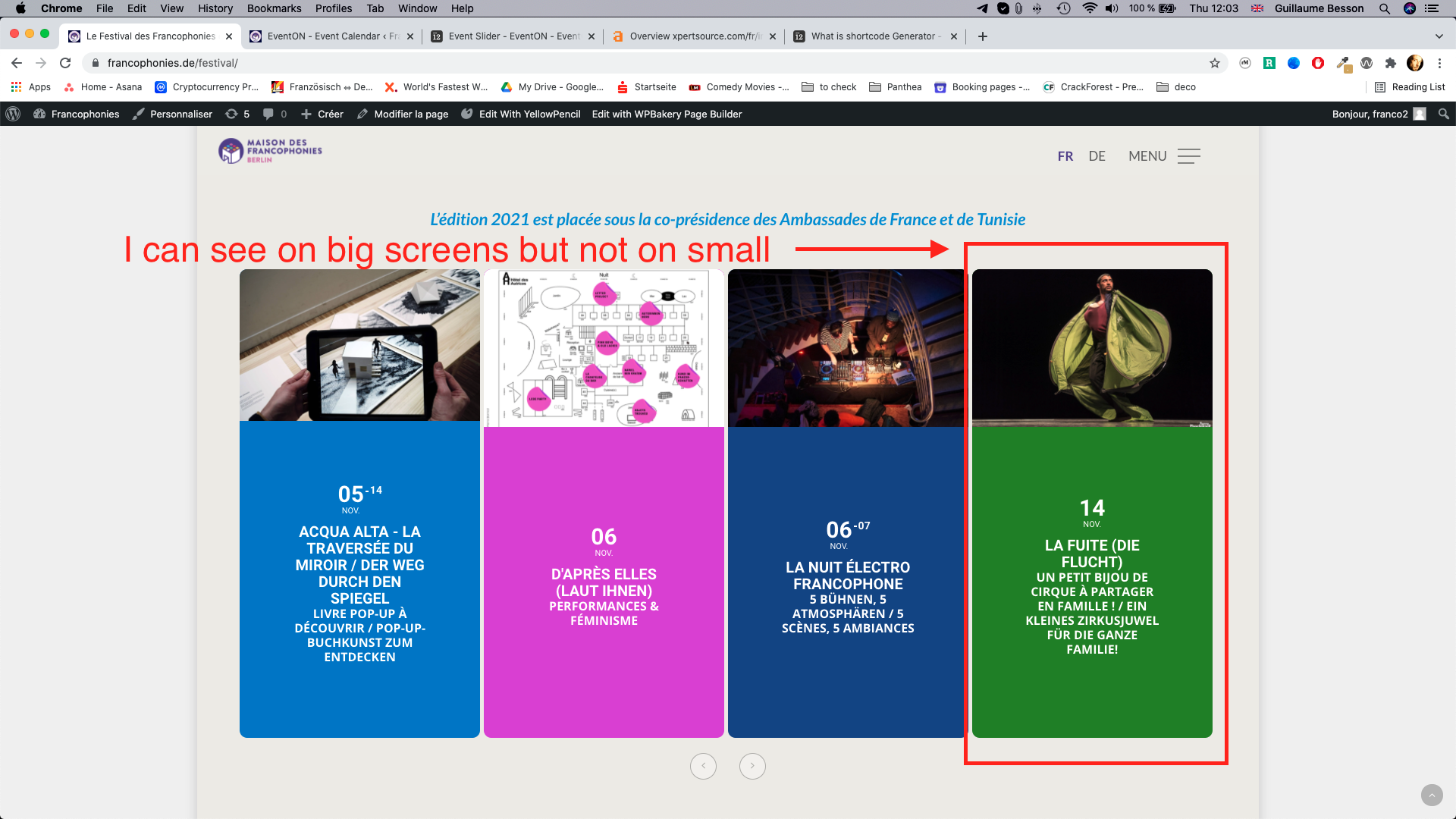
Event Slider automatically adjusts the number of slides depending on the screen resolution. Unfortunately, the only way of changing this is to customize the source code.
Reply to: tickets(254992)
Thank you, I still have the old version on our production server.
I am just wondering if are planning to replicate the old design as it was, as I read there is some development planned in that direction.
Or are these new designs now final? In that case I would now adapt it to my needs through CSS.
Reply to: tickets(255023)
Hello,
Please add eventtop_style=”0″ option to the shortcode. Like this:
[add_eventon_el eventtop_style=”0″]
Reply to: tickets(255008)
Hello,
Because of Gutenberg you can find Duplicate here
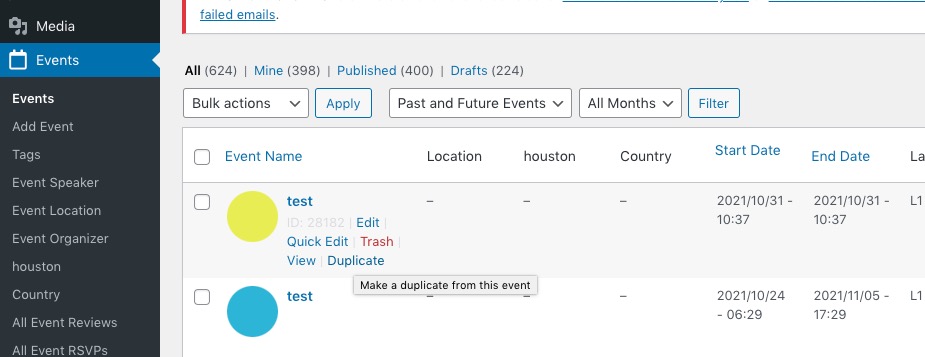
Please check and let me know.
Reply to: tickets(255020)
Reply to: tickets(254990)
Thanks Kenneth – much appreciated
Reply to: tickets(254965)
Hello,
You can just set the CSS code to another color and it will overwrite the white color. To do that, add the CSS code above in Appearance > Customize > Additional CSS.