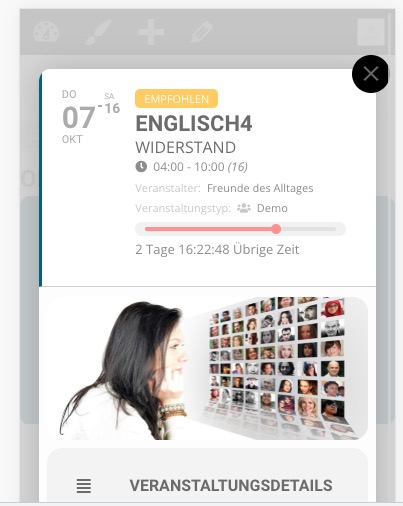
Could you send us a link to where we can see the issue?
Replies for tickets on suppota
Could you send us a link to where we can see the issue?
Location and Organizer. Please add this CSS code to EventON > Styles (If you don’t see any change, EventON > Scripts & Styling > turn off Write styles to header > save settings > turn on Write styles to header):
@media screen and (min-width: 960px) { .tax-event_organizer .eventon.site-main { max-width: 1140px; margin: 0 auto; } .tax-event_location .eventon.site-main { max-width: 1140px; margin: 0 auto; } }
Hello,
Could you update ICS Import add-on with https://helpdeskx.s3.amazonaws.com/wp-content/uploads/2021/01/18030912/eventon-ics-importer-2.zip?
After, try Event processing timezone method. Make sure that your server’s timezone is -2 and also “Event processing timezone method: WordPress timezone” was selected. You cannot change event’s time after import.
Hello Susanne Braun-Speck,
Could you try adding eventtop_style=”0″ to the shortcode?
Please also try changing:

If you don’t see any change, EventON > Scripts & Styling > turn off Write styles to header > save settings > turn on Write styles to header.
Dear Artem,
Thank you again…
Hello,
Yearly View add-on supports https://docs.myeventon.com/documentations/confused-event-type-categories/:

Please try it on https://dev.myeventon.com/wp-admin/.
More info on Event Types: https://docs.myeventon.com/documentations/how-to-use-event-types-to-do-more/
You can find available option by going to EventON Settings > Appearance > ActionUser Styles. If you don’t see any change, EventON > Scripts & Styling > turn off Write styles to header > save settings > turn on Write styles to header.
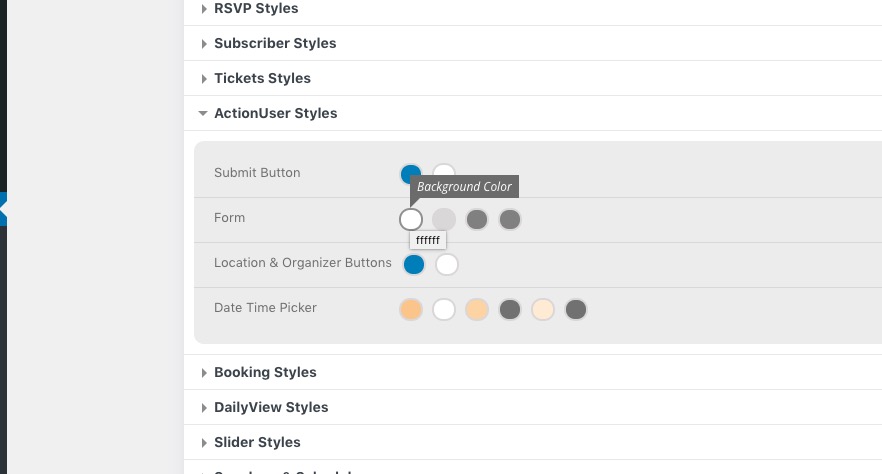
For the rest please contact us and we will give you custom CSS code to change everything else.
Hello,
Thank you for your messages, I am going to assign this ticket to Ashan and he will be able to take it from here and find you a solution. Please allow some time for him to get back to you, we greatly appreciate your patience and thank you for being a eventon customer!
Hello,
I went to EventON Settings > EventCard > selected Feature image display style: Direct Image, so it should work now. Please check and let me know.
Hello,
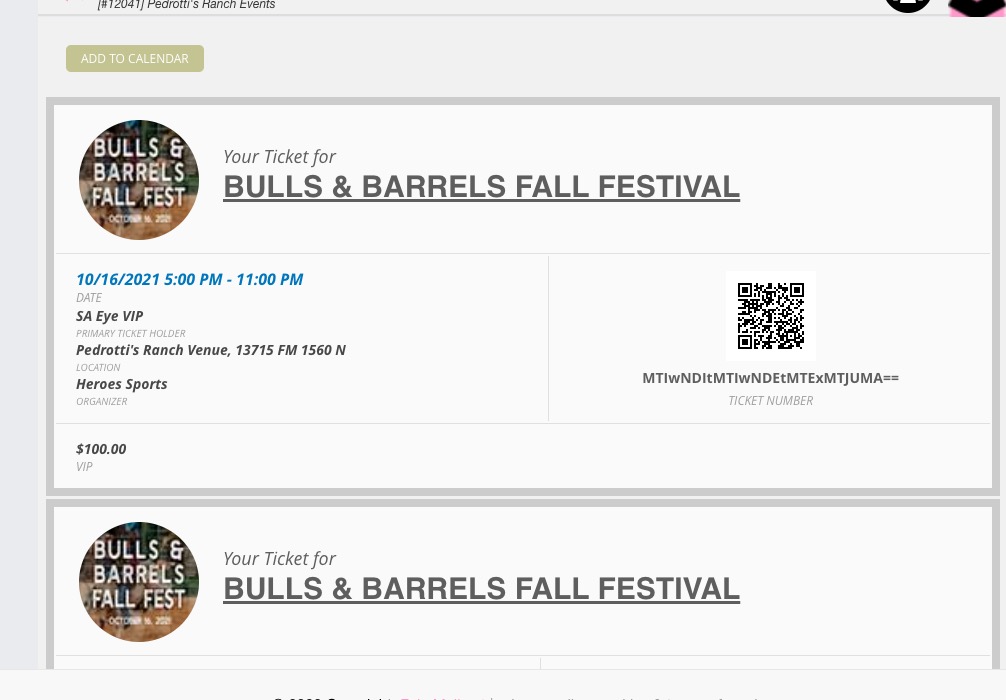
I re-sent https://pedrottis.com/wp-admin/post.php?post=12041&action=edit and received it with QR codes:
Could you send us the order on this screenshot https://files.letsalloy.com/SPSnWu?