Hi thanks for that. I understand copying the file to the theme.
But what is the code for inserting the GoogleCal link?
The code for ics file download is:
$add_to_cal_link = apply_filters('evotx_ticket_addcal_link',

admin_url(). 'admin-ajax.php?action=eventon_ics_download&event_id='. $event_id . '&sunix='. $e_pmv['evcal_srow'][0].'&eunix='.$e_pmv['evcal_erow'][0]

,$event_id, $e_pmv);

?>
Your shortcode isn’t full correct. Please use this one instead:
[add_eventon tiles=”yes” tile_height=”400″ tile_style=”1″ tile_count=”3″ tile_bg=”1″]
1. You should be able to achieve this with

2. This should work, however I just tested it and it doesn’t:
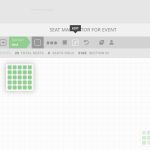 I am going to assign this ticket to Ashan and he will be able to take it from here and find you a solution. Please allow some time for him to get back to you, we greatly appreciate your patience and thank you for being a eventon customer! Also please disable any IP blocking on your site if there are any.
Hello,
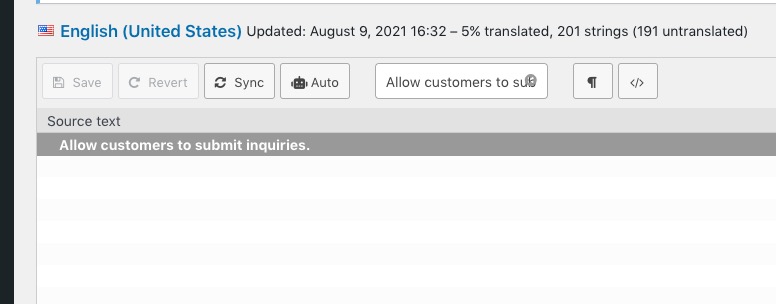
1. Could you try clicking Sync:
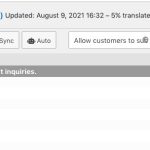
2. Thank you for your messages, I am going to assign this ticket to Ashan and he will be able to take it from here and find you a solution. Please allow some time for him to get back to you, we greatly appreciate your patience and thank you for being a eventon customer! Also please disable any IP blocking on your site if there are any.
Hello,
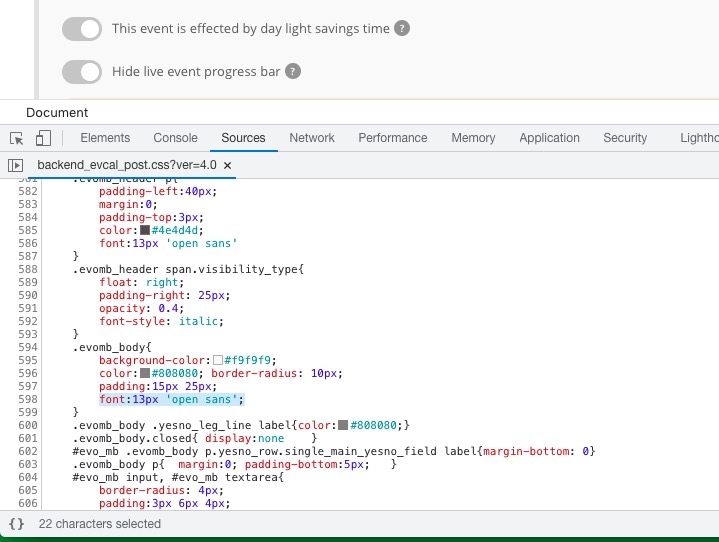
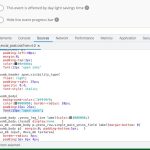
Please go to /wp-content/plugins/eventON/assets/css/admin/backend_evcal_post.css and find this line:
Hello,
Unfortunately, we’ve removed this functionality in the latest version of the plugin 4.0 so it’s not available anymore.
Thank you for your prompt reply. I have tried those options including Full Size – but at the moment using the shortcode I sent you – I’m not seeing any images.
So, if we can resolve getting the image to show that would be great.