Hi Ashan
Thanks for your words 🙂
For the convenience of the user, I would prefer to use the site width, because the icon for each section moves the text and is difficult to read. Could you tell me in which lines of eventON / assets / css / eventon_styles.css I can find it? I also can’t change the color of the event type text and its symbol, or the color of the thin white border on the top of the card
In case my opinion serves you, I’ve been using EventOn for 2-3 years, with satisfaction for many things, but at the same time with compatibility issues with the Avada theme. At the same time, it is true that you offer so many possibilities, always with professionally designed solutions, that I have understood that it is inevitable to find issues to solve along the way. That is to say, thank you and I encourage you to continue like this, fighting the market with your new ideas.
On the other hand, you have to know that I am having a bad experience with Basilis Kanonidis, who is doing us a job with very bad attention. What in principle was going to be a few days, maximum a week, has become several months without solving. He always has an excuse. We have paid him 200 dollars without negotiation to have a seat autoblock next to each purchase, we have put our trust in him for a job he can do, but it seems that he does not want to finish his work. It is clear that these issues damage the image of your team. Also, it seems that other people have had similar bad experiences with him. Please, could you talk to him and convey that we would love for him to finish his work so that we can ask him for new developments?
Well, thanks for everything
If you ever comes to Valencia (Spain), you are invited to one of our concerts. It will be a pleasure 🙂
Rafael
+34615361261
Please add the CSS code to EventON > Styles (If you don’t see any change, EventON > Scripts & Styling > turn off Write styles to header > save settings > turn on Write styles to header).
Also, how do I address the dead space issue on mobile eventtop as noted above?
We are working on this, will fix it ASAP.
Could you also send us the most recent email?
Thank you very much Ashan …
Then I would like to ask again, because of Point 2 of my Initial Message.
There was a question, that did not get answered …
I copy the text into here:
2)
Then I encounter the same problem like Javier, when checking on my mobile device:
After update to 4.0 the weekly/monthly view is not totally responsive in mobile – EventON Help Desk (ashanjay.com)
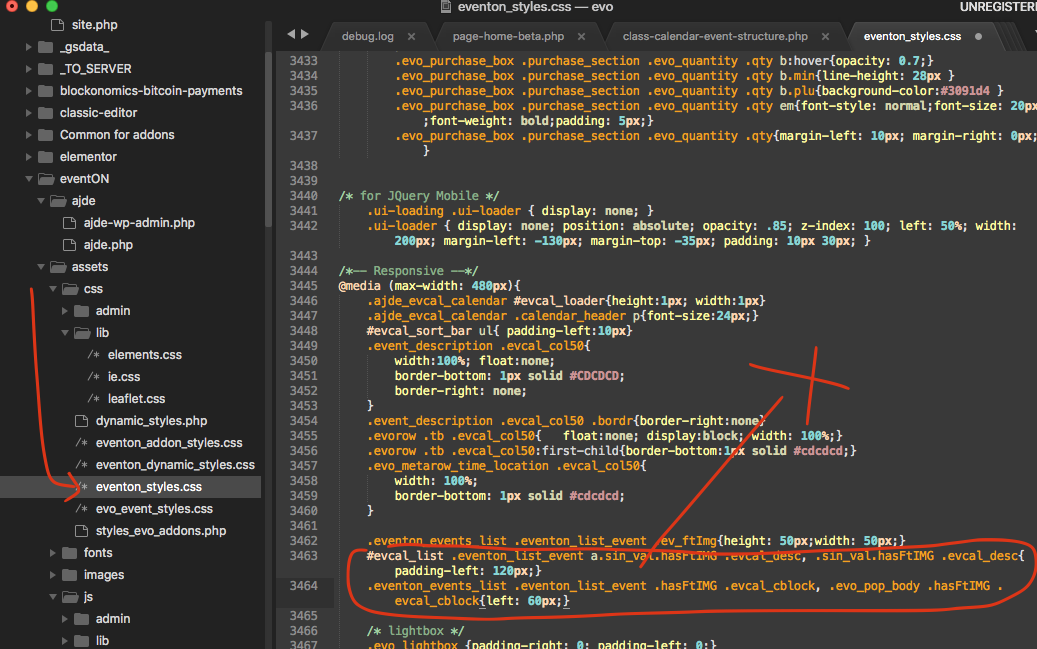
And then I do not exactly know what to do with the solution, do I have to move this two lines of code to where the x is?
Screen-Shot-2021-10-08-at-11.45.09-AM.png (1037×649) (helpdeskx.s3.amazonaws.com)
Thanks in advance! Claude Michael Merz
Thank you for your messages, I am going to assign this ticket to Ashan and he will be able to take it from here and find you a solution. Please allow some time for him to get back to you, we greatly appreciate your patience and thank you for being a eventon customer! Also please disable any IP blocking on your site if there are any.
You are welcome! If you have any other questions please feel free to reach to create a new ticket.
Hello,
Please send us wp-admin access to your site as a private message for us to further assist your situation.
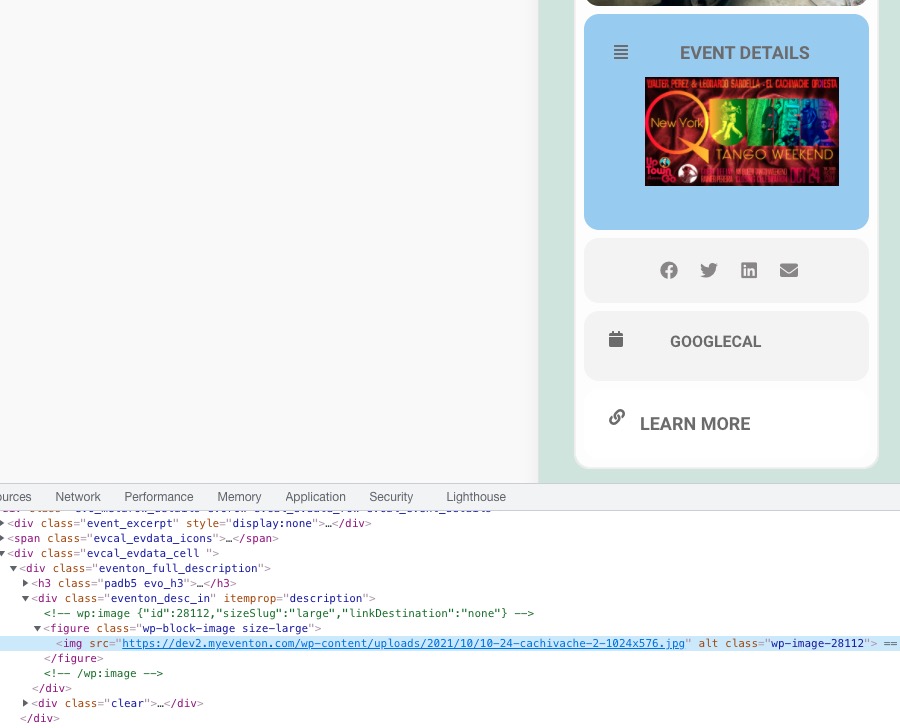
How it looks on our test server:
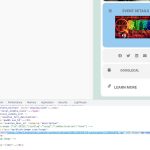
Unfortunately, customizations aren’t available at the moment. Please try to look for developers on sites like upwork.com.
Hello,
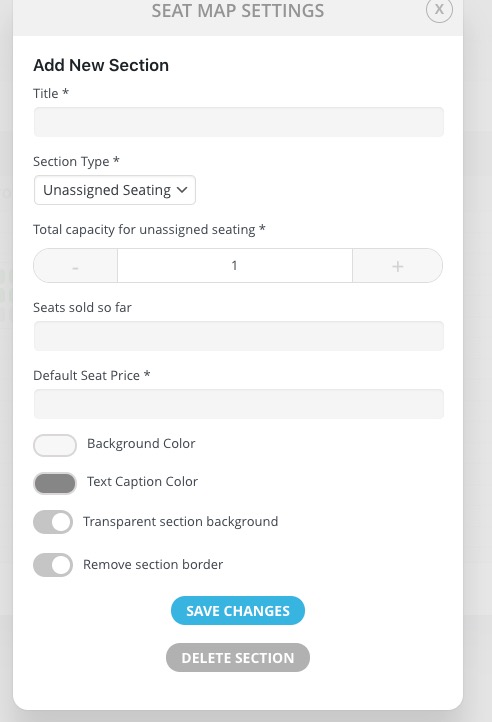
Try “Section Type *: Unassigned Seating”:
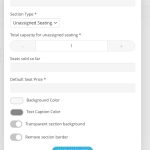
Users then can just select the amount of seats they want to purchase.
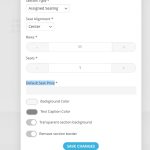
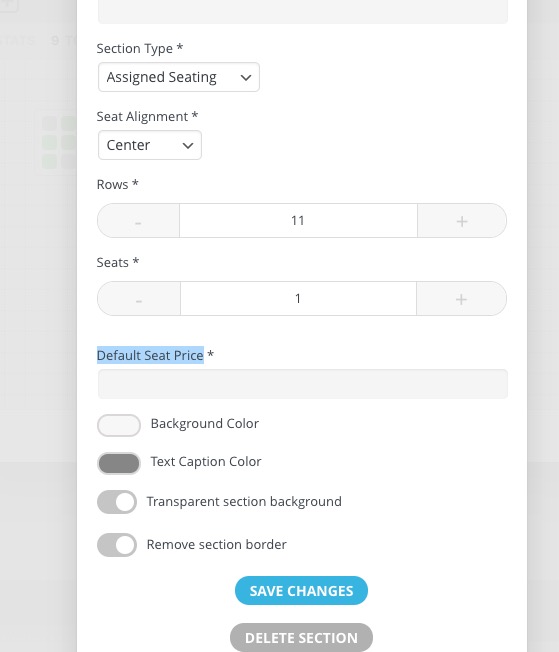
Seats doesn’t require you to define price for each row. You define it for the whole section: