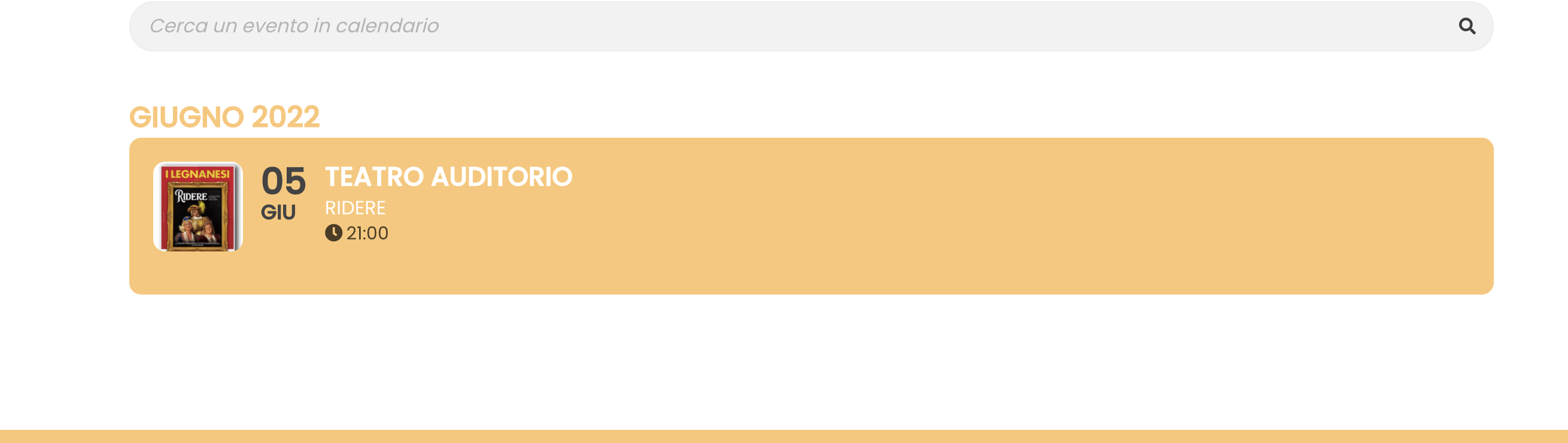
Now that I have done this the button has changed color, but everything has been reset and I no longer see the gray but yellow bar. and all the icons are now huge. how do i get back as before?
I’m wasting a lot of time …please Help me.
Replies for tickets on suppota
Now that I have done this the button has changed color, but everything has been reset and I no longer see the gray but yellow bar. and all the icons are now huge. how do i get back as before?
I’m wasting a lot of time …please Help me.
Host : academy.mwrfinancial.com
username : jamil@academy.mwrfinancial.com
password : B@mi)byd?Qh4
Thank you for fixing that! It looks a lot better now – like it did before.
I’m a bit confused by what program you’re referring to for the CSS – I don’t believe I’ve added anything. Is it a plugin possibly? Maybe I need to remove that…..
Also, a couple of tweaks on the event-organizer page – now it doesn’t display the picture behind the logo at the top – just an aqua box. Is there a way to get the picture to display there instead of the aqua box?
Also, now the widgets are displaying in a column on the right – that didn’t display on these pages before – how can I change that to not display?
Please let me know.
Thanks!
Hello,
Please send us wp-admin access to your site as a private message for us to further assist your situation.
Could you check if it works now: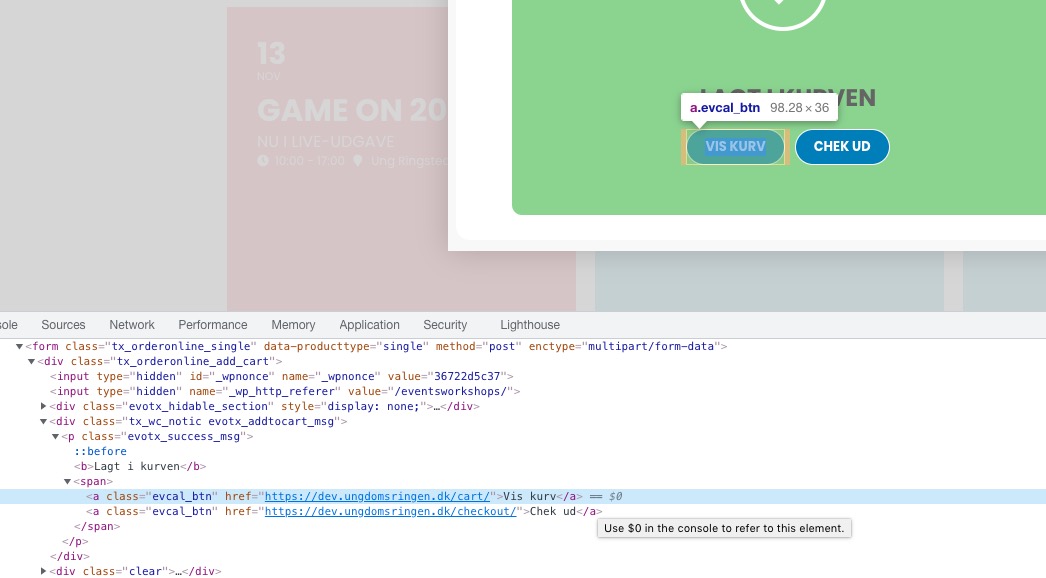
It shows https://dev.ungdomsringen.dk/cart/ link.
You can either use WPML plugin https://docs.myeventon.com/documentations/wpml-eventon-front-end/ or https://docs.myeventon.com/documentations/setup-language-corresponding-events/.
In order to fix the names issue please go to the shortcode and replace tile_style=”1″ with tile_style=”2″.
Ashan,
The customer is telling that <a> elements as buttons somehow affect SEO. Is this correct?
Thank you for your messages, I am going to assign this ticket to Ashan and he will be able to take it from here and find you a solution. Please allow some time for him to get back to you, we greatly appreciate your patience and thank you for being a eventon customer! Also please disable any IP blocking on your site if there are any.
I’ve enabled them by following https://docs.myeventon.com/documentations/how-to-show-various-information-in-eventtop/ so it should work now. Please check and let me know.