Hello,
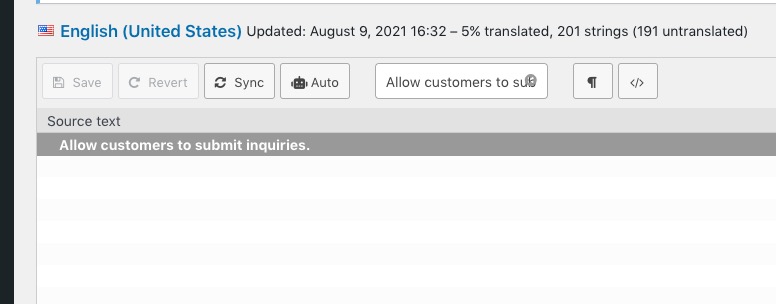
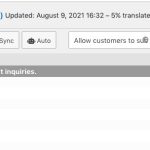
1. Could you try clicking Sync:
2. Thank you for your messages, I am going to assign this ticket to Ashan and he will be able to take it from here and find you a solution. Please allow some time for him to get back to you, we greatly appreciate your patience and thank you for being a eventon customer! Also please disable any IP blocking on your site if there are any.
Hello,
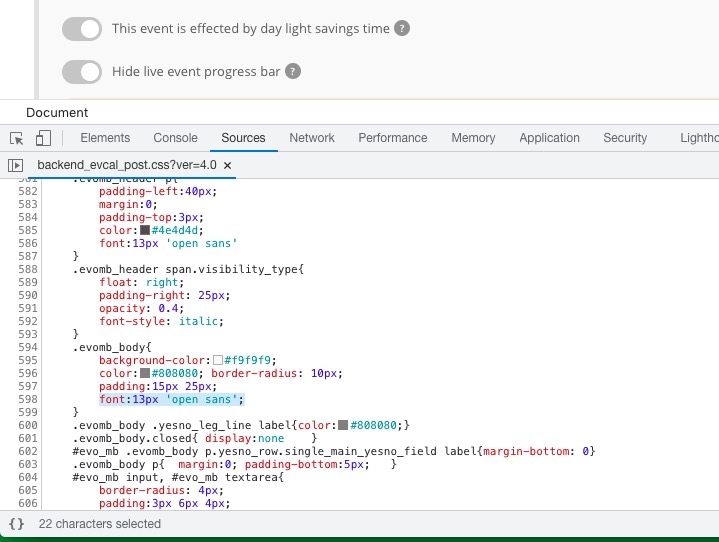
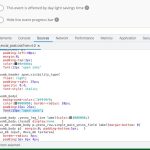
Please go to /wp-content/plugins/eventON/assets/css/admin/backend_evcal_post.css and find this line:
Hello,
Unfortunately, we’ve removed this functionality in the latest version of the plugin 4.0 so it’s not available anymore.
Thank you for your prompt reply. I have tried those options including Full Size – but at the moment using the shortcode I sent you – I’m not seeing any images.
So, if we can resolve getting the image to show that would be great.
Hello,
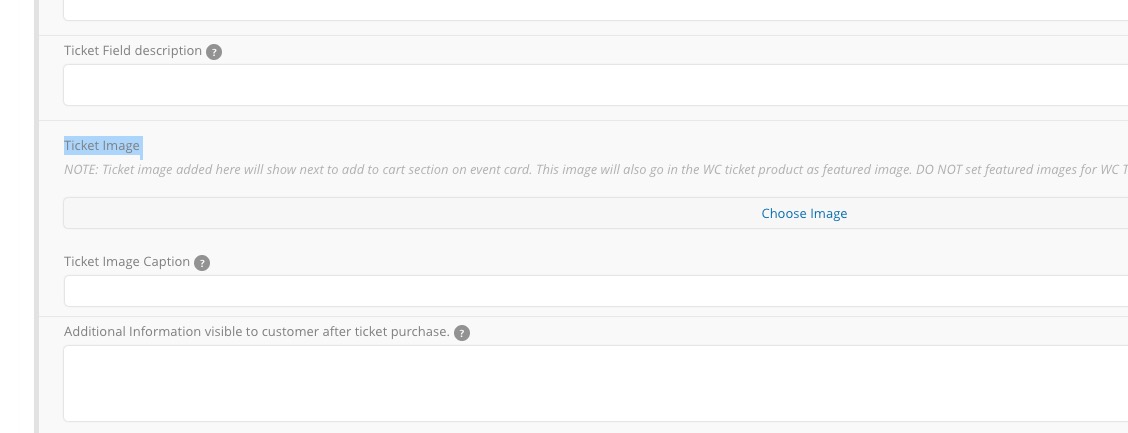
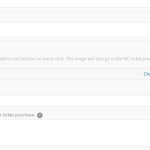
Image. The only option available is
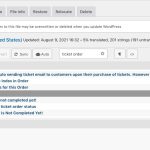
You can translate/change Ticket Order by following https://docs.myeventon.com/documentations/translating-eventon-backend/
Perfect! Do you need our help in anything else or can we close the ticket?
Hello,
We apologize for the inconvenience.
Please go to EventON Settings > Single Events > Select EventTop Style: Clean White.
After go to your shortcodes and add eventtop_style=”0″.
You can also downgrade EventON to it’s previous version https://helpdeskx.s3.amazonaws.com/wp-content/uploads/2021/10/09115157/eventON-28.zip
We are glad your issue is resolved, if you have any further questions or concerns please create a new ticket.
If you have a moment, we would greatly appreciate if you could kindly leave us a review at codecanyon! from your account > downloads. Cheers!
Hello,
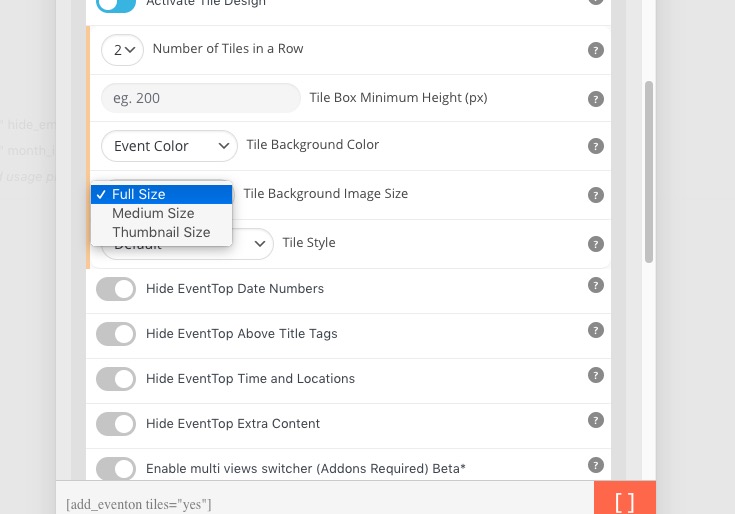
Please take a look at Tile Background Image Size:
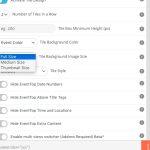
Unfortunately, this is the only available option at the moment.