Did you check whether you were able to replicate the error when logged in with the “Helpdesk Ashanjay” user? Please confirm and let us know.
Archives: Replies
Replies for tickets on suppota
Reply to: tickets(253139)
Hello,
Thank you for your message, I am going to assign this ticket to Ashan and he will be able to take it from here. Please allow some time for him to get back to you, we greatly appreciate your patience and thank you for being a eventon customer!
Reply to: tickets(252992)
I created a brand new admin user, same issue.
It happens to me, but also to my client (admin) and Author users.
Actually, I noticed ALL the on/off buttons can’t be clicked, in the whole event post! I did not notice that, because client only reported the location buttons to me…
Reply to: tickets(253095)
can you use this username and password
beegcheef@gmail.com
A1g&MBO34SMCFE39@kJE3piy
Reply to: tickets(253095)
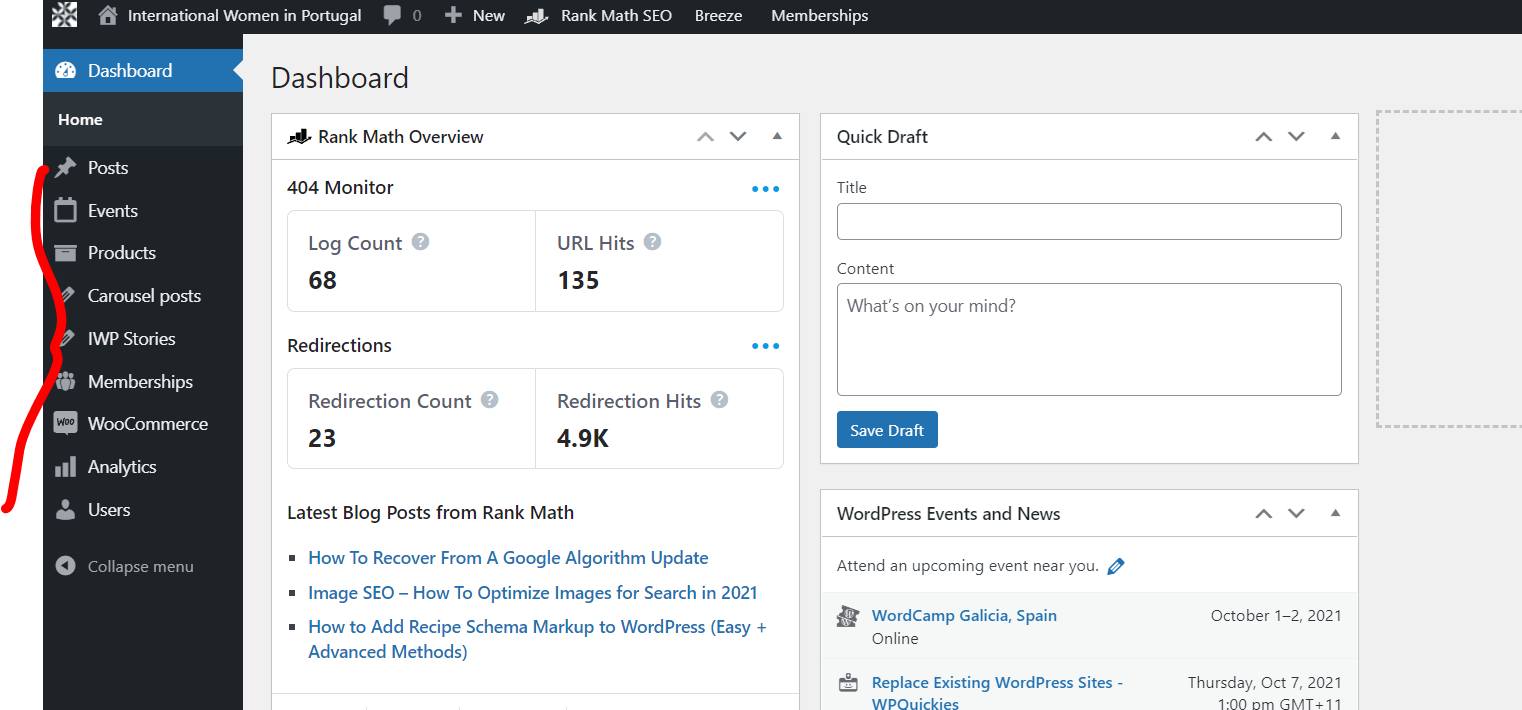
No that user does not have access to plugins or caches
Reply to: tickets(253117)
Thank you and I look forward to Ashan getting back to me.
Reply to: tickets(253095)
Hi Brad,
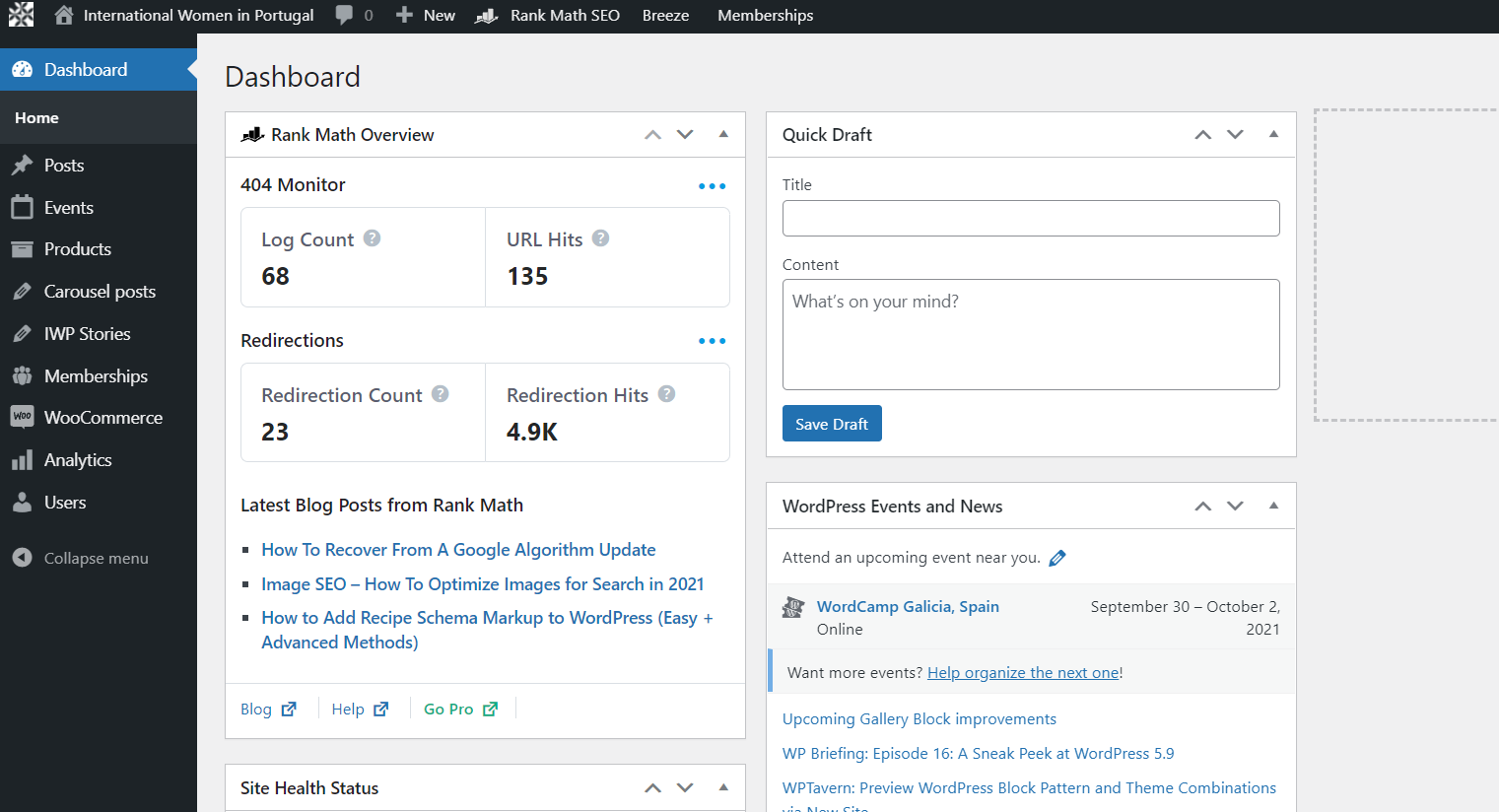
I am sorry but the user does not have admin rights. We do not have access to Plugins, themes and pages.
Reply to: tickets(253095)
Its eventon.
I have already troubleshooted all of this.
That user does have admin rights.
Reply to: tickets(252992)
Hello,
Thanks for the clarification, however, I am not seeing the issue you are referring to on my end.
Would you mind checking if you have the same issue while logged in with the Username and password you have shared with us?
Do let us know how it goes.
Reply to: tickets(253118)
Hi Stefanie,
Please add the custom CSS code below to fix the issue:
.evcal_event_details .evcal_evdata_cell.shorter_desc .eventon_desc_in:after{background:none;}
Please add this CSS code to EventON > Styles (If you don’t see any change, EventON > Scripts & Styling > turn off Write styles to header > save settings > turn on Write styles to header):