The issue is you are placing calendar shortcodes into the event- thats not how eventon works
You need to put the calendar shortcode or the single event shortcode into a Page- not an event
see video below
Replies for tickets on suppota
The issue is you are placing calendar shortcodes into the event- thats not how eventon works
You need to put the calendar shortcode or the single event shortcode into a Page- not an event
see video below
Please send us wp-admin access to your site as a private message for us to further assist your situation.
Could you try replacing api with
https://events.ebarrelracing.com/wp-json/eventon/calendar?event_type=1072&eventtop_style=0
I added the two options but I did not see any change. I also have in the home page the option that shows me the next events, which I also want to see with the previous aspect.
Thank you,
Michal
I have to have “event_type” in that code because each column shows a certain thing. If I add the code you sent into the existing code before “/calendar?event_type=1072′,” it no longer works the way I want. If I add it after it doesnt change anything.
<script type=’text/javascript’>
jQuery(document).ready(function($){
$(‘#eventoncontent5’).evoCalendar({
api: ‘https://events.ebarrelracing.com/wp-json/eventon/calendar?event_type=1072’,
calendar_url: ”,
new_window: true,
loading_text: ‘Loading Calendar…’,
});
});
</script>
Hello,
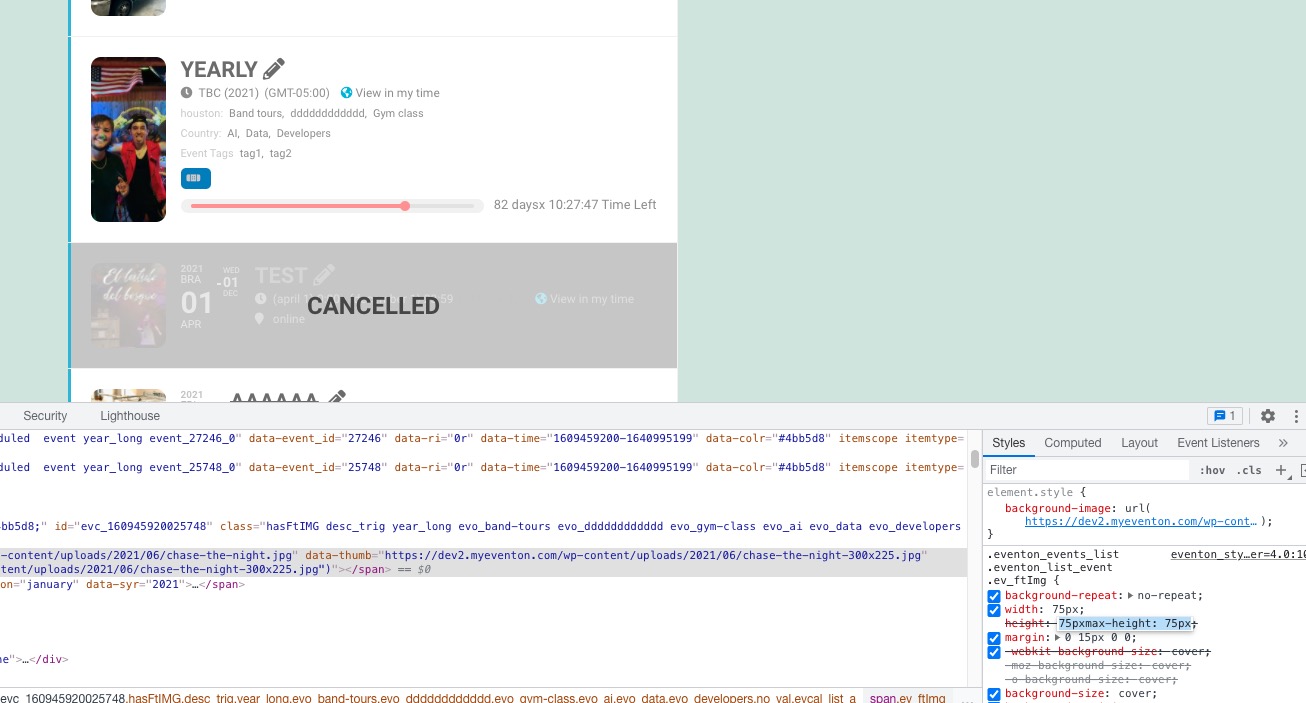
Could you add eventtop_style=”0″ to the shortcode?
And for Single Event Page please go to EventON Settings > Single Events > Select EventTop Style: Clean White.
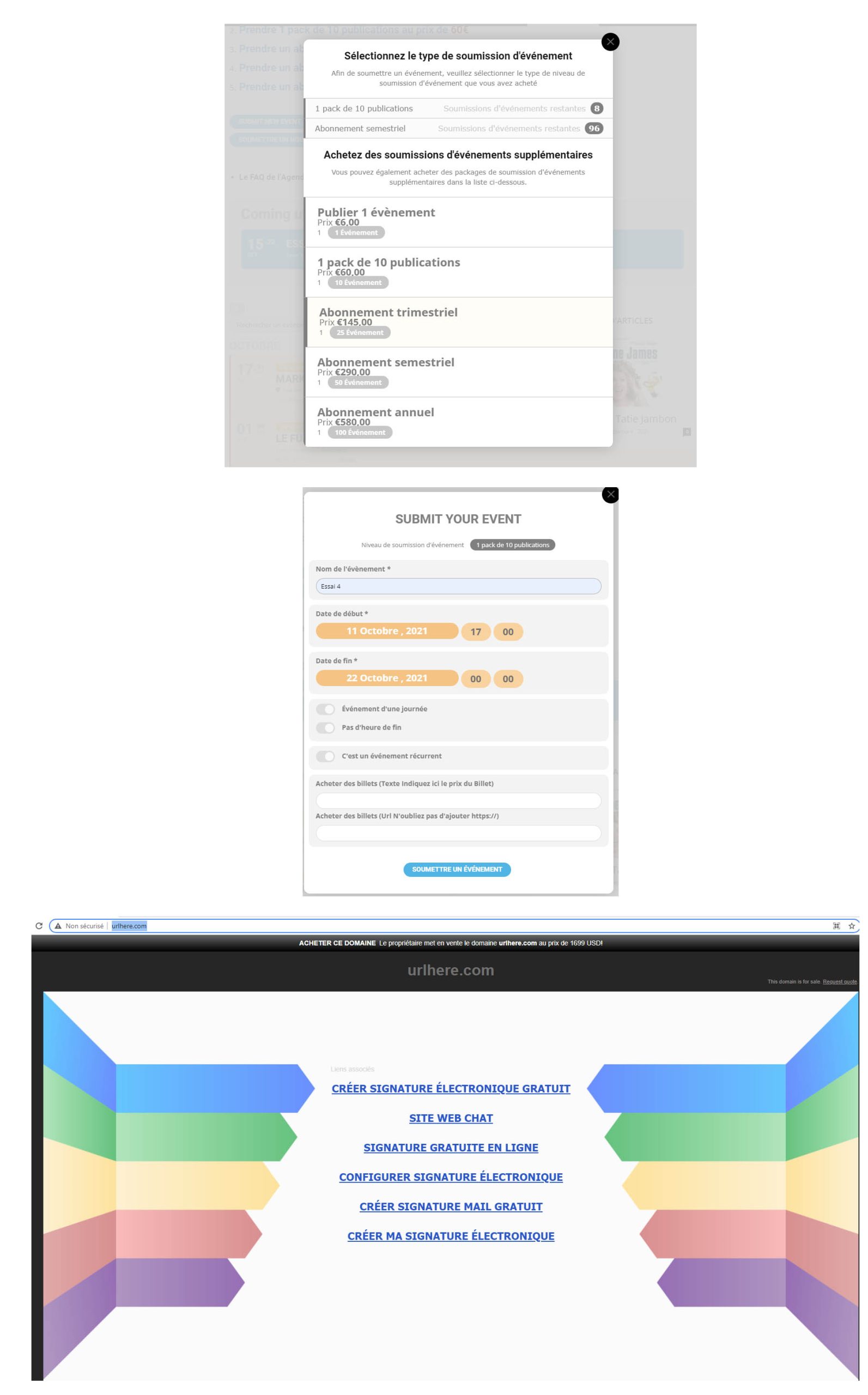
When I press “SOUMETTRE UN NOUVEL ÉVÉNEMENT” I get
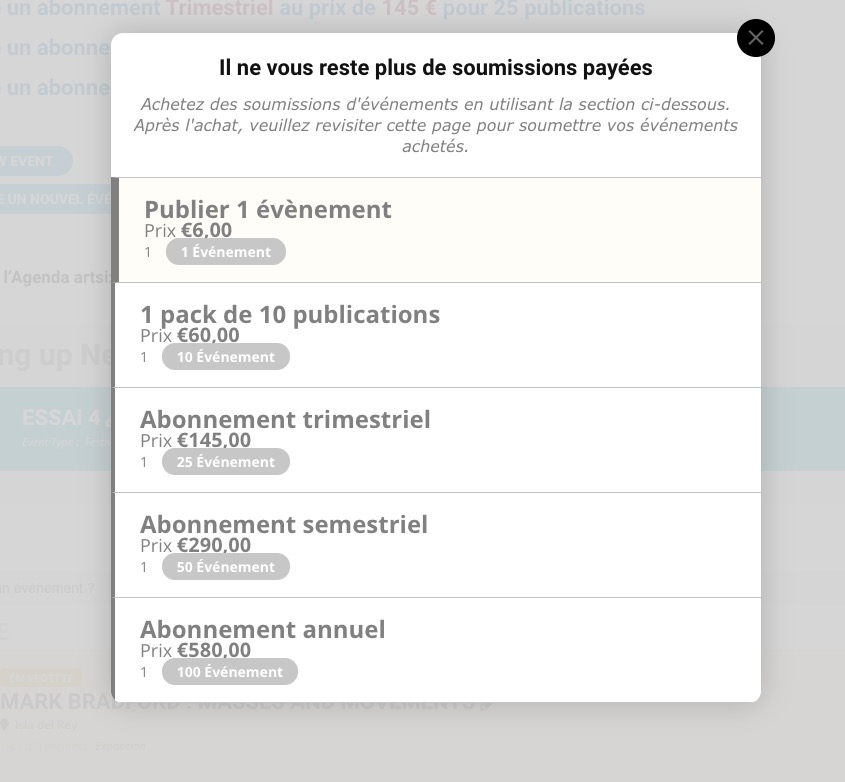
Are you logged in as eventonadamin on the screenshot https://helpdeskx.s3.amazonaws.com/wp-content/uploads/2021/10/09003313/somettre-scaled.jpg?
Hello,
I cannot access wp-admin because of
Due to protection of web servers from repeated attacks, we were forced to restrict access to administrative interface of web pages to selected countries. If you are currently in a foreign country, please sign in to WebAdmin, proceed to your domain management and disable this GeoIP filter in CMS section.
Could you disable it for a test?