Hello,
You can hide Virtual Event badge with this CSS code:
span.evo_event_headers.vir { display: none !important; }
Please add the code to EventON > Styles (If you don’t see any change, EventON > Scripts & Styling > turn off Write styles to header > save settings > turn on Write styles to header).
Hello,
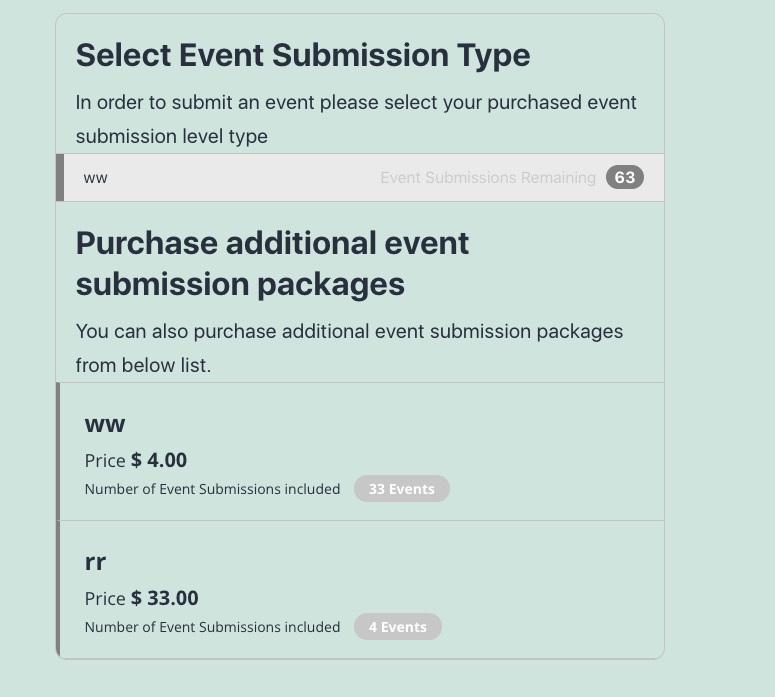
After they’ve purchased the submission and you’ve completed their order, they need to go back to https://www.whatnftsdroptoday.io/submit-nft-drop-to-nft-calendar/ which will now allow them to submit a new event:
Ah yes sorry. Could you update EventON to 4.0 and check with clean cache?
To update eventon to latest version: If you are unable to do autoupdate, you can go to codecanyon your account > download and get the latest eventon version as zip file. Then you can go to your website, deactivate old eventon, activate (Do not delete eventon settings & data when EventON is uninstalled) from eventon settings, delete old eventon, install new one and activate. This link will further explain the process it. Also you can follow us on twitter to get real-time announcements on updates!
Hi
Is that patch fix will be in the next update for the eventon plugin ?
Thank you
Nitzan
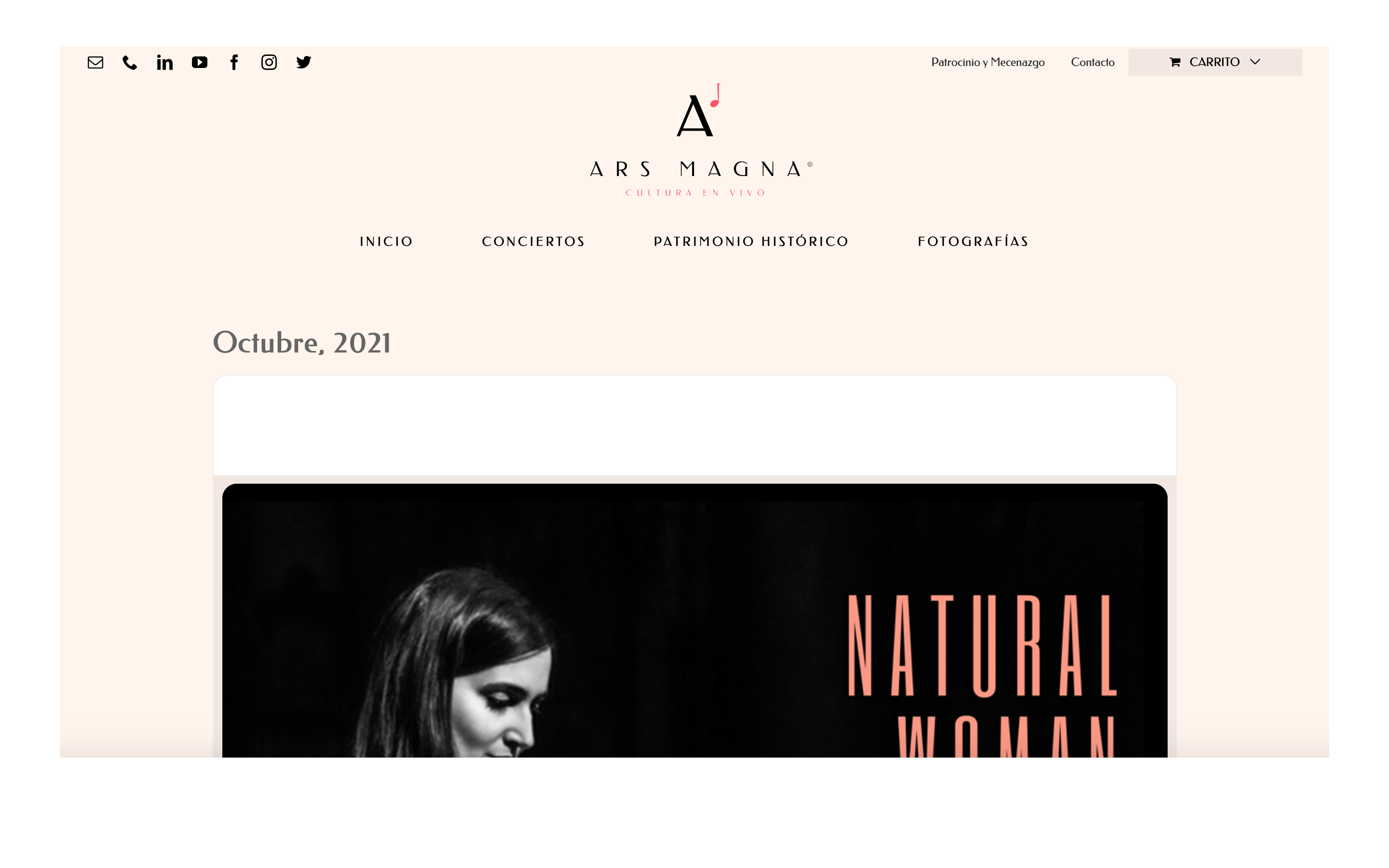
I send you also the image of the event page.
Thank you very much for helping me.
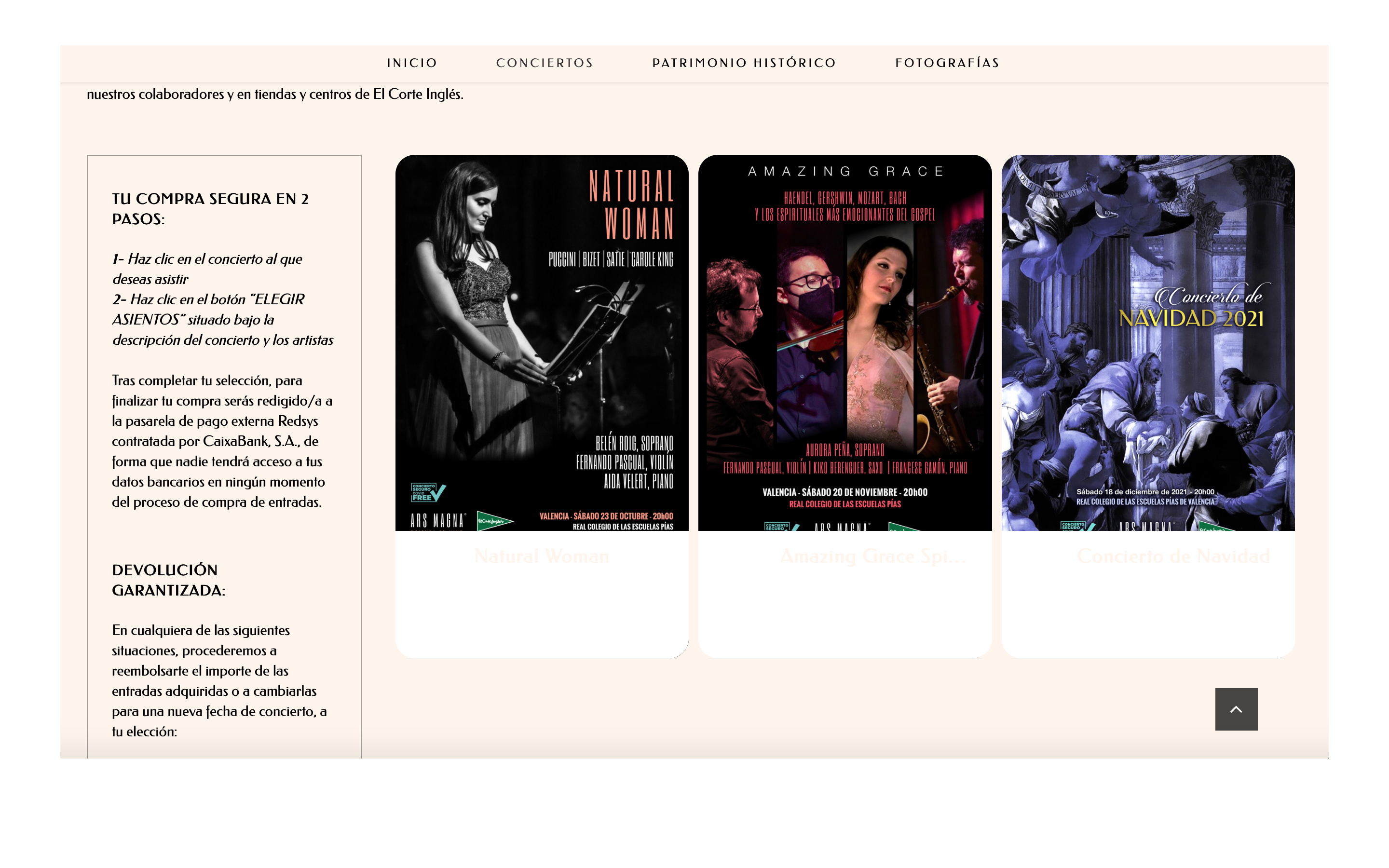
Nothing happens again. I want to change the background white color of the text tile view and the top of the card in the event page.
I have tested that the title color of top of the card in the event page changes from the Appearances section, but not the rest. Not also the background, subtitles, date and category colors.
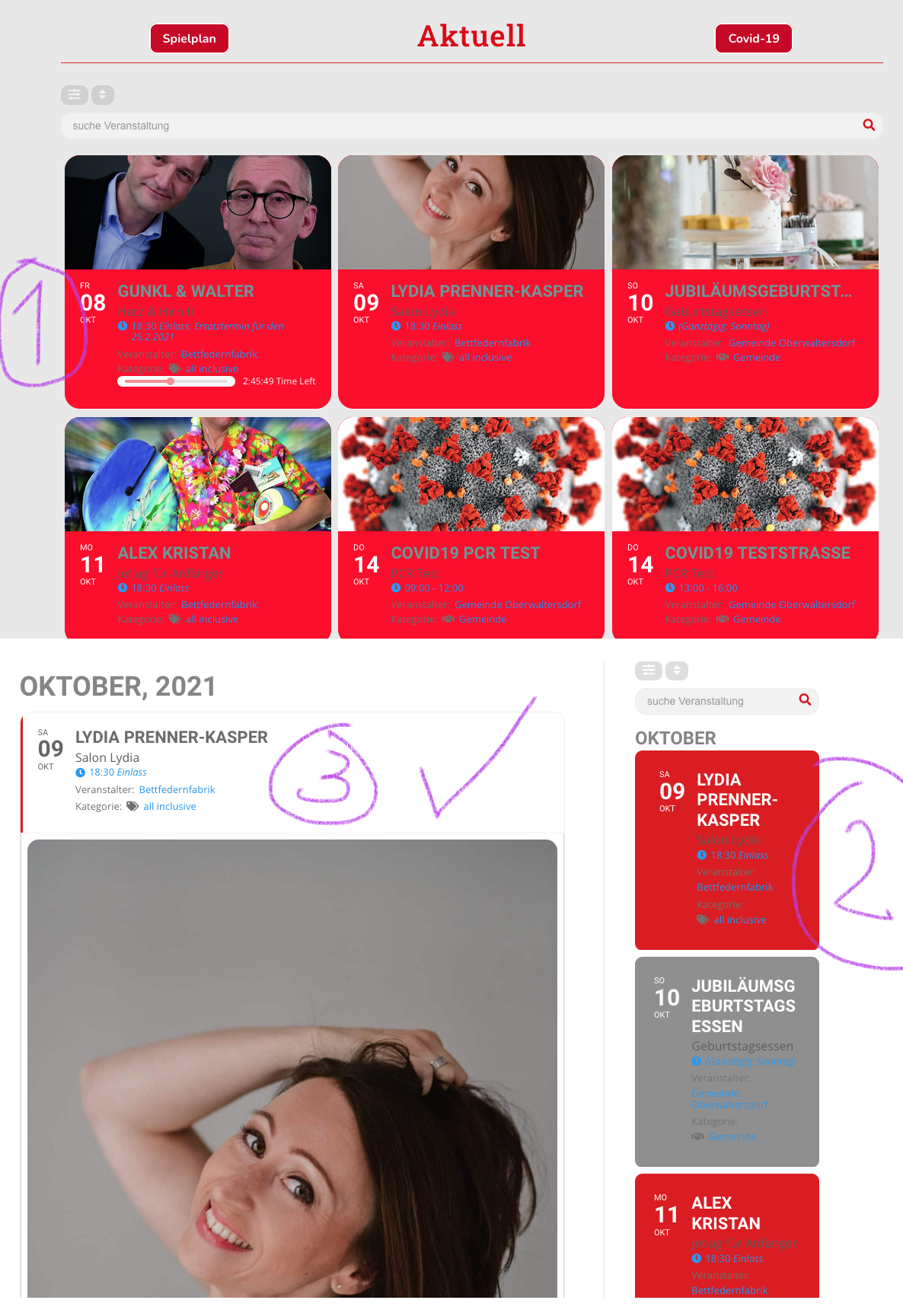
Thank you very much, this worked indeed for the singe event. How can I set the white background for the tile view calendar. Please see image pos 1+2. 3 is now OK.
BTW I did downgrade the plugin again to maintain white background for now. Image was taken with the new plugin though.
Yes sorry Bill, going to release update to weeklyview and other addons to support those. Later today 🙂
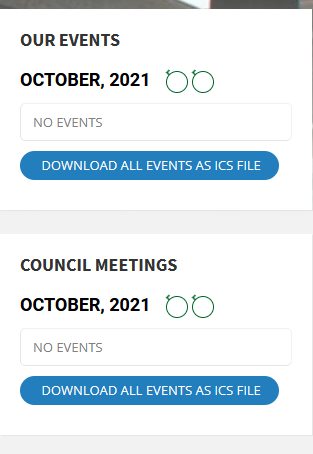
Hi,
Thank you for the reply, your picture does not shoe the arrow navigation.
see attached image.
Kind Regards
James
This ticket is private, would you mind sharing the wp-admin access to your site and I can take a look to see whats going on?