Hello,
The shortcode had <b> tags around it. I removed them and now the form is loading on my side. Could you check if the issue is gone on yours?
Replies for tickets on suppota
Hello,
The shortcode had <b> tags around it. I removed them and now the form is loading on my side. Could you check if the issue is gone on yours?
Hello,
I cannot access your website:
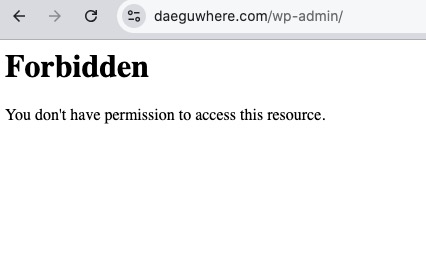
Could you check and let me know?
If you use “Slide Display Style: Event Image as background”, then images are background so they stretch to fill the whole EventTop:
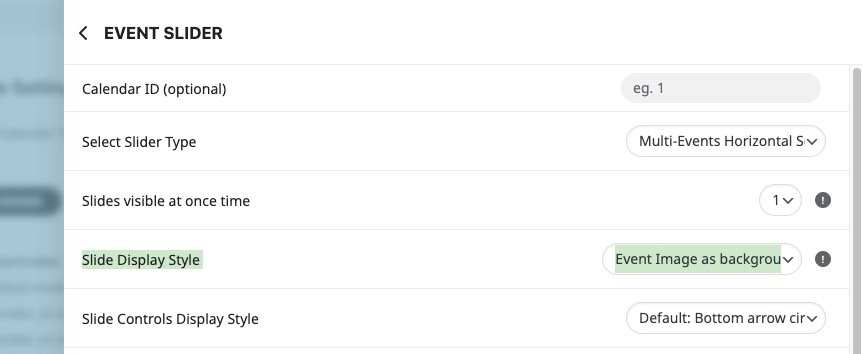
That’s why it shows only the center of the image.
Please try “Slide Display Style: Event Image above data”.
Hello,
Could you elaborate more? Date isn’t supposed to be visible? Also which date are you referring to?
Hello,
Please add this CSS code to EventON > Styles (If you don’t see any change, EventON > Scripts & Styling > turn off Write dynamic styles to header > save settings > turn on Write dynamic styles to header). You can also add this code to wp-admin > Appearance > Customize > Additional CSS.
.evcal_evdata_row.evo_clik_row { color: #ffffff; background: #20209c; } .evcal_evdata_row.evo_clik_row > *, .evcal_evdata_row.evo_clik_row i, .evcal_evdata_row.evo_clik_row > *, .evcal_evdata_row.evo_clik_row h3 { color: #ffffff; }
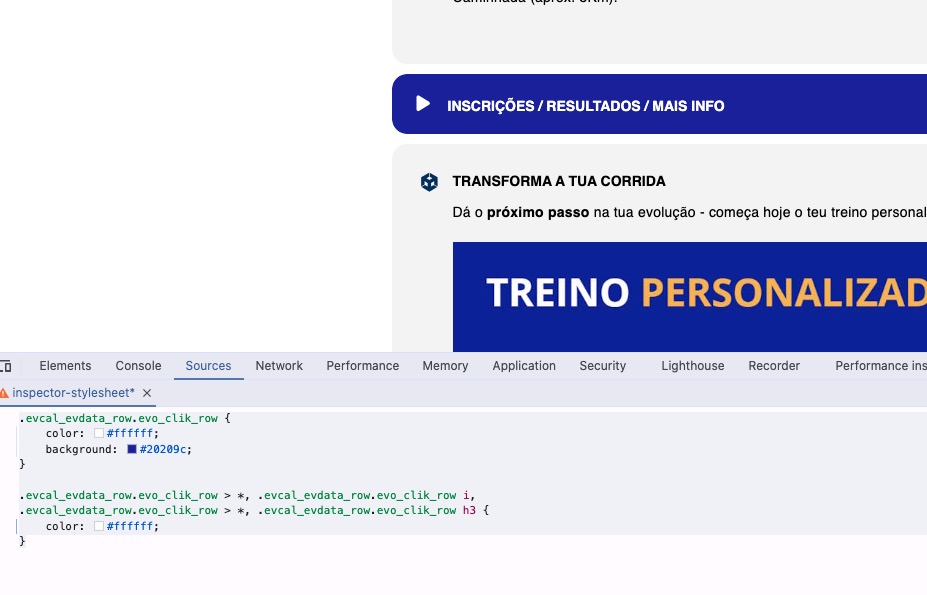
Seems to be working on my side:
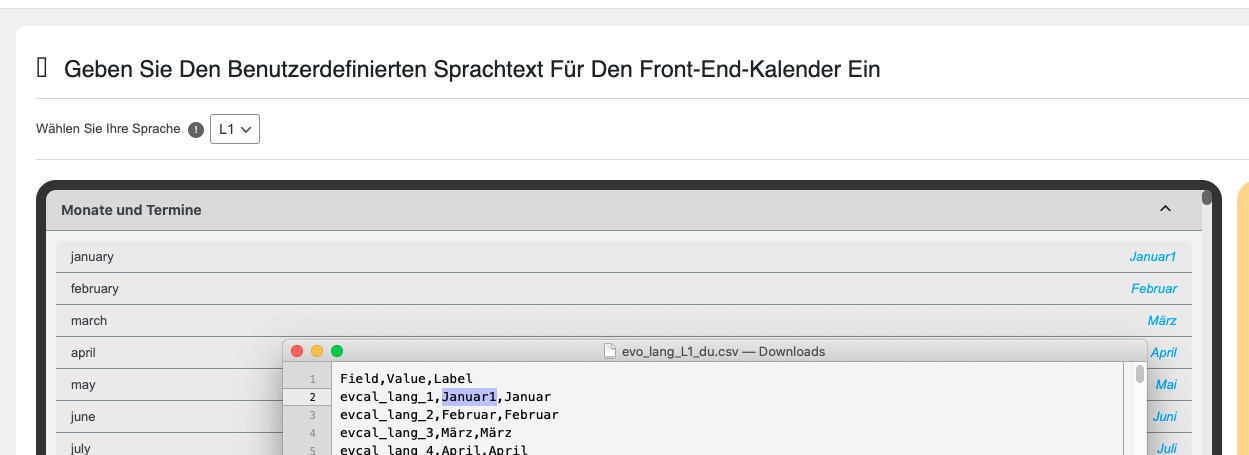
Which lines did you try to translate?
Ashan,
Could you help with “so my idea was to add a hook that will anonymise the customers who don’t want to show up“?
Hello,
Thank you for your messages, I am going to assign this ticket to Ashan and he will be able to take it from here and find you a solution. Please allow some time for him to get back to you, we greatly appreciate your patience and thank you for being a eventon customer! Also please disable any IP blocking on your site if there are any.
Hello,
Could you try “WP fastest cache” plugin? We believe that it has better compatibility with EventON.
Are you sure that “Articles dans spécifique Catégories : Spectacles” is correct?
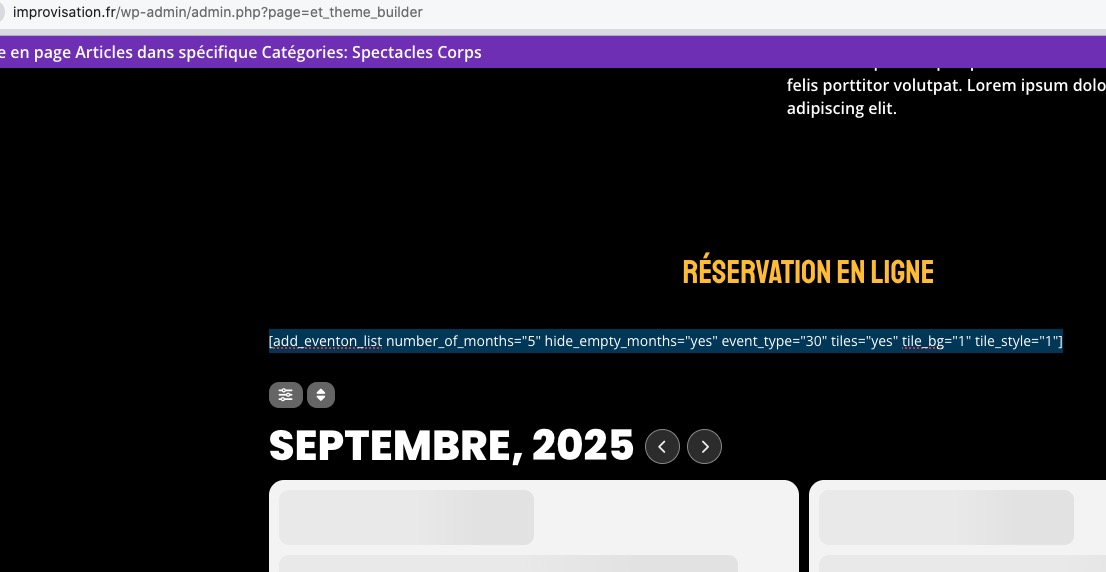
On my side the shortcode is already there plus several Main Calendars [add_eventon]:
But the page itself only has one shortcode and it’s Main Calendar [add_eventon]:
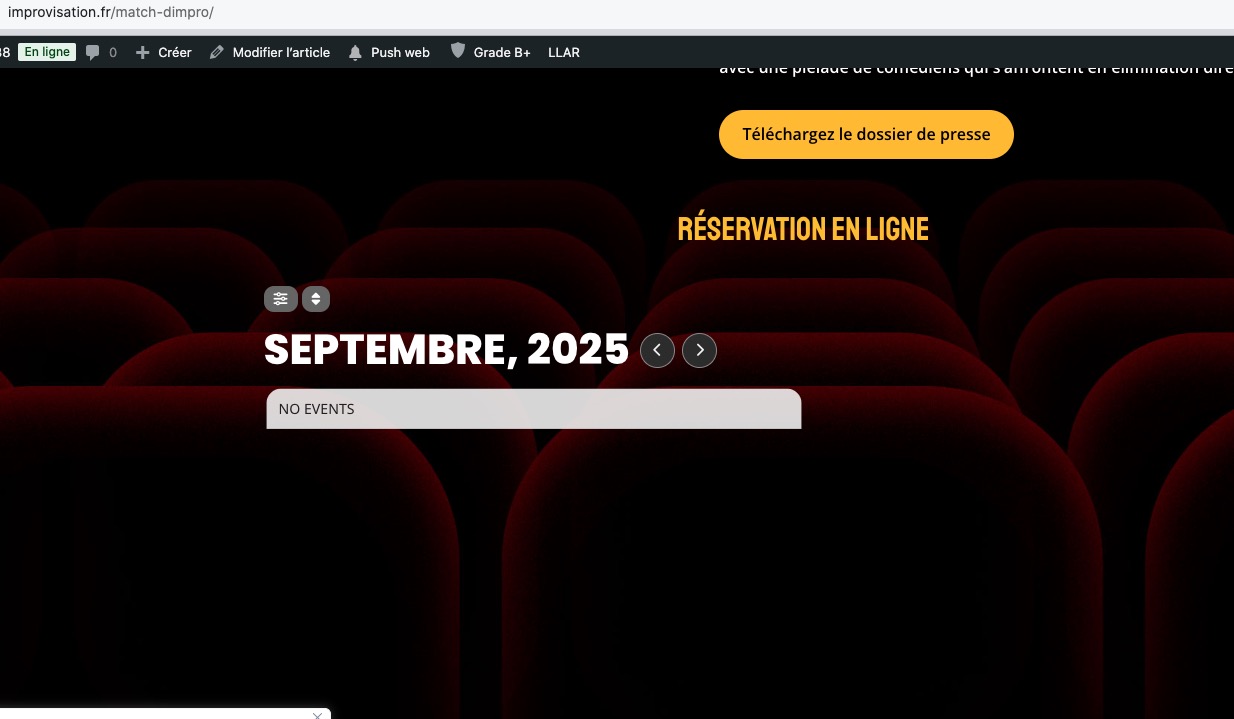
The first shortcode on the first screenshot is what you need. Please make sure to add it instead of Main Calendar and events will become visible.
What you output on EventTop is “Event Status Reason Content“, not actual statuses.
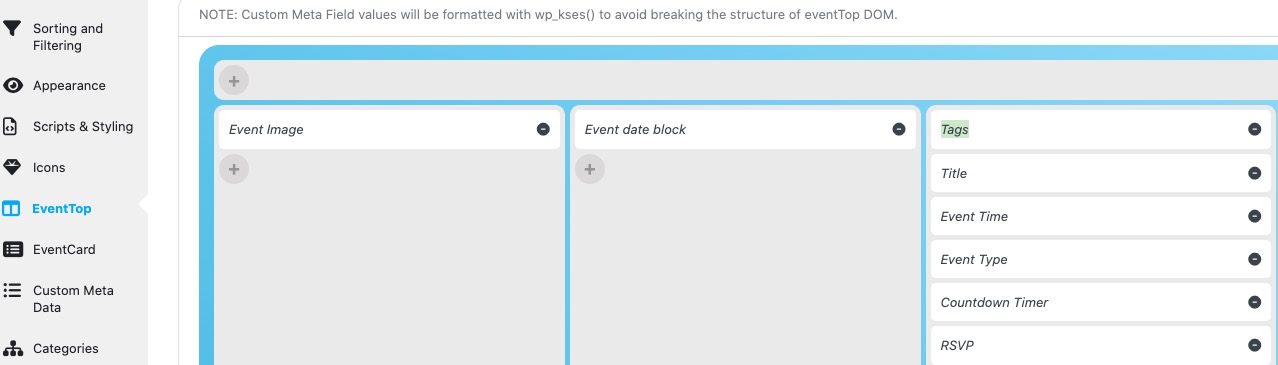
Please add Tags to EventTop to show the status badge: