Of course. Thank you for looking into the issue. Very happy to answer Qs any time about this. I’ve been fiddling with it for a while, trying to understand the cause but so far I’m still struggling to reproduce the issue. Happy to hear from you any time and grateful that you are looking into it.
Clark
Thank you! That seems to have resolved the time zone issue, however, the duplicate issue still exists and there are now actually 3 instances of the same event rather than 2 as before for the Principal Service on Sep 19 (duplicates still for all following Principal Services such as Sep 26).
https://churchoftheincarnation.org/wp-login.php
eventonsupport
Z^WSoj4Yy*tFSX!09WFtmD0q

Just another quick thought. See attached.
- Virtual Events Details shows … in blue, how can I make it show a countdown?
- Virtual Event Details, please sign in to access the virtual event information.
But yet, I am signed in. when I click the sign in nothing happens?
I must be doing something wrong.
- When someone RSVP’s can it trigger the purchase now feature?
I did as noted, I’m not sure that made any difference at all?
Hello!
The point is that on particular screens width events box on left and right are cropped and the slider is off so we can’t see them in full. Normally in this case only three events should be shown and the other being accesible by arrows or dragging. Got it ?
Yes its related to you I just dropped the shortcode as this to get this behavior. Moreover I yet gave your team credentials to access admin of our website so you can check all that by yourself…
Thanks!
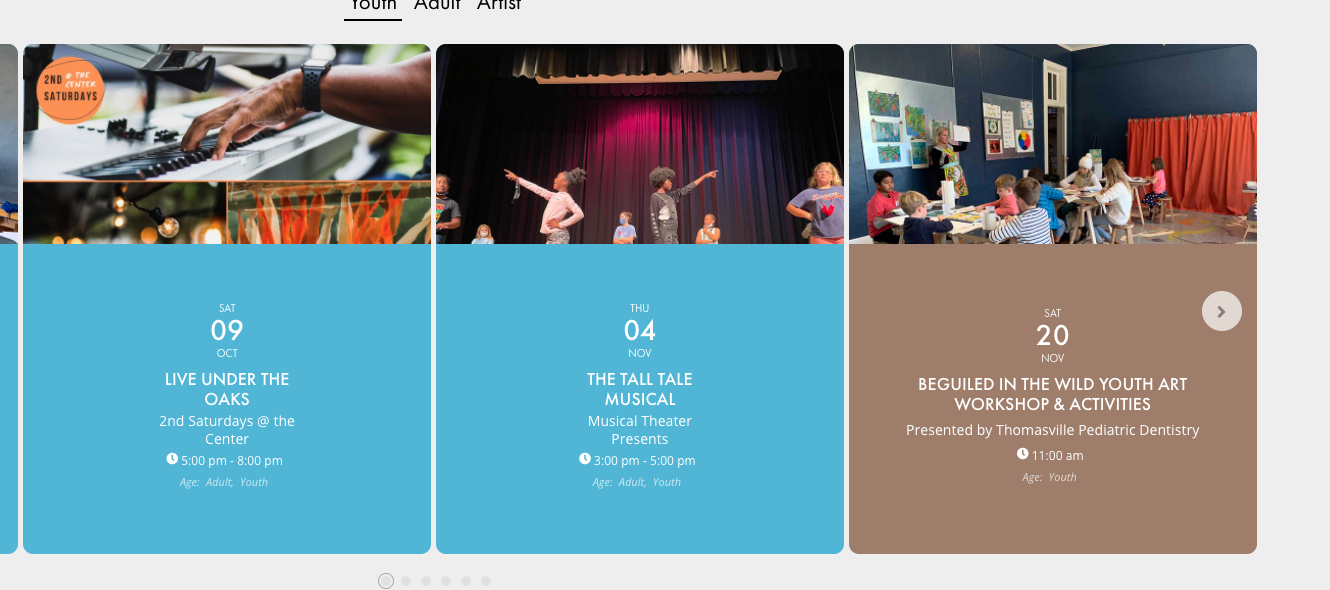
Ok, thanks. I have one other question. I haven’t been able to get rid of the rounded corners on the events. Is there a way to do that?
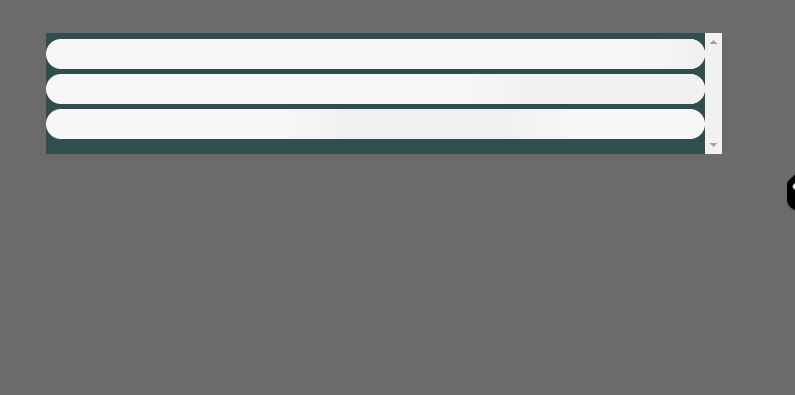
ANd this is what the Main events page looks like on the Home page.
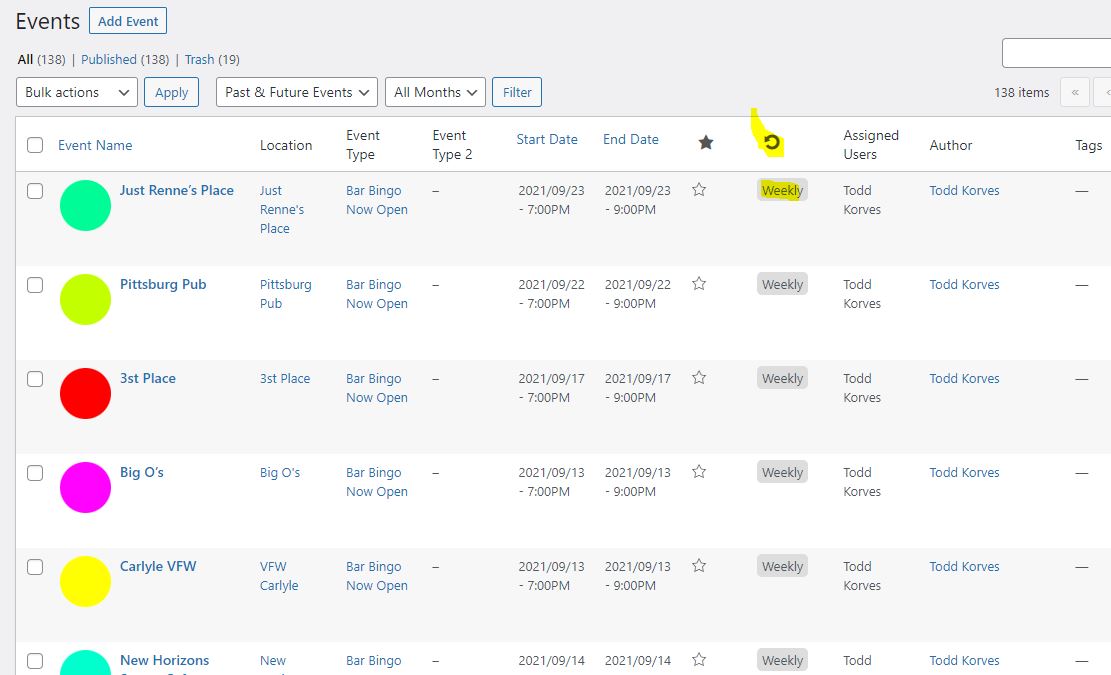
HEre is a sample of the weekly events
PS.. the SSL may not be active yet you can just go thru anyway.
Hey Kelley,
Can we have access please so we can review this?
Please go to EventON Settings > Appearance > EventCard Styles > General Font Color. If you don’t see any change, EventON > Scripts & Styling > turn off Write styles to header > save settings > turn on Write styles to header.