It’s been more than a day since I received any response on the timeline or anything at all.
Archives: Replies
Replies for tickets on suppota
Reply to: tickets(252992)
Please make sure to manually clean browser cache: https://support.google.com/accounts/answer/32050?hl=en&co=GENIE.Platform%3DDesktop.
On my side it works: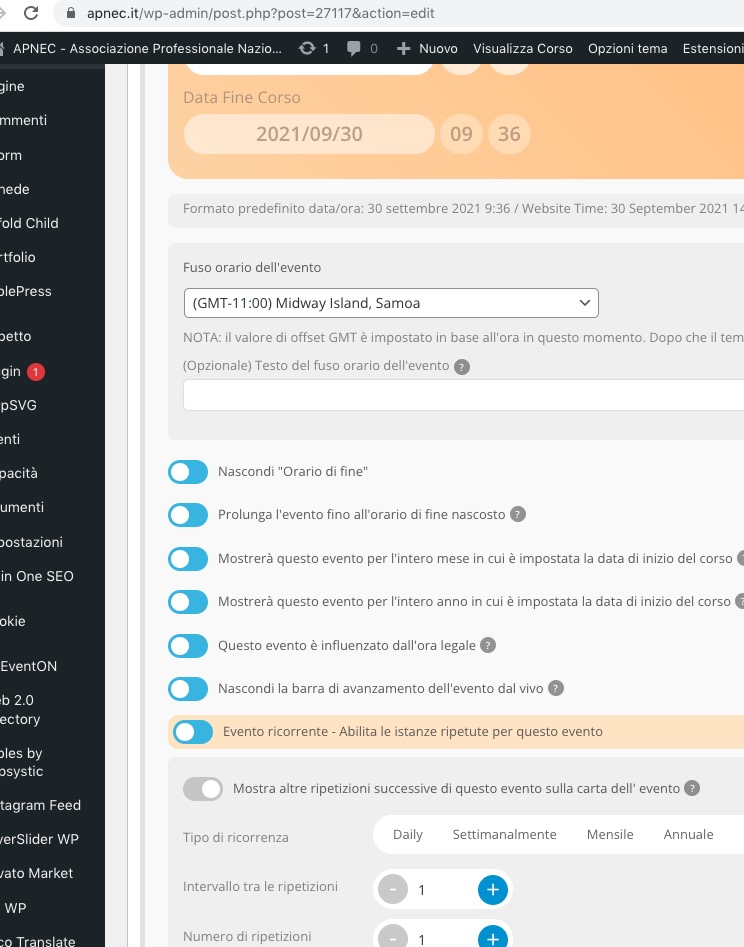
Reply to: tickets(253095)
Hello,
The problem is in Event Schema. It seems that shortcodes of the page builder break it and break the calendar:
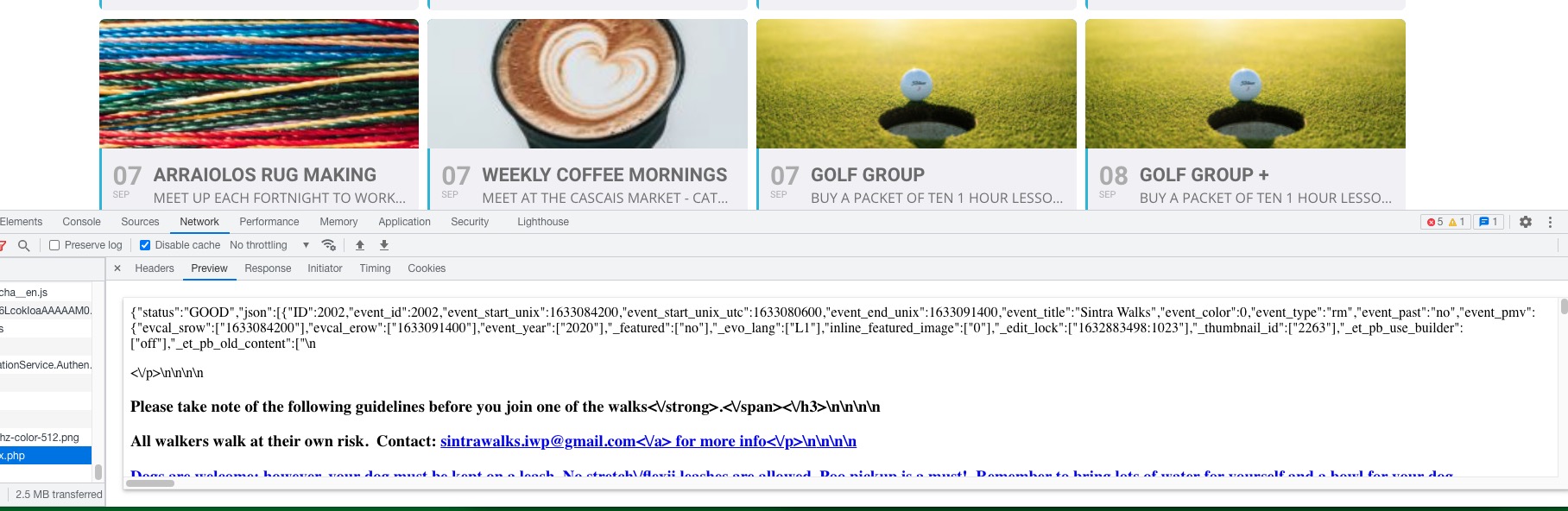
Could you go to EventON Settings > try enabling Remove schema data from calendar and Remove JSON-LD data for events?
Reply to: tickets(253010)
Unfortunately, only customization helps in this case.
Reply to: tickets(253145)
Hello,
Everything seems to be correct in the HTML code:
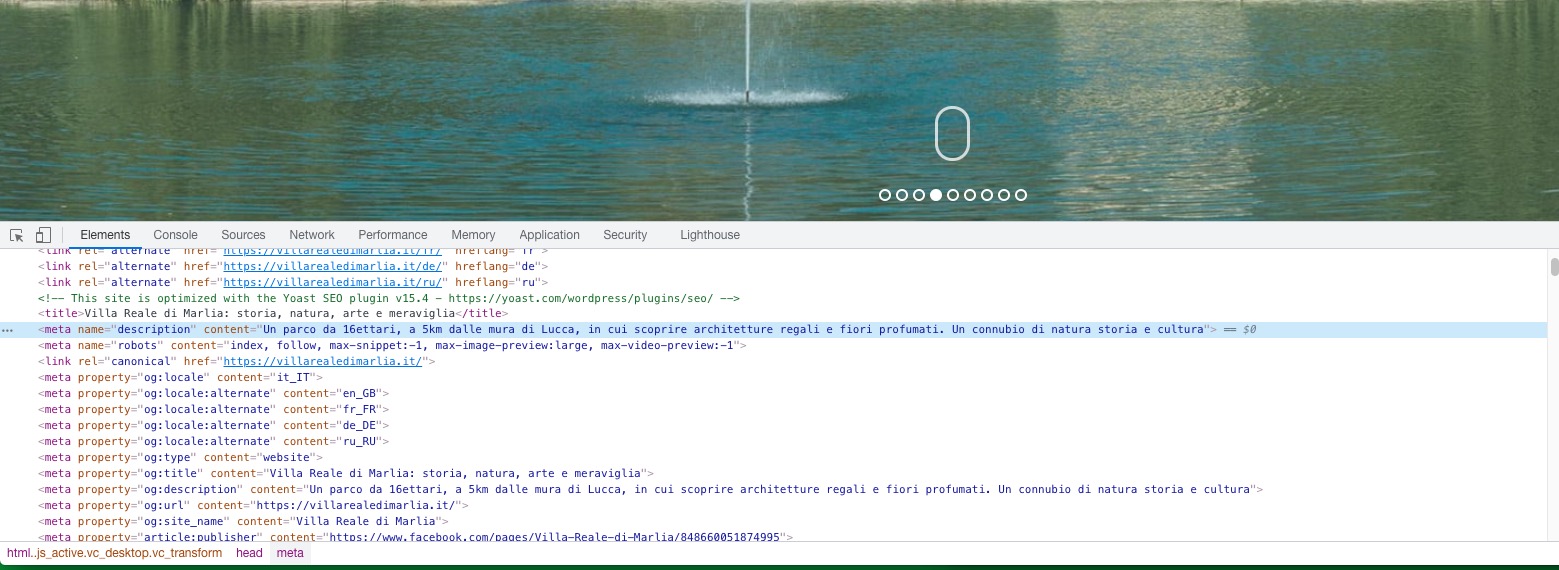
It seems that Bing decided to show this info for now, however maybe it’ll change it later.
Please also go to EventON Settings > try enabling Remove schema data from calendar and Remove JSON-LD data for events.
Reply to: tickets(253136)
Hello,
Could you update EventON to 3.1.7?
To update eventon to latest version: If you are unable to do autoupdate, you can go to codecanyon your account > download and get the latest eventon version as zip file. Then you can go to your website, deactivate old eventon, activate (Do not delete eventon settings & data when EventON is uninstalled) from eventon settings, delete old eventon, install new one and activate. This link will further explain the process it. Also you can follow us on twitter to get real-time announcements on updates!
Please also note that the problem is not in Mobile/Desktop, but in if user is logged-in or not.
Reply to: tickets(253152)
Hello,
Could you try updating Tickets to 1.9.5?
To update eventon addons: You can download latest eventon addons from myeventon > my account. Then you can go to your website, deactivate old addon and install new one and activate then delete the old addon. This link will further explain the process. Also you can follow us on twitter to get real-time announcements on updates!
Reply to: tickets(252992)
Sorry, but this issue happens to me (located in Tuscany) happens to my client (located in Milan) and happens to all Author users located in every single region of Italy.
Reply to: tickets(252570)
It works on my production environement, thank you very much !!
Reply to: tickets(253136)
Solojazz – The Big apple
Balboa beginner
Balboa Intermediate