You can do that with “position: absolute” or “position: relative”. However please note that the design you want requires quite extensive customiztion we unable to provide.
Archives: Replies
Replies for tickets on suppota
Reply to: tickets(251599)
It seems that the event is fixed Reply to: 251927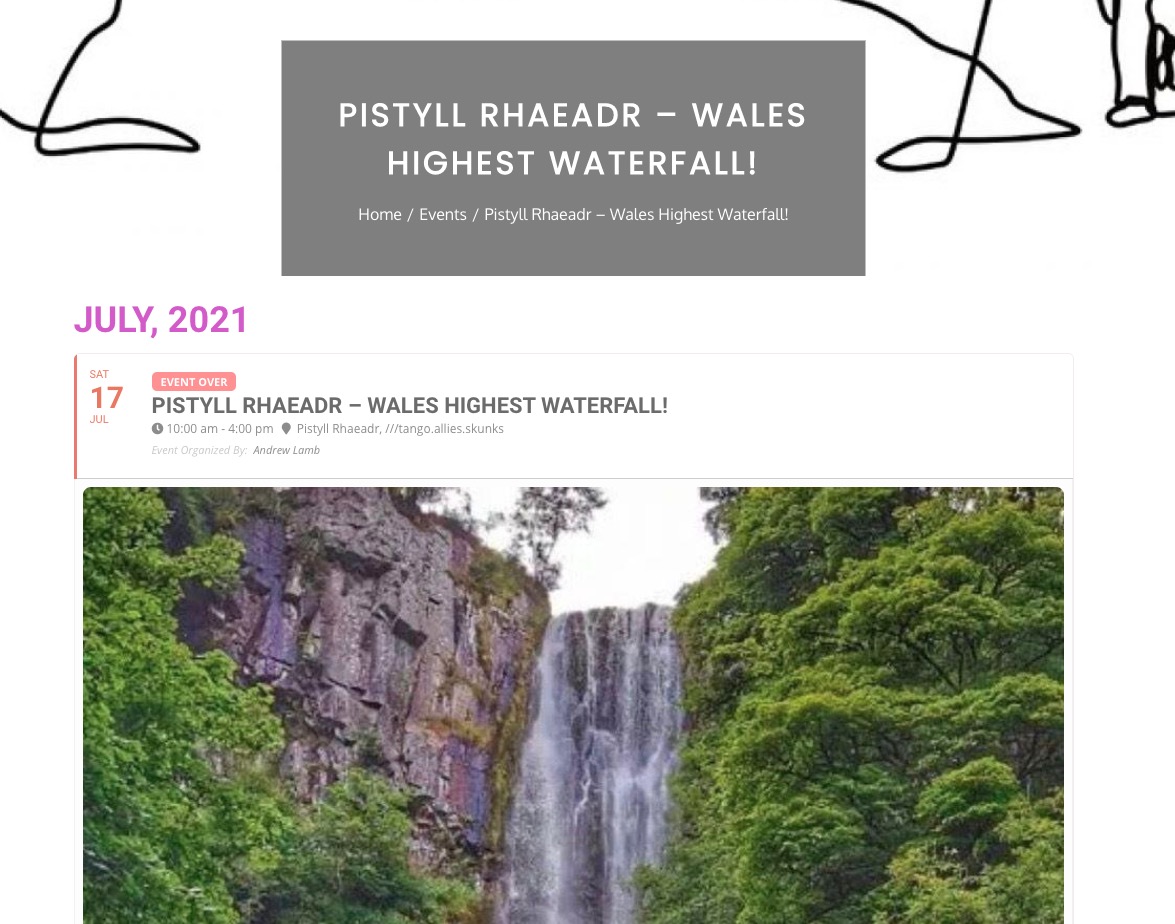
As for Google Map. Please follow the instructions in this documentation to activate debug in your site to see any PHP errors recorded that can provide insight on to whats going on. Please reply with a link to debug.log file. If you are not able to do this please send us FTP access to your site so we can do this for you.
Reply to: tickets(251845)
Hi there, where can I download the version tickets 1.9.5? Or do I have to buy the new version. Please have a look at the error message from the last post.
Thank you Thomas
Reply to: tickets(252481)
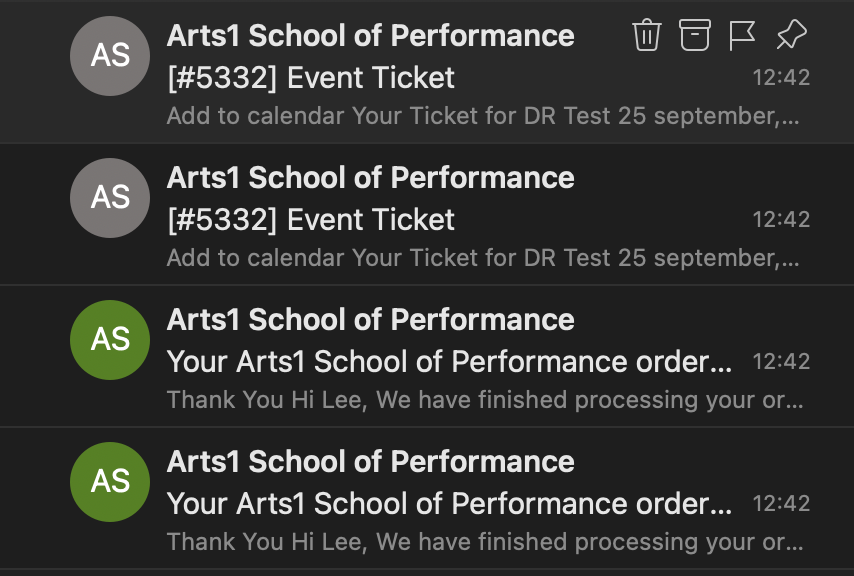
Hi,
Please see the details below:
https://staging.arts1.co.uk/wp-admin/
Username: eventon
Password: same password sent
The event can be found here: https://staging.arts1.co.uk/events/dr-test/
Admin page: https://staging.arts1.co.uk/wp-admin/post.php?post=5330&action=edit
The order is here: https://staging.arts1.co.uk/wp-admin/post.php?post=5332&action=edit
This order sent two emails and reduced stock by 2 because of this – should only be one.
I don’t know if this is related to the -1 issue we’re seeing on the live environment, but figured I should let you know.
Please feel free to run whatever tests you wish to on the staging environment.
Thanks,
Lee
Reply to: tickets(252096)
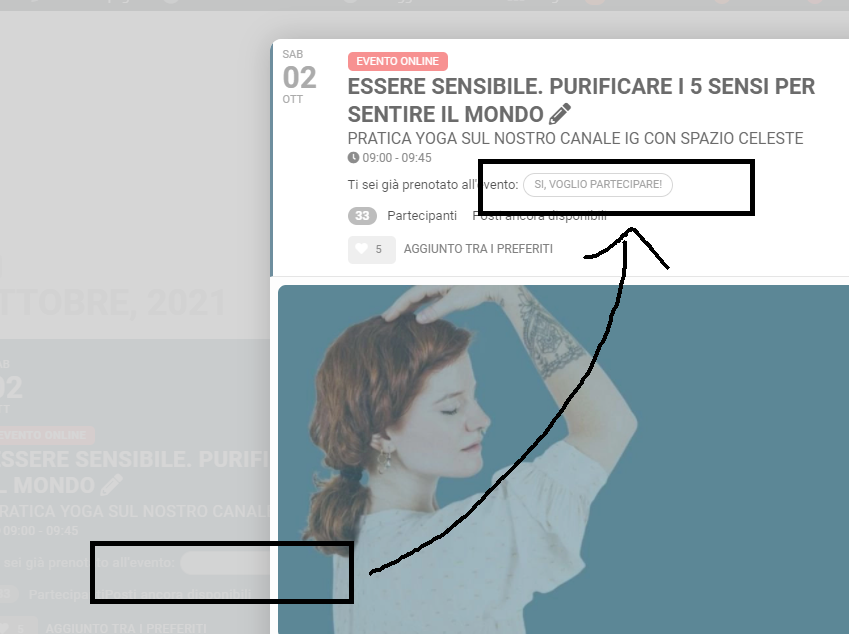
Hello!
Actually this white button appears only after doing rsvp.
- Log-in
2) RSVP
3) refresh the page
…. and it appears.In the pop up event card you will see the corresponding writing. (I am attaching photos because I’m not sure I was clear)
Reply to: tickets(252326)

I’ve tried everything already. All the options of shortcode generator for the single event. And I can’t create such a view of the event on the page if it is any other page except the event page…
Well… Let’s try from another side)) The only option more or less usefull for my task is to set up Repeate Interval ID. But in this case the first date should be the closest one and all the previous should be deleted. Is it possible to set up past dates of the repeated even (and only past ones) to be deleted but the event remains active even there are no future ones?
Reply to: tickets(252273)
Hello,
thx a lot.
How can we change the order of the Infromation on the tiles?
https://demo.myeventon.com/
We want to display the Name of the Event first, then the Date like in our Screendesign?
Thx and BR
Reply to: tickets(250579)
Of course, thank you.
Reply to: tickets(251845)
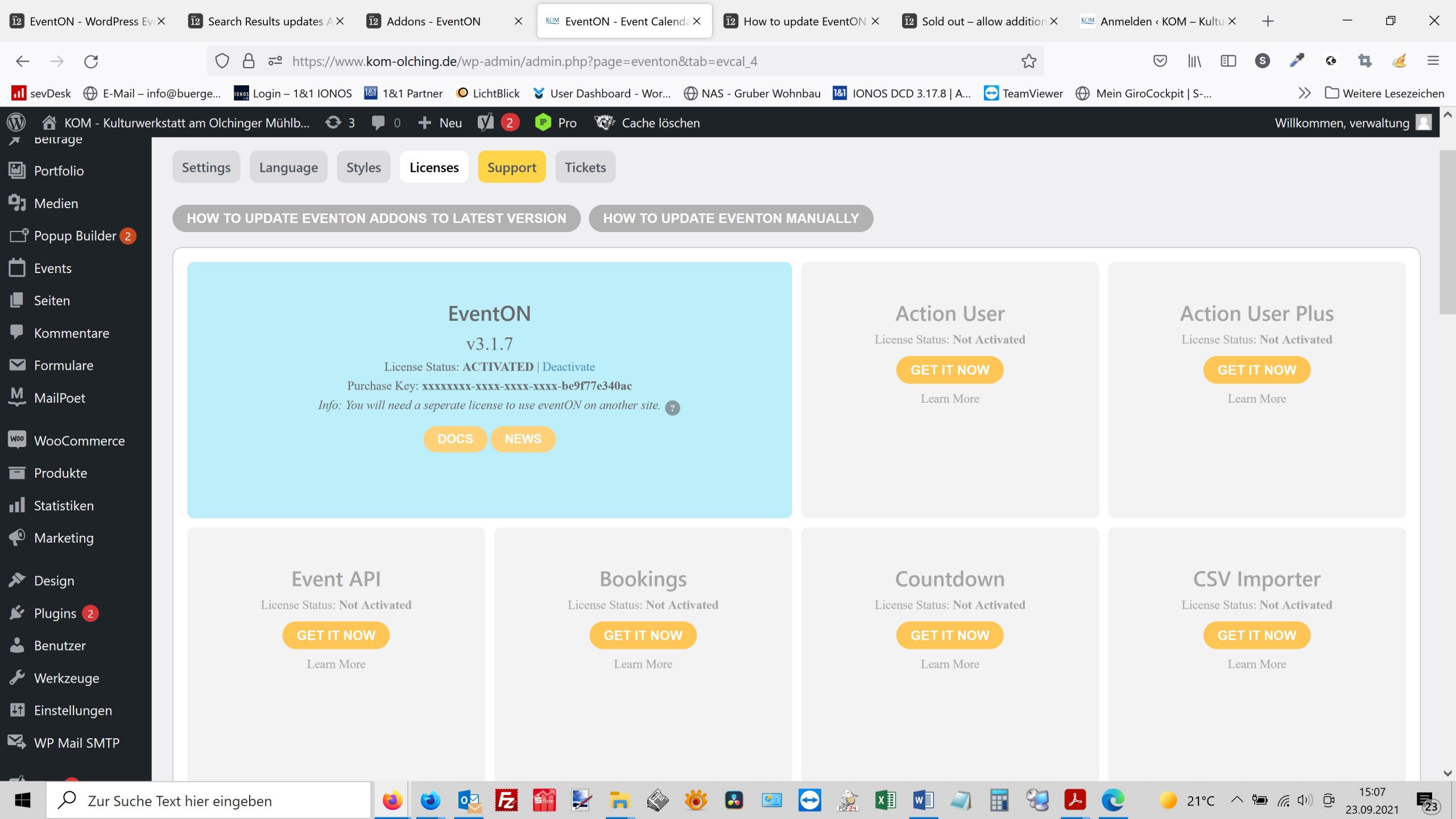
I’ve already downloaded the latest version. Then the problem occurred.
Thanks Thomas
Reply to: tickets(252354)
Thanks a lot! it works.