so, on the production site, which is Shared hosting (siteground), the display is failing after 94 published entries but on the AWS EC2 instance it is 128. Not sure how much memory is available or being consumed on the shared instance but i am asking support and will let you know. Still seems odd that the AWS instance with 8GB is having a problem.
Archives: Replies
Replies for tickets on suppota
Reply to: tickets(251741)
a couple things…
- I have this working again – probably temporarily but not sure. I have 138 Repeating Events (no tickets) but i can only PUBLISH 127 – The display fails on 128 events. I TRASHED the first page of EVENTS (50) and then refreshed and the display worked. I then RESTORED from trash and Re-ublished a few at a time. On the 128th event, it fails to display – i even tried different events as the 128th event and same behavior each time. It takes about 10-15 seconds however to get the calendar to display. As i explained previously, it appears I have enough memory allocated.
- To test the memory issue, i created an EC2 instance on AWS and dedicated 8GB RAM/2 vCPU. The website in general is fairly responsive – but the Events view still takes 10 seconds to display. Not sure if that tells you anything but you can visit the site and have a look.
- ALso, you can view the php info on the test site here: http://test.xtremebarbingo.com/phpinf.php
http://test.xtremebarbingo.com/portal
username: eventon
password: vMR4)Oo#n6Lppz6k3cqs^N!U
Thoughts on this?
Reply to: tickets(251918)
Hello Artem,
here is the PDF created.
best regards
Carmen
Reply to: tickets(251814)
That is not working. I believe it has to be on the .img element, doesn’t it?
Reply to: tickets(251827)
I was able to get that working! We’ve got it placed where we want it to be placed, but I’m having a couple issues targeting it with CSS:
- I’d like to change the color and font-style. What would the target be for that?
- Is it possible to have it not show the “Event Type:” label?
Reply to: tickets(251923)
Alternatively I can use the tile design as I only select one category to display but would like to change the month date to show the date range of 2-10 October instead of just october
Scroll to the bottom of the homepage and you will see I have set the events as tiles currently
Thanks
Reply to: tickets(251923)
Hello, we have an event of talks and events happening across 2-10 October (10 days) and would like to show the 10 days all at once with out showing the days before or after or the user having to click to see beyond a 7 days worth.
Reply to: tickets(251654)
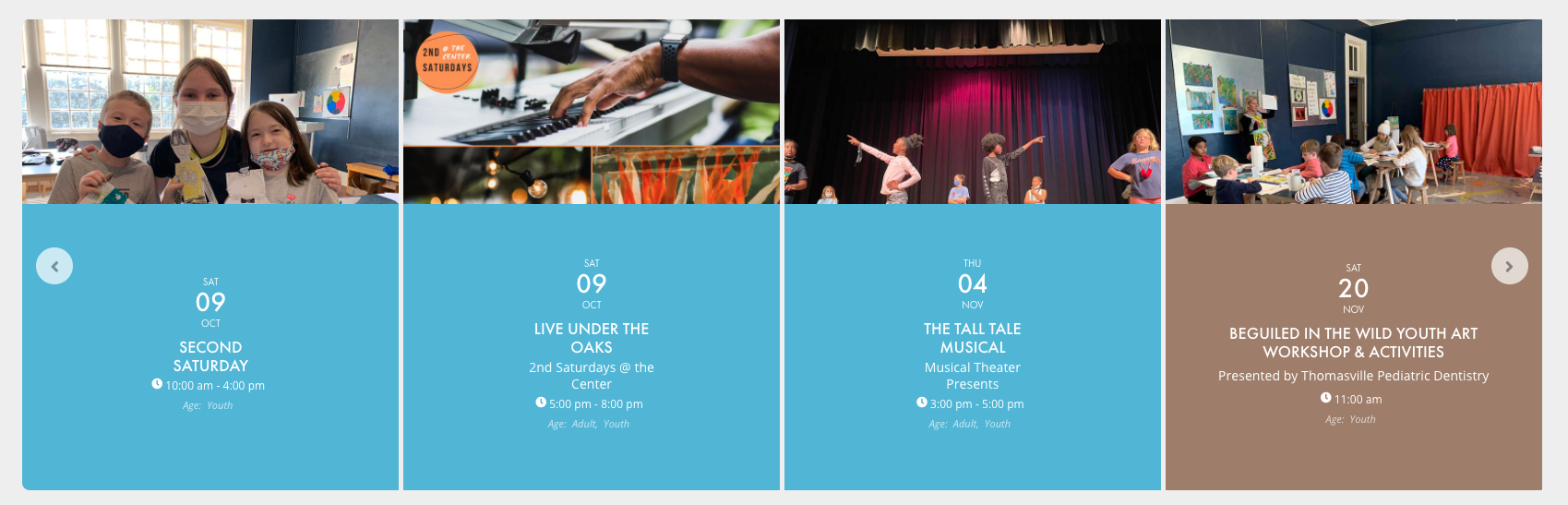
Thanks, that worked but I think the actual container may have rounded corners as well because the left side of the first tile and when you scroll it shows a rounded corner on the right side. Is there a way to remove that as well?
Reply to: tickets(251825)
You’re the best. Thanks so much!
Two last questions from this client that I can’t figure out.
- Is there a way to remove the hover effects on that one?
- Is there a way to remove Featured Events from the Event List to the left of that? They’d love the Featured Events to only show in that right column.
Thanks so much!
Reply to: tickets(251912)
Duplicate ticket