I have to say, after a lot of trial and error, and investigating on my own. I’ve found the solution to the poor implementation of custom permalinks in this plugin.
The correct code is this:
add_filter( ‘register_post_type_args’, function( $args, $post_type ){
if( ‘ajde_events’ === $post_type && is_array( $args ) )
$args[‘rewrite’] = array (
‘slug’ => ‘events’,
‘with_front’ => false,
);
return $args;}, 10, 2 );
I must say, I expected better support, this is some third-class not-worth-it BS.
Have a nice day.
Hi David,
Please take a look at this tutorial https://docs.myeventon.com/documentations/how-to-activate-eventon/ on how to activate the eventon license. If it’s activating licenses for addons, you would need to install the addons in your new site and then navigate to myEventon > Licenses.

Hello. That is not helping. I already follow all your guides, and the “solution” you provide is actually worst than the previous situation.
If I put this code you provide: add_filter(‘eventon_event_slug’,’my_function’,10,1);
function my_function($array){
$array[‘with_front’] = false; //Should the permalink structure be prepended with the front base
$array[‘pages’] = true; //Should the permalink structure provide for pagination
$array[‘feeds’] = true; //Should a feed permalink structure be built for this post type
}
Then my permalinks for my events now are: https://basilicadegijon.com/noticias/ajde_events/novena-de-covadonga-2021
no matter what I specify in the EventOn Event Post Slug part of your plugin’s settings.
That code is wrong. WordPress doesn’t get the “with_front” = false part and is not rewriting.
HaHa, this is not my core job either, and not paid nearly enough, might I add. I started out doing social media for friends’ non-profit. Now I’m doing a crash course in WC and EventOn! But the support here has been awesome and made my job go a lot smoother, esp since I’m not a webmaster, just a bit handy with the wordpress.
In other news, I no longer need to worry about the additional info on the ticket email since I’ve integrated WC with MailChimp (add that to my new list of skills) and have set up nice looking autoresponders with all the necessary info and map images.
I look forward to your instructional videos!
Thanks for your help Dave.
P.S. Not to brag, but I’m a 72 year old woman. I live in Hollywood, so welcome to the wonderful world of filmmaking!
Hi Basillis,
the problem no longer occurs. Presumably it was fixed by Elementor. I had previously informed Elementor that there was this error with EventOn. I reactivated the plugin Virtual Plus and the Slider Addon and everything works fine. I deleted the access rights to FTP and wp-admin again. Thank you anyway for trying to solve the problem.
Hi Ashish,
My sincerest apologies I did not realize that you had sent an updated plugin file on the other ticket. I just installed and it works perfectly now. 🙂
Thank you! Thank you! Thank you! Thank you! Thank you! Thank you! Thank you! Thank you!
My client will be soooo happy!
Thank you again and sorry for the previous replies. I really really appreciate you getting this fixed.
Have a wonderful evening!
Thanks,
Bobbi
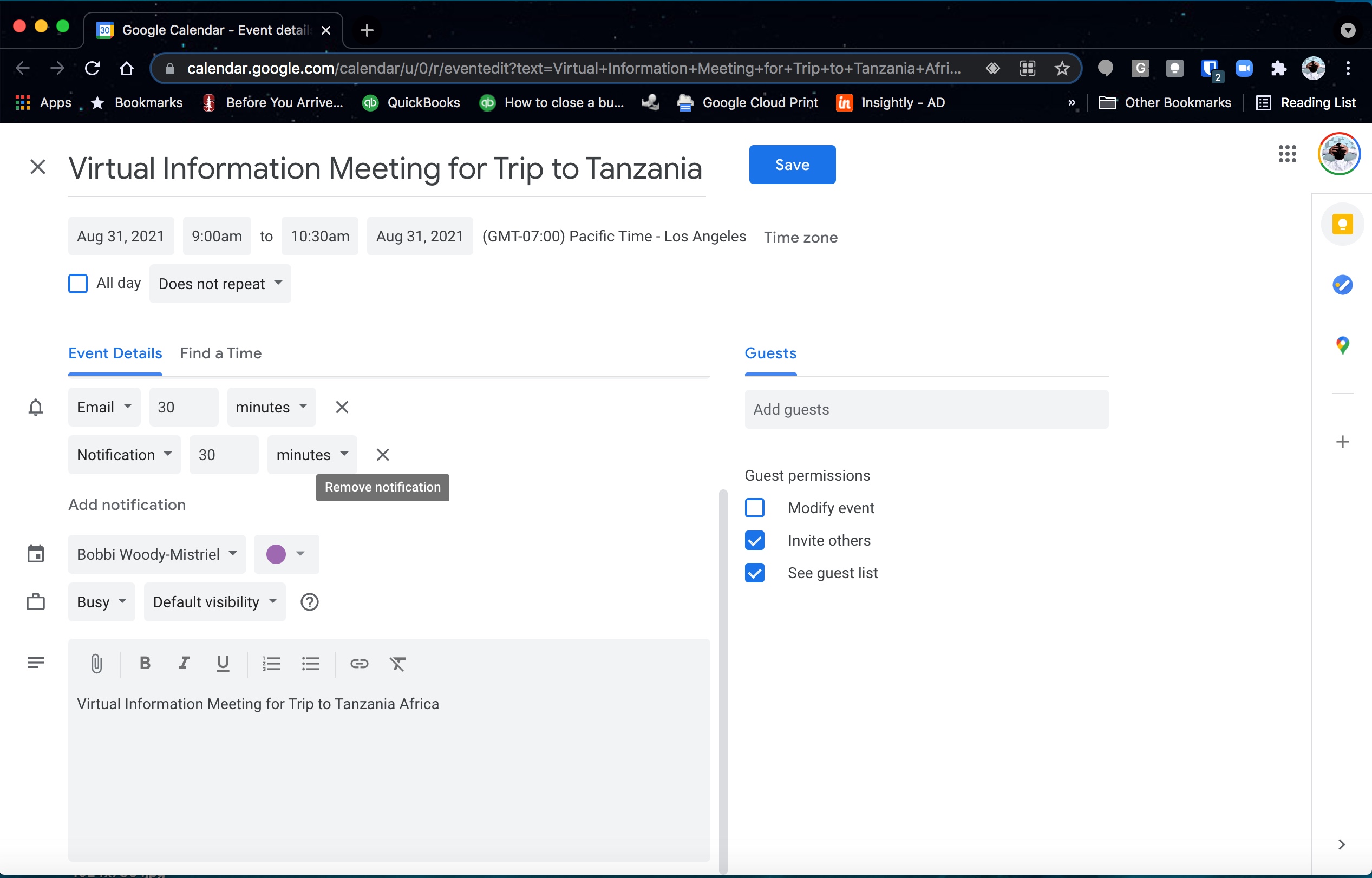
Here is the same event with the custom plugin turned off. The date comes in just fine but without the custom plugin we can’t pull in the details in the bottom.
You can see in the picture in the other reply that details start with “Date” instead just the name of the event. This is what we paid for the custom plugin to do was pull in greater event details in the description and that part of the custom plugin is working just fine.
It’s just the date that is broken. Please fix it.
Hi
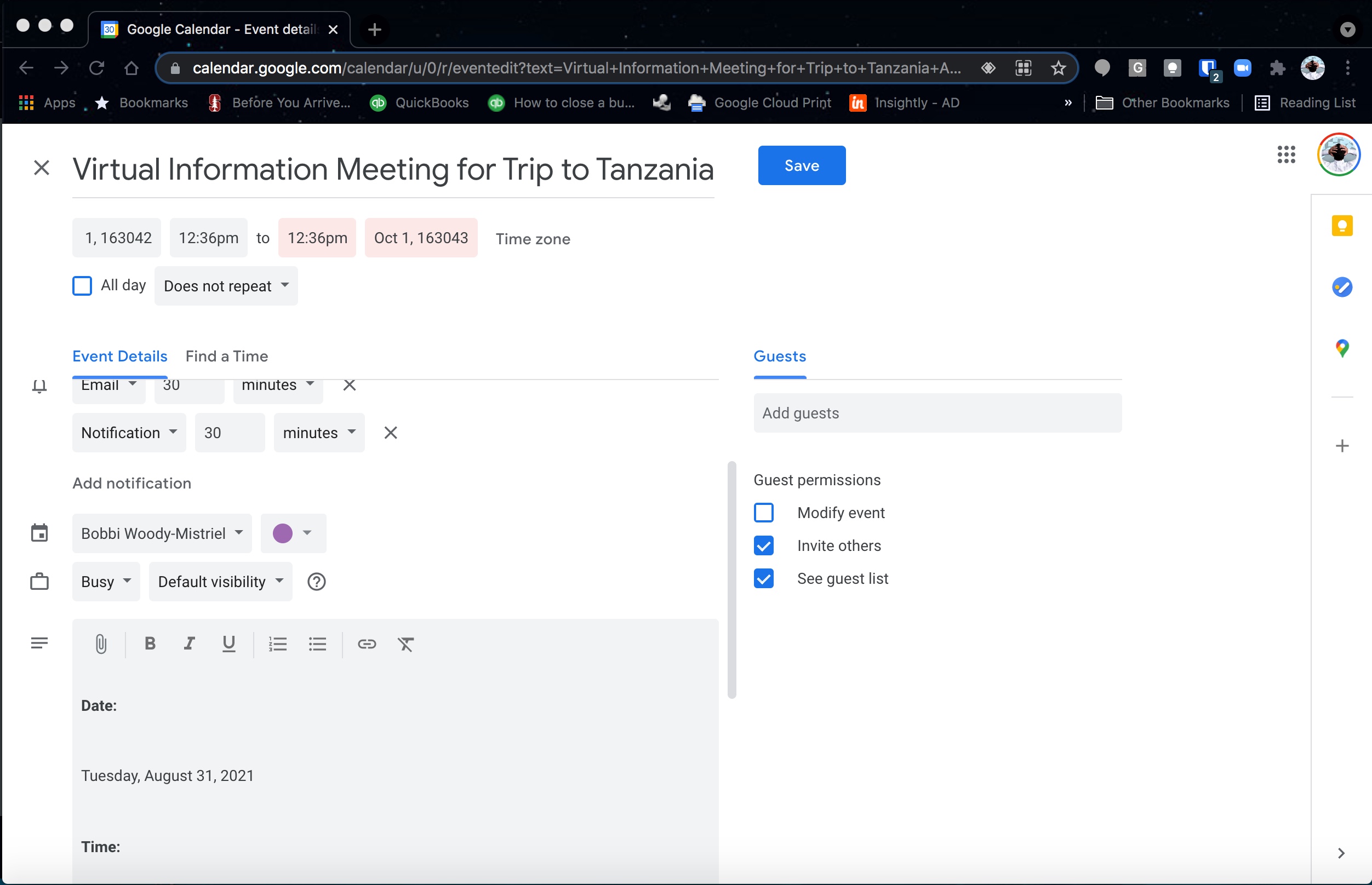
I just tested the plugin and it still doesn’t work. The date is still broken.
Everything else about the plugin works just fine it’s just the date that has been broken for months. 🙁
I’m happy to hop on a video call and show you the issue in real time. I really really think that would help but here’s another screenshot showing the issue again.
Thanks,
Bobbi
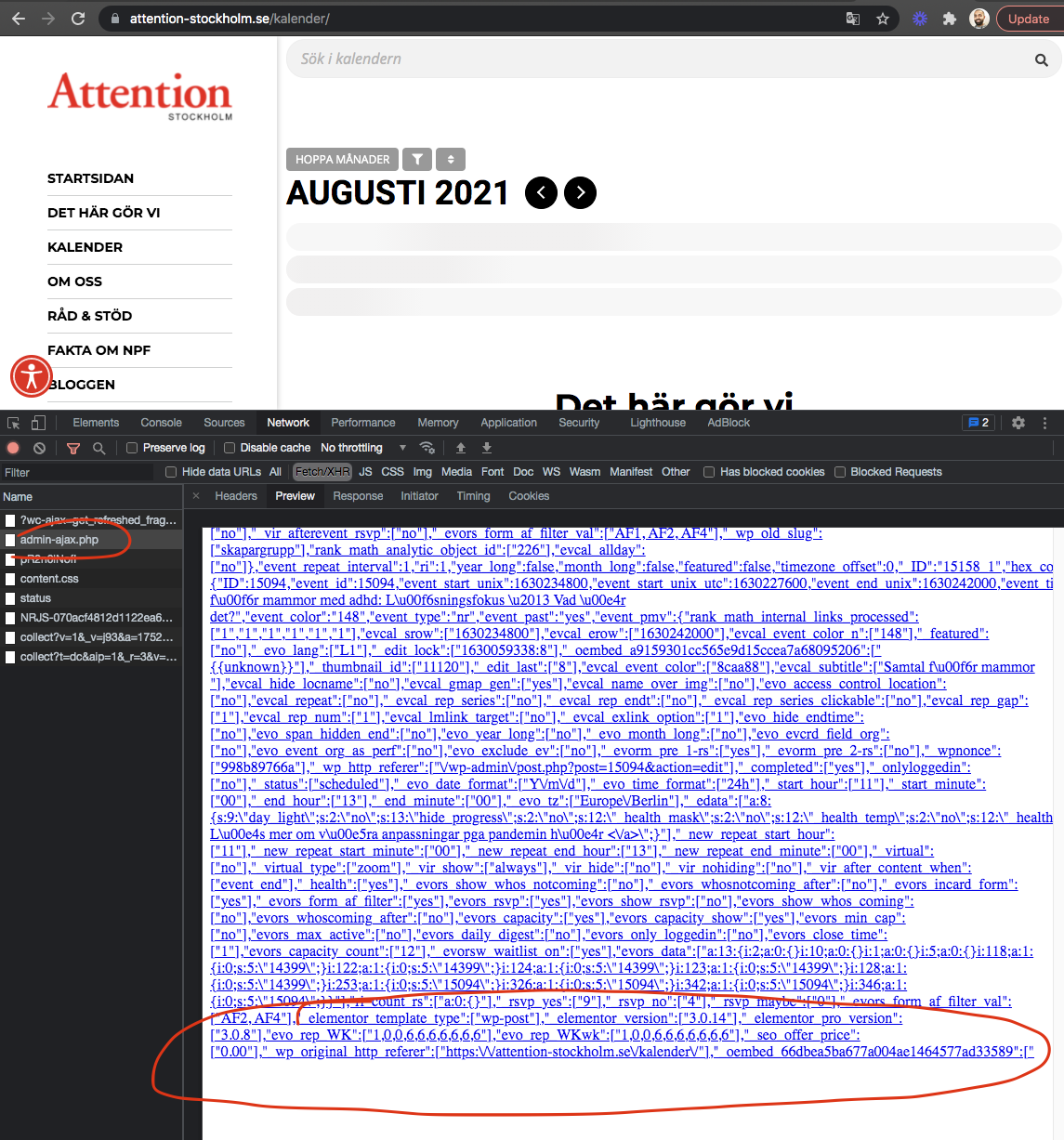
as a temp solution please try this. add this shortcode parameter cal_init_nonajax=”yes” to your shortcode. Looks like what is happening is, elementor is adding some codes to the end of eventON ajax call which is incomplete.
I am sorry casey, you have had access until the date it was expired. They had expired on 2019 july. We can not grant you access to an already expired license. Sorry