Hello,
You need to enable licenses on your test site, then deactivate them by following https://docs.myeventon.com/documentations/how-to-deactivate-eventon-addon-licenses/. Now you can activate them on the live website.
Replies for tickets on suppota
Hello,
You need to enable licenses on your test site, then deactivate them by following https://docs.myeventon.com/documentations/how-to-deactivate-eventon-addon-licenses/. Now you can activate them on the live website.
Hello,
…I saw there was a way to add code to the functions.php…
Are you referring to this guide https://docs.myeventon.com/documentations/how-to-add-additional-fields-at-checkout/?
Hey Jordan,
Thank you for all the info allow us to review properly please.
Hey Joe,
Your requirement was to import subscribers I have imported them and emails are been send to them.
Anything else is extra work.
Hey Manu,
Can we get access please?
Hi There,
do u have any cache on place?
HEy,
I am not sure I understand the point here.
Is this related to us, or how you use this on your web site?
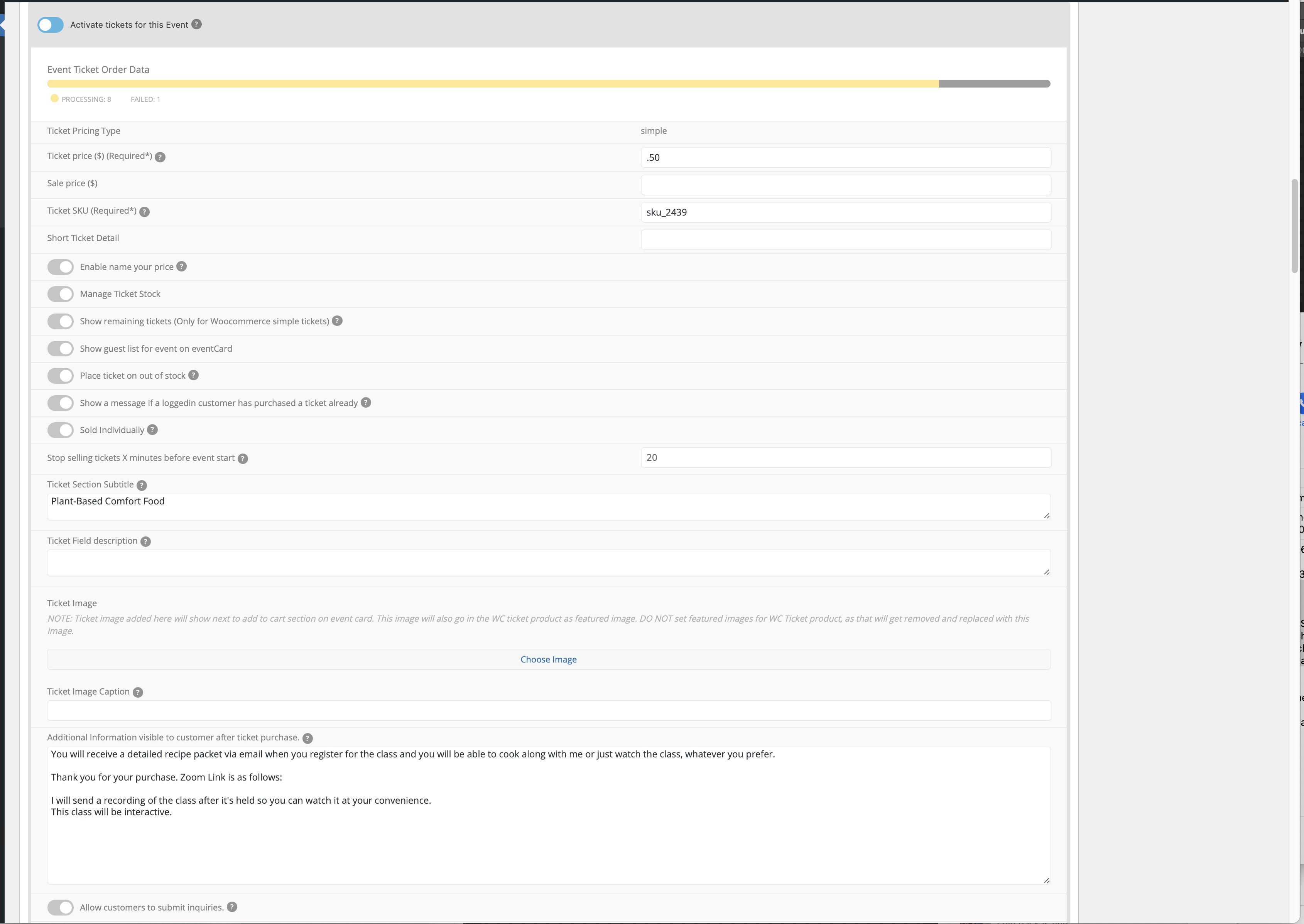
oh gosh, ok,
FTP *** THE SITE IS IN THE /DEV FOLDER as I’m rebuilding the live site.
chef-julia.com
Tanabata@718
FTP: IP ADDRESS: 50.87.191.59
FTP Server: ftp.chef-julia.com
FTP Username: chefjul3
password: Tanabata@718
My goal is to do the following.
I really appreciate your help.
Hello,
Could you update Tickets add-on to 1.9.5?
To update eventon addons: You can download latest eventon addons from myeventon > my account. Then you can go to your website, deactivate old addon and install new one and activate then delete the old addon. This link will further explain the process. Also you can follow us on twitter to get real-time announcements on updates!
After the update please follow the instructions in this documentation to activate debug in your site to see any PHP errors recorded that can provide insight on to whats going on. Please reply with a link to debug.log file. If you are not able to do this please send us FTP access to your site so we can do this for you.
Hello,
Could you send us login info to the staging site as a private message?